

How to Hide Likes on Instagram
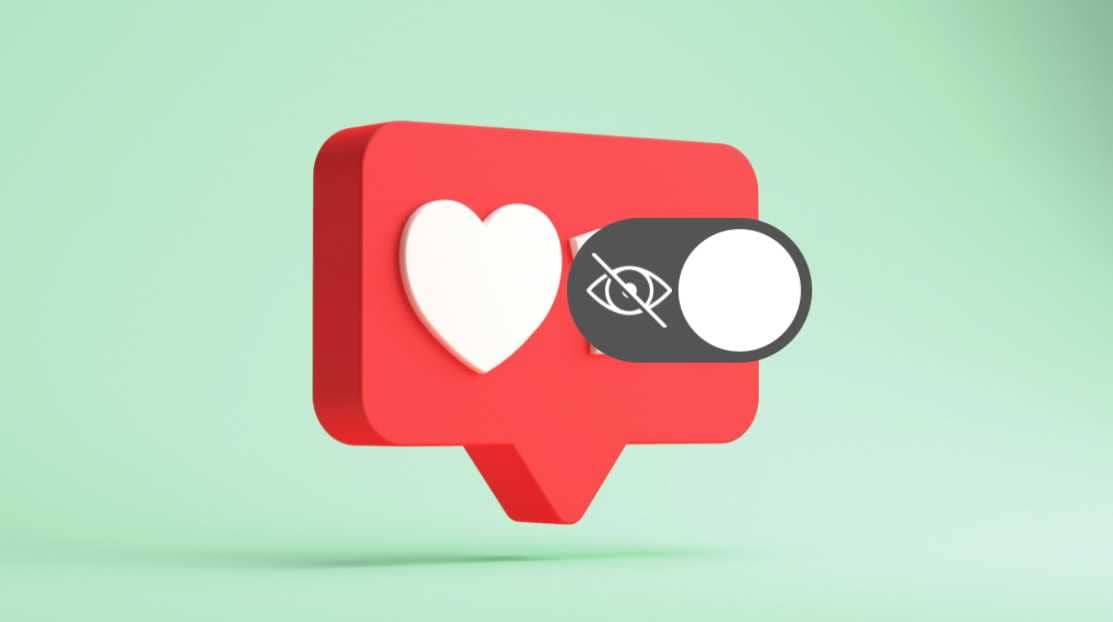
You can hide like counts on Instagram, either for all posts you see via Settings or for your own posts through the post's three-dot menu.

2 min read
In brief
AI summaryInstagram lets users hide like counts on posts through a toggle found under Settings by searching for "posts."
To hide likes on your own post specifically, tap the three dots above the photo and select "Hide Like Count."
Once hidden, other users can no longer see like counts under the affected posts.
Contents3 sections
Hiding Instagram Likes 2022! Android, iPhone
Since its initial launch in 2010, Instagram has become one of the most important communication platforms in social media. Instagram lets us share photos and videos, share what we're doing in the moment with friends through the Stories feature, and stay in touch.
After later being acquired by Facebook, the app gained new features. Instagram now has many settings related to user privacy. Just like many other settings, likes can also be hidden. So, how can we hide likes on Instagram through the app's settings? Actually, there's a very simple, not-at-all-difficult way to do this. Here's the answer...
 How to Hide Likes on Instagram
You can follow the steps below to hide all like counts on posts:
- Go to your Instagram profile and tap the three lines in the top right.
- Tap Settings.
- Type "posts" into the search bar at the top and select the first option.
- Tap the toggle next to "Hide Like and View Counts."
- After this, you won't be able to see the like counts under other users' photos anymore.
How Do You Hide Likes on Your Own Instagram Post?
As the reverse of the other process, you might want to hide the likes under your own Instagram posts from other users. To do this:
- Tap the post you want to hide the like count for.
- In the top right corner of your screen, tap the three dots right above the photo.
- An option that says "Hide Like Count" will appear — tap it.
- After this, other users will no longer be able to see the like counts under your post.
Our Other Tech Articles
- Instagram Nickname Suggestions Right Here
- Instagram Posting Times 2022
- How Do You Create Instagram Filters?
- How Do You Change Your Instagram Username? 2022
- What Are the Best Instagram Photo Editing Tricks? 2022
- How Do You Add a TikTok Instagram Account? 2022
- How Do You Create a Pinterest Business Account?
- Pinterest Account Finder Guide
- Pinterest Photo Download 2022
- Guide To Installing Android OS On A Computer 2022
- What Is ThrottleStop and How Do You Use It?
- How to Fix ThrottleStop's CPU Not Supported Error
- The Best Apple iPhone 13 Screen Protectors
Frequently asked questions
Questions answered in this article
How to Hide Likes on Instagram
You can follow the steps below to hide all like counts on posts:
Go to sectionHow Do You Hide Likes on Your Own Instagram Post?
As the reverse of the other process, you might want to hide the likes under your own Instagram posts from other users. To do this: Instagram Nickname Suggestions Right Here • Instagram Posting Times 2022 • How Do You Create Instagram Filters? • How Do You Change Your Instagram Username? 2022 • What Are the Best Instagram Photo Editing Tricks? 2022 • How Do You Add a TikTok Instagram Account? 2022
Go to sectionBazen yazar, bazen tasarlar. Film bağımlısı, oyunlar hakkında yazmayı sever✨


