

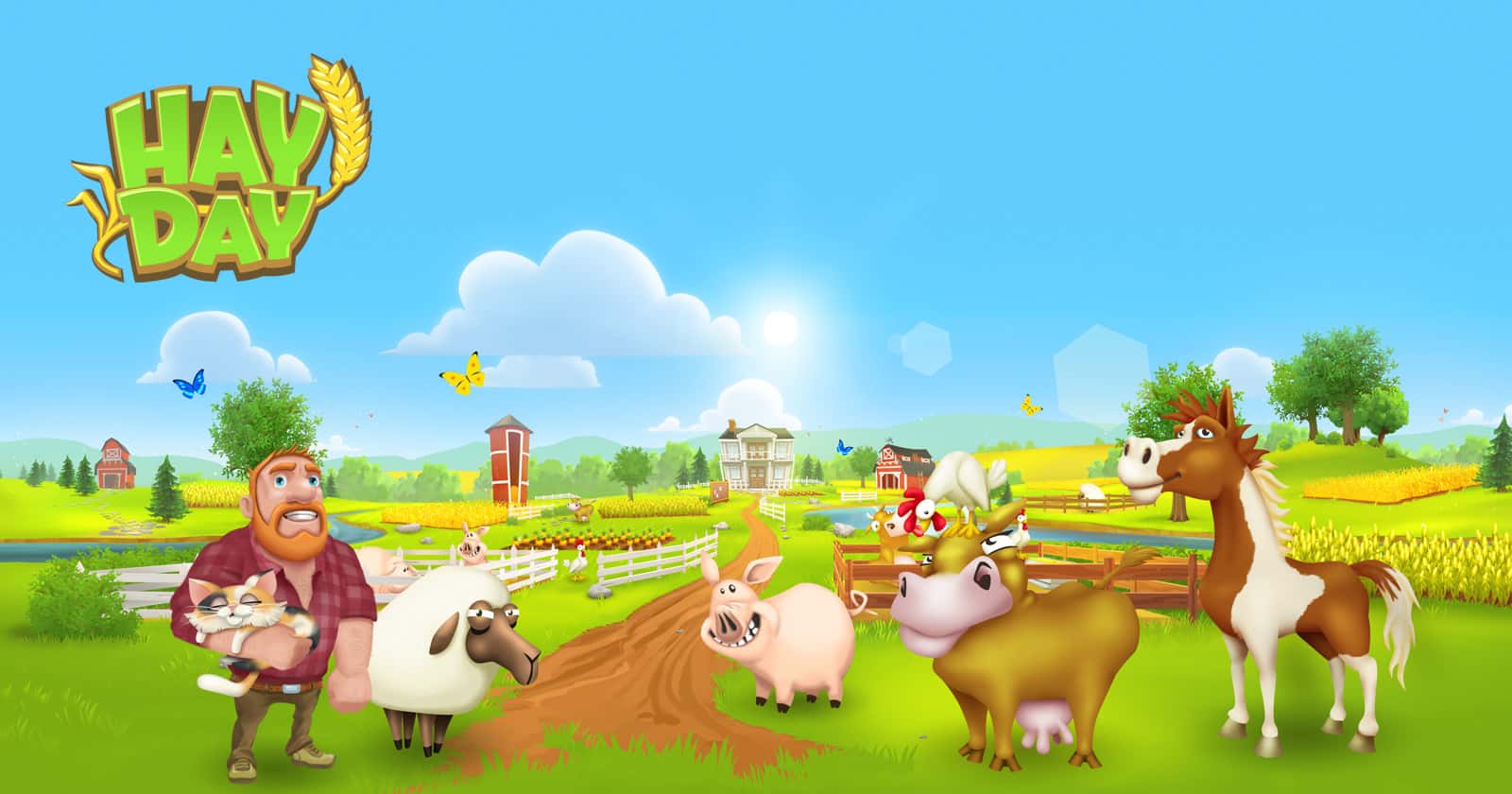
Hay Day has no official PC client, but you can still play it on PC using an Android emulator like BlueStacks or NoxPlayer.

- Hay Day is a farming game with no official PC release, so playing it on PC requires an Android emulator.
- Playing Hay Day on PC offers better graphics, faster video playback, and a bigger screen than an Android device.
- Players can grow their farm, trade goods with neighbors, and build up their town as they progress in Hay Day.
If you're looking for a simple yet exciting game to play, Hay Day is exactly for you. In this article, we'll walk you through the most reliable ways to download and play Hay Day on PC.
Latest Hay Day Content:
- Money-Making Tactics
- Hay Day Fast Leveling 2023
- How to Add Friends in Hay Day
- Hay Day August 2023 Codes
To Level Up Fast In-Game;
Why Play Hay Day on PC?
Hay Day doesn't let you play on a computer without some kind of emulator or mirroring app, but you might still find playing it on PC a better experience than on Android.
First of all, PC offers better graphics and faster video playback, making your experience one worth remembering.
You'll get to build a successful farm in Hay Day and have the chance to trade the goods you produce with your neighbors. As your farm grows stronger, you'll also be able to transform the town your farm sits in and welcome visitors to your city.
Some features of playing Hay Day on PC include:
- By playing Hay Day, you can create and grow your farm with a charming look and style.
- It lets you run a roadside shop, making it possible to sell fresh vegetables and fruit from your farm.
- In this game, you can accept customer orders and deliver them by truck. You can also get a boat in the game.
- You can build up the village and invite different people to join in your progress. You can also tell these people about the impact your farm has had on people.
How Do You Install Hay Day on PC? (2023)
There's no PC version of Hay Day. So if you want to download and install Hay Day on PC, you'll need an emulator to help you do it. There are plenty of emulators on the market. You can choose BlueStacks, MEmu Player, NoxPlayer, and similar options.
Steps to download Hay Day for PC:
- Pick an emulator on your computer.
- Launch the emulator and search for Hay Day in the software.
- Click on the game to download and install it. You can then play the PC version of Hay Day.
To Make Quick Money In-Game;
LoL, TFT ve VALORANT sever bir oyun sever ve oyuncu. Mobil platformlarda ise tam bir Clash of clans hastası.
Comments (0)
Log in to leave a comment giriş yap.
No comments yet. Be the first!
Related Posts
All News →
Turkey Game Industry Report 2024 Released
Turkey's 2024 Game Industry Report shows the country's gaming market grew to over $810M with 48M+ active players, alongside a new digital guide to local game companies.

Loldle Answers: Daily League of Legends Puzzle
Loldle is a daily League of Legends guessing game with five modes (Classic, Quote, Ability, Emoji, Splash); December 6, 2024's Classic answer was Fiddlesticks.

Monopoly GO Dice Links: Free Dice Rewards
Monopoly GO's free dice links refresh daily and can be redeemed instantly for 25 or 30 free dice each, plus tips like auto refills every 60 minutes, daily gifts, and sticker trading to earn even more.