

How Do You Reset a Fitbit Versa? Restart and Factory Reset
To restart a Fitbit Versa, hold the left button for 10-15 seconds until the logo appears or use Settings, About, Shut down; to factory reset, use Settings, About, Factory reset and confirm.

3 min read
In brief
AI summaryAs of May 2022, a Fitbit Versa can be restarted two ways: by holding the left button for 10-15 seconds until the Fitbit logo appears, or through Settings, About, Shut down.
To factory reset a Fitbit Versa in May 2022: open Settings, scroll down and select About, choose Factory reset (also called clear user data) and confirm.
Resetting a Fitbit Versa to factory settings before trading it in, reselling it or donating it improves privacy and makes setup easier for the next user.
Contents4 sections
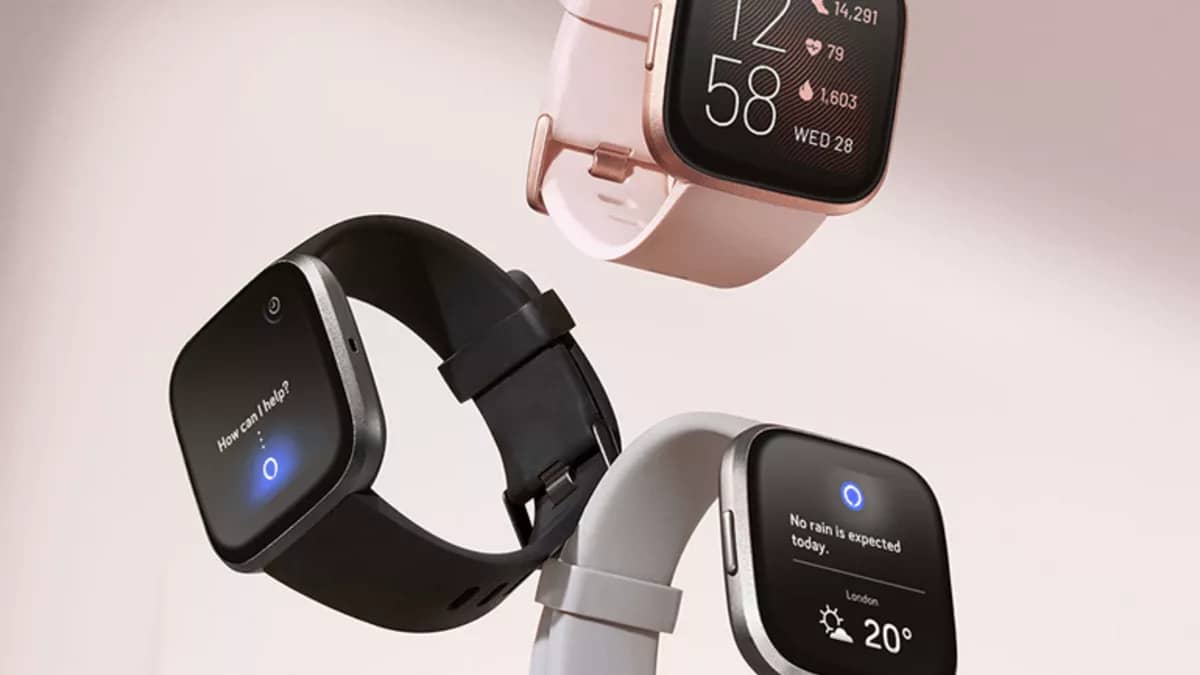
The Fitbit Versa: you can restart it with the left button or through Settings, and reset it to factory settings under Settings, About. When smartwatch comes up, many people may immediately think of the Apple Watch or Samsung Gear , but another popular brand is Fitbit. Fitbit has many popular products in this area, and they are available in Türkiye as well. Fitbit, which put its new model Versa on sale in Türkiye last May, brings a wide range of features with this watch. So how do you reset the Fitbit Versa? How do you restart it? Let's take a look!

How Do You Restart the Fitbit Versa?
You can restart your Fitbit Versa in one of two ways: with the left button or through the Settings menu. To reset your Fitbit Versa using the Settings menu, follow the steps below:
- Go to the Settings menu on your device.
- Scroll down and select About.
- Under this menu, select Shut down.
- Let the reset finish.
How Do You Restart the Fitbit Versa Using the Left Button?
If you have any problems with your Fitbit screen or it responds slowly to touches, you can also reset it directly using the left button on your device. This makes it possible to restart the Fitbit without going into the settings menu. Here is how:
- Hold the left button for 10-15 seconds (until the Fitbit logo appears).
- Release the button when the logo appears.
- Wait for the reset to finish.
How Do You Factory Reset the Fitbit Versa?
Before trading in, reselling or donating any personal technology to a charity, it is important to reset it to factory settings. This helps improve your privacy while also making it easier for the next user to set up the device. Follow these steps to do a full factory reset:
- Go to the settings menu on your device.
- Scroll down and select About.
- Under this menu, select Factory reset (it may also be called clear user data).
- Confirm that you want to do the factory reset.
- Let the reset finish.
Our Other Tech Articles
- Instagram Nickname Suggestions Are Here
- Instagram Posting Times 2022
- How Do You Create Instagram Filters?
- How Do You Change Your Instagram Username? 2022
- What Are the Instagram Photo Editing Tactics? 2022
- How Do You Hide Likes on Instagram?
- How Do You Add an Instagram Account on TikTok? 2022
- How Do You Get Verified on TikTok?
- What We Know About the Rotoscope Filter on TikTok!
- How Do You Join a Zoom Meeting? 2022
- Turn Off Read Receipts in Telegram 2022
- How Do You Create a Pinterest Business Account?
- Pinterest Account Finding Guide
- Pinterest Photo Download 2022
- Guide to Installing the Android Operating System on a PC (2022)
- What Is ThrottleStop, What Does It Do and How Do You Use It?
- How Do You Fix the Throttlestop CPU Not Supported Error?
- Best Apple iPhone 13 Screen Protectors
Frequently asked questions
Questions answered in this article
How Do You Restart the Fitbit Versa?
You can restart your Fitbit Versa in one of two ways: with the left button or through the Settings menu. To reset your Fitbit Versa using the Settings menu, follow the steps below:
Go to sectionHow Do You Restart the Fitbit Versa Using the Left Button?
If you have any problems with your Fitbit screen or it responds slowly to touches, you can also reset it directly using the left button on your device. This makes it possible to restart the Fitbit without going into the settings menu. Here is how:
Go to sectionHow Do You Factory Reset the Fitbit Versa?
Before trading in, reselling or donating any personal technology to a charity, it is important to reset it to factory settings. This helps improve your privacy while also making it easier for the next user to set up the device. Follow these steps to do a full factory reset: Instagram Nickname Suggestions Are Here • Instagram Posting Times 2022 • How Do You Create Instagram Filters? • How Do You Change Your Instagram Username? 2022 • What Are the Instagram Photo Editing Tactics? 2022 • How Do You Hide Likes on Instagram?
Go to section

