

Soulcas VALORANT Settings: Crosshair, Mouse and Video (April 2022)
As of April 2022, Liquid's Soulcas plays VALORANT at 400 DPI with 0.524 in-game sensitivity (209.6 eDPI), a white crosshair with inner lines only, and low graphics at 1920 x 1080.

2 min read
In brief
AI summaryAs of April 2022, England-based pro Dom "Soulcas" Sulcas, a former CS:GO player, plays duelist for Liquid in VALORANT and is one of the few Neon players.
Soulcas' VALORANT mouse settings are 400 DPI, 0.524 in-game sensitivity, 209.6 eDPI, scoped sensitivity 1 and a 1000 polling rate.
Soulcas' VALORANT crosshair is white with inner lines on (length 6, thickness 2, offset 1) and center dot, outlines and outer lines off; video is 1920 x 1080 fullscreen with Low quality settings.
Contents5 sections
Soulcas' Current VALORANT Crosshair Settings 2022!
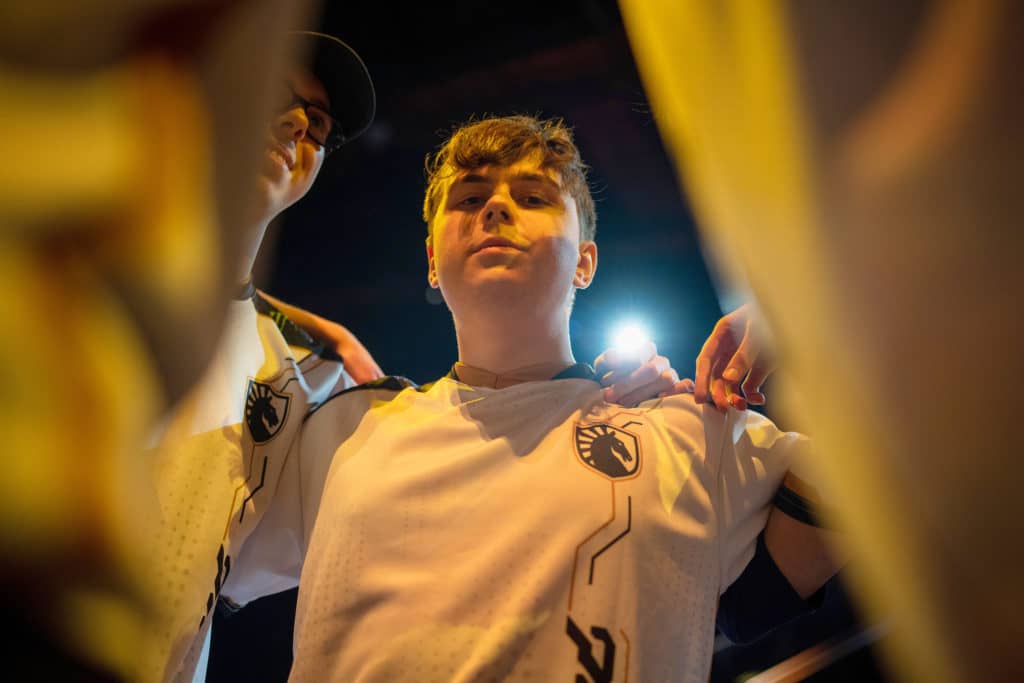
Dom “Soulcas” Sulcas is an England-based professional VALORANT player currently playing for the team. He was known for his professional career in Counter-Strike: Global Offensive. In the Liquid VALORANT roster, Soulcas generally prefers to play a duelist and is one of the few players who play the agent Neon. Soulcas usually delivers consistent, high-level fragging performances and creates a lot of space for his team. Let's take a look together at Soulcas' VALORANT settings!
Soulcas VALORANT Crosshair Settings 2022

Soulcas Mouse Settings
- Mouse DPI - 400
- In-Game Sensitivity – 0.524
- eDPI – 209.6
- Scoped Sensitivity – 1
- Polling Rate – 1000
Soulcas' Crosshair Settings

- Crosshair Color: White
- Center Dot: Off
- Outlines: Off
- Inner Lines: On
- Inner Line Opacity: 1
- Inner Line Length: 6
- Inner Line Thickness: 2
- Inner Line Offset: 1
- Outer Lines: Off
Soulcas Keybinds
- Walk: Mouse 5 / L-Ctrl
- Crouch: L-Shift
- Jump: Spacebar / Mouse wheel down
- Use Object: F
- Primary Weapon: 1
- Secondary Weapon: 2
- Melee Weapon: 3
- Equip Spike: 4
- Ability 1: Mouse 4
- Use Ability 2: E
- Ability 3: C
- Use Ultimate: X
Soulcas' Video Settings
- General
- Display Mode – Fullscreen
- Resolution – 1920 x 1080
- Frame Rate Limit – Unlocked
- Graphics Settings
- Multithreaded Rendering: On
- Material Quality – Low
- Texture Quality – Low
- Detail Quality – Low
- UI Quality – Low
- Vignette – Off
- VSync – Off
- Anti-Aliasing – MSAA 2x
- Anisotropic Filtering – 2x
- Improve Clarity – Off
- Bloom - On
- Distortion – Off
- Cast Shadows – Off


