

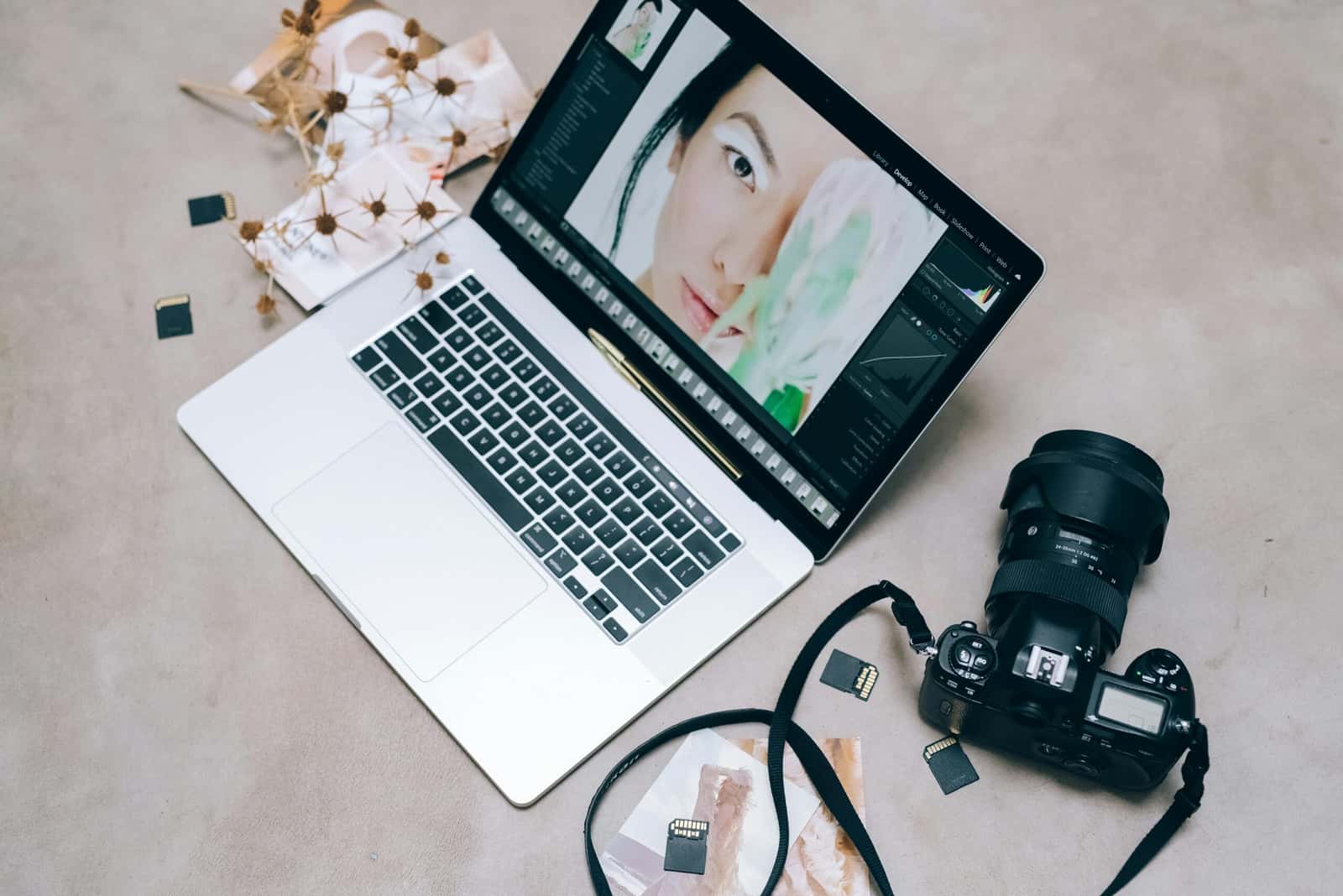
AI tools like Topaz Labs Gigapixel AI and Remini sharpen blurry photos using super-resolution, denoising, and face-recognition techniques.
- AI can sharpen blurry, low-quality photos using techniques like super-resolution, denoising, and face-recognition-based sharpening.
- Popular AI photo-sharpening tools include Adobe Photoshop's Neural Filters, Topaz Labs Gigapixel AI, and Remini.
- Sharpening a photo with AI involves uploading the image, choosing settings, previewing the result, and downloading the sharpened version.
With today's technology, AI can even sharpen blurry and low-quality photos. A process that used to be hard with traditional methods can now be done quickly and effectively thanks to AI. In this article, for users dealing with this problem, we'll explain how to sharpen photos with AI.
How Do You Sharpen Photos With AI?
What Is AI Photo Sharpening?
Photo sharpening is the process of making a blurry or low-resolution image clearer. With AI, this is done through advanced algorithms that predict and analyze the missing details in an image and fill them in. These methods correct issues like blurriness, low resolution, and noise, increasing the sharpness of photos.
What Are the Methods for Sharpening Photos?
- Super-Resolution: This method turns a low-resolution image into a high-resolution one. AI examines the photo's details and reconstructs the missing pixels. Super-resolution algorithms use machine learning (ML) and deep learning (DL) techniques to predict details.
- Denoising: Noise in photos comes from low-light conditions or low-quality camera sensors. AI-powered denoising methods remove unnecessary pixel distortion in a photo, producing a clearer image. This technique makes a particularly noticeable difference in low-resolution and blurry images.
- Face-Recognition-Based Sharpening: Using facial recognition features, AI can detect faces in a photo and enhance their details. This method is especially effective for portrait photos.
 What Tools Are Used for AI Photo Sharpening?
- Adobe Photoshop (Neural Filters)
- Adobe Photoshop's next-generation Neural Filters are highly effective for AI-powered photo editing. Features like 'Smart Portrait' and 'Super Zoom' in particular are powerful tools for sharpening photos.
- Topaz Labs Gigapixel AI
- This software can turn low-quality photos into high-resolution, sharp images thanks to its super-resolution algorithm. Gigapixel AI uses deep learning techniques to sharpen every detail in a photo.
- Remini
- Remini is a popular mobile app frequently used to sharpen old or blurry photos. Thanks to its AI-powered algorithms, it sharpens people's faces and other details in a photo.
- Enhance.Pho.to
- Enhance.Pho.to is an online tool that lets users edit their photos directly from the browser. This platform offers a simple, fast sharpening process using AI algorithms.
- Deep Image AI
- Deep Image AI is a tool built specifically to enhance product photos for e-commerce sites. It stands out with features for increasing resolution, reducing noise, and sharpening photos.
How Do You Sharpen Photos With AI?
- Upload the Image: Choose the photo you want to sharpen and upload it to the AI-powered tool of your choice. Most tools support various file formats like JPEG, PNG, and TIFF.
- Choose Sharpening Settings: Most AI apps give users sharpening options. For example, you can choose the one that best fits your needs among options like denoising, super-resolution, or face sharpening.
- Preview and Edit: Before starting the process, most tools offer a preview feature. This lets you see the result before the sharpening process finishes and make any adjustments you need.
- Download the Sharpened Photo: Once editing is done, save the photo sharpened by the AI algorithm to your device. Some tools also let you download results in high resolution.
 Let's also remind you that there are a few important details you should pay attention to when sharpening a photo:
- Original Image Quality: The higher the quality of a photo, the better results AI can deliver. A very low-resolution photo can make it harder for AI to fill in missing information.
- Avoid Over-Sharpening: Over-sharpening a photo can create an artificial, exaggerated, unnatural look. So it's important to use the settings in a balanced way.
- Choose the Right Tool: Different tools offer different algorithms and capabilities. Choosing the tool best suited to your photo's needs will get you the best results.
In conclusion, AI photo sharpening offers an ideal solution for users who want to rescue blurry and low-quality photos. Thanks especially to techniques like super-resolution, denoising, and facial recognition, you can sharpen your old, low-resolution, or blurry photos and bring them to a higher quality with just a few clicks. AI does make our lives easier, yes, but of course, we shouldn't overdo it either :).
For the latest news;
Sources
External links cited in this article
Comments (0)
Log in to leave a comment giriş yap.
No comments yet. Be the first!
Related Posts
All News →
Turkey Game Industry Report 2024 Released
Turkey's 2024 Game Industry Report shows the country's gaming market grew to over $810M with 48M+ active players, alongside a new digital guide to local game companies.

Loldle Answers: Daily League of Legends Puzzle
Loldle is a daily League of Legends guessing game with five modes (Classic, Quote, Ability, Emoji, Splash); December 6, 2024's Classic answer was Fiddlesticks.

Monopoly GO Dice Links: Free Dice Rewards
Monopoly GO's free dice links refresh daily and can be redeemed instantly for 25 or 30 free dice each, plus tips like auto refills every 60 minutes, daily gifts, and sticker trading to earn even more.