A Guide for Players Experiencing Lag in EA FC 24
EA FC 24 players facing lag and stuttering can fix it by lowering graphics settings, disabling extra cutscenes, and capping the frame rate at 60 FPS.

3 min read
In brief
AI summaryEA FC 24 became one of the most-played football games after its September 29, 2023 release, but players reported stuttering and lag issues.
Updating graphics drivers and checking your internet connection are the first steps to fixing lag in EA FC 24.
Lowering graphics settings, disabling Hypermotion V overlays and extra cutscenes, and capping frame rate at 60 FPS can reduce stuttering.
Contents5 sections
EA FC 24 Lag/Stuttering/Delay Issue
EA FC 24 has already become this year's most-played football game since its release on September 29. We actually talked about the game's success in our previous article too. In the game that closed out the FIFA era, we see plenty of new features like Hypermotion V and a reworked Ultimate Team experience. However, players have recently been reporting that they're running into stuttering and lag issues in the game. As with every new game, it's quite normal to see a bug like this in FC 24. If you're experiencing lag in FC 24, you're about to learn how to fix it! We hope these fixes help make things easier for you in the game...
Here's Our EA FC 24 Ultimate Team Argi Custom Tactic!
For the Fix to the FC 24 DirectX Error;
For the Fix to the FC 24 Epic Games Error;
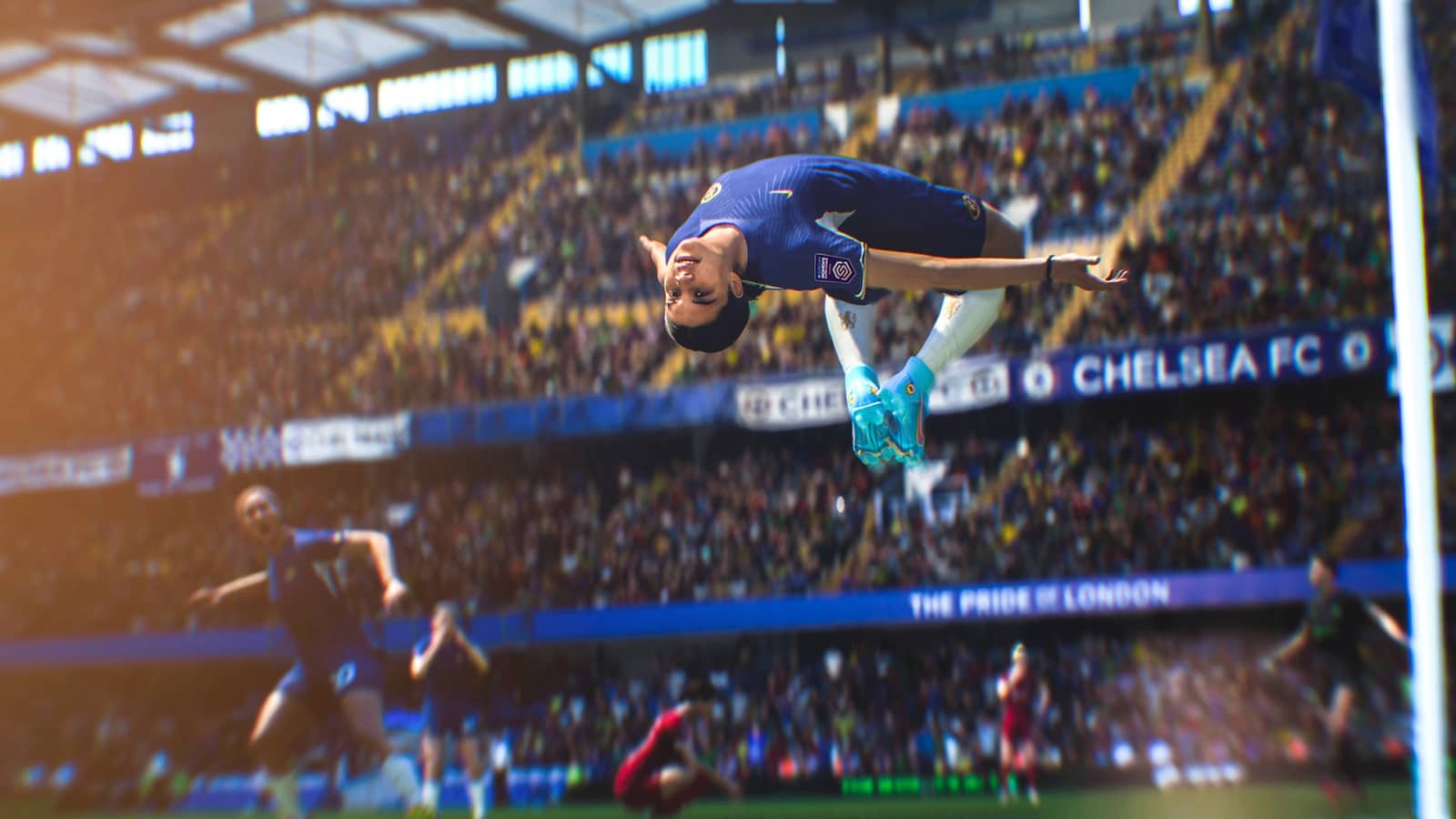
[caption id="attachment_56164" align="aligncenter" width="1920"] Screenshot from FC 24's Official Account[/caption]
How to Fix the EA FC 24 Lag Issue
To fix the stuttering and lag in EA FC 24, you should first update all your drivers and check whether there's any outdated software hogging your internet connection. We also want to remind you that all the stuttering during online play isn't caused by in-game issues but by your internet connection. Let's explain in detail what you need to do to fix the lag issue:
EA FC 24 Lag/Stuttering/Delay Issue: Lower the In-Game Graphics Settings
Even with a top-of-the-line GPU, you can still experience stuttering and frame drops in the game. That's caused by the PC port's optimization, and unfortunately there's nothing you can do about it besides waiting for a new patch for EA FC 24. However, you can almost completely eliminate this issue by lowering your graphics settings to medium, dropping cutscenes to half frame rate, and turning off Wire-Based Hair. Also make sure you've updated your graphics driver.
Turn Off the Added Cutscenes and Infographics
To gain a small FPS boost, you can turn off various graphics-linked features in EA FC 24 like Hypermotion V, general overlays, and the insight layer. While these don't make as big a difference as the previous point, if you're experiencing constant stuttering in EA FC 24, you should try squeezing out every bit of performance you can.
Try Limiting Your Refresh Rate and In-Game Frames
In the Display settings, you can get rid of this kind of stuttering, at the cost of some extra frames, by capping your frame rate at 60 FPS just like on EA FC 24's console versions. While this will eliminate the stuttering and lag in EA FC 24, you'll only experience the game at 60 frames per second. Similarly, you can cap your monitor's refresh rate at 60 FPS to help balance out the number of frames you get in the game.
For our video explaining the difference between the FC 24 Ultimate and Standard editions;Frequently asked questions
Questions answered in this article
How to Fix the EA FC 24 Lag Issue
To fix the stuttering and lag in EA FC 24, you should first update all your drivers and check whether there's any outdated software hogging your internet connection. We also want to remind you that all the stuttering during online play isn't caused by in-game issues but by your internet connection. Let's explain in detail what you need to do to fix the lag issue:
Go to sectionSources
External links cited in this article