

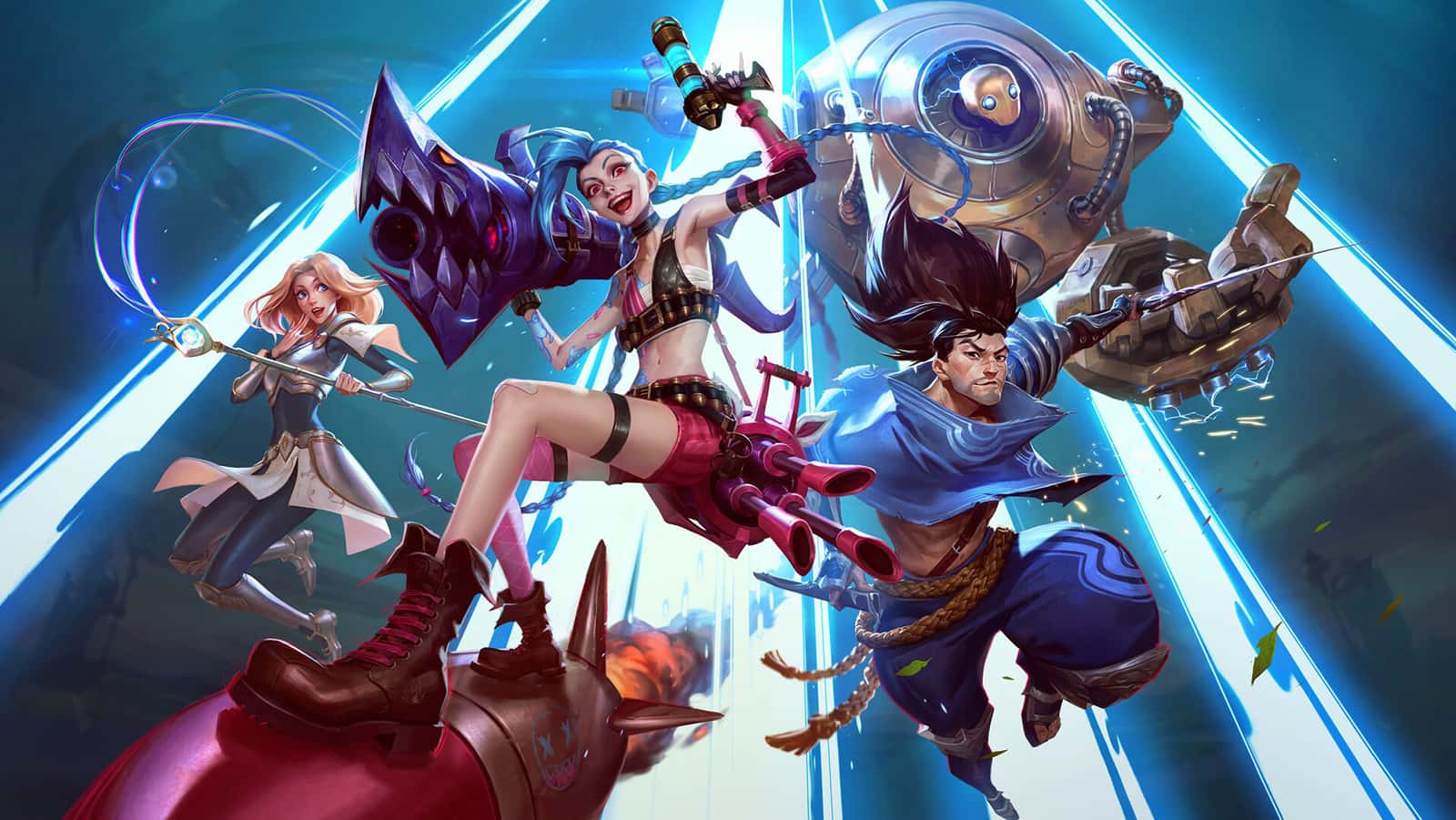
When League of Legends' Play button does nothing, restarting the Riot Client and running a Full Repair from the client settings usually fixes it.
- League of Legends players sometimes find that pressing the Play button does nothing due to internet, file, or driver issues.
- The Riot Games client's settings menu offers a Full Repair option under the General tab to fix corrupted game files.
- If nothing else works, players can manually uninstall League of Legends, delete leftover Riot Games folders, and reinstall the game.
LoL Play Button Not Opening! Pressing Play Does Nothing!
League of Legends (LoL) is a popular MOBA (multiplayer online battle arena) game developed and published by Riot Games, with millions of players worldwide. However, some players occasionally run into issues where the game doesn't open when they press the "Play" button. In this article, we'll cover the causes of this issue and the solutions in detail.
 LoL Play Button Not Opening! Pressing Play Does Nothing!
Check Your Internet Connection
First, make sure your internet connection is stable and fast. Internet outages or slow connection speeds can prevent the game from launching.
- Restart Your Modem: Turn off your modem and router, wait a few seconds, and turn them back on.
- Use a Wired Connection: If possible, use a wired connection instead of a wireless one.
Restart the Riot Games Client
There may be a temporary issue with the Riot Games client. Fully closing and reopening the client often fixes issues like this.
- Open Task Manager: Use the
Ctrl + Shift + Esckey combination to open Task Manager. - Close the Client: Find the "RiotClientServices" and "LeagueClient.exe" processes and right-click them, then select "End Task."
- Restart the Client: Reopen the Riot Games client and press "Play" again.
Repair Game Files
Corrupted or missing game files can prevent the game from launching. You can repair the game files through the Riot Games client.
- Open the Riot Client: Launch the client.
- Go to the Settings Menu: Click the gear icon in the top-right corner to open the settings menu.
- Use the Repair Option: Under the "General" tab, find the "Full Repair" option and start the process.
Update Your Graphics Drivers
Outdated or faulty graphics drivers can prevent games from opening. Updating your graphics card drivers can fix this issue.
- Visit the NVIDIA/AMD Website: Go to your graphics card manufacturer's official website.
- Download the Latest Drivers: Download the latest drivers for your card and follow the installation instructions.
Check Windows Firewall and Your Antivirus Program
Sometimes, firewall or antivirus programs can block League of Legends from running.
- Firewall Settings: Go into your Windows Firewall settings and make sure League of Legends and the Riot Client are on the exception list.
- Antivirus Program: Create a similar exception in your antivirus program as well.
Run as Administrator
Running League of Legends as administrator can resolve certain permission issues.
- Find the Shortcut: Right-click the League of Legends or Riot Games client shortcut.
- Run as Administrator: Select the "Run as administrator" option.
Manually Delete and Reinstall the Game Files
If the methods above don't work, manually deleting the game files and reinstalling can be the most effective solution.
- Uninstall the Game: Uninstall League of Legends from Control Panel or the Settings menu.
- Delete Remaining Files: Also delete the Riot Games folders in your Documents and Program Files (x86) folders.
- Reinstall: Download and install the game again from Riot Games' official website.
Contact Riot Games Support
If none of these steps have resolved your issue, contacting Riot Games support may be the best next step. Open a support ticket and describe the issue you're experiencing in detail.
Although League of Legends is a game loved and played by millions of players, you may occasionally run into issues like the "Play" button not opening the game. By following the solutions outlined in this article step by step, you can most likely resolve this issue. As always, it's important to stay patient and systematic when solving your problems. Good luck, and have fun! :)

Frequently Asked Questions (FAQ) About LoL Play Button Not Opening
LoL Play Button Not Opening: Why Won't League of Legends Open?
This issue can be caused by your internet connection, corrupted game files, outdated graphics drivers, or security software.
How Do I Repair the Game Files?
You can open the Riot Games client and use the "Full Repair" option in the settings menu.
How Can I Configure the Firewall and Antivirus Program?
You can add League of Legends and the Riot Client to the exception list in Windows Firewall settings, and do the same in your antivirus program.
Why Is Running as Administrator Important?
Running as administrator ensures the game has the necessary permissions and can resolve certain technical issues.
How Can I Reach Riot Games Support?
You can open a support ticket through Riot Games' official website to contact the support team.
For the latest news, follow Gamer Papers website and our social media accounts. 🙂
Sources
External links cited in this article
Comments (0)
Log in to leave a comment giriş yap.
No comments yet. Be the first!
Related Posts
All News →
Turkey Game Industry Report 2024 Released
Turkey's 2024 Game Industry Report shows the country's gaming market grew to over $810M with 48M+ active players, alongside a new digital guide to local game companies.

Loldle Answers: Daily League of Legends Puzzle
Loldle is a daily League of Legends guessing game with five modes (Classic, Quote, Ability, Emoji, Splash); December 6, 2024's Classic answer was Fiddlesticks.

Monopoly GO Dice Links: Free Dice Rewards
Monopoly GO's free dice links refresh daily and can be redeemed instantly for 25 or 30 free dice each, plus tips like auto refills every 60 minutes, daily gifts, and sticker trading to earn even more.