

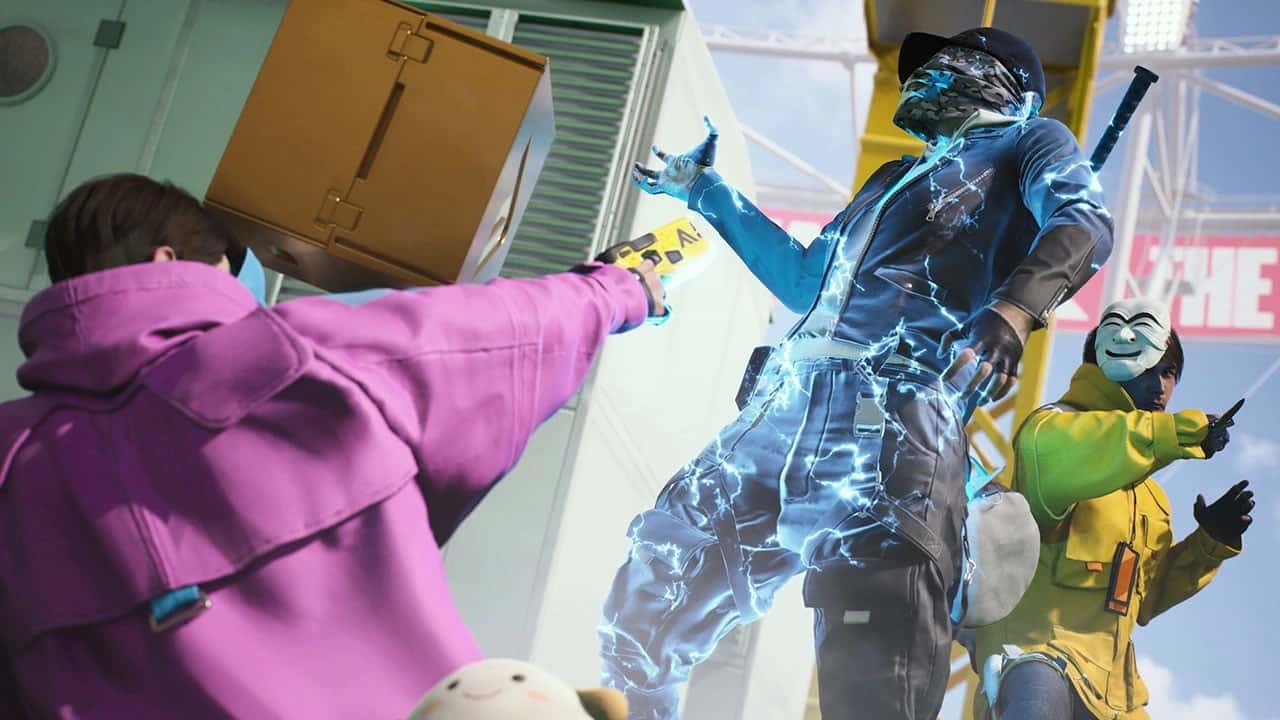
In THE FINALS, add friends from the main menu's Friends tab by entering their username, then invite them to a party for team play.

- THE FINALS' Open Beta draws attention with its environment-destruction mechanic, which strengthens the game's competitive multiplayer side.
- Adding a friend requires opening the main menu's Friends tab and searching by the friend's exact username or in-game ID.
- Once friends are added, players can form a party from the friends list to coordinate strategy together as a team.
THE FINALS' Open Beta has been a success so far, as players are quite hopeful about its unique environment-destruction mechanic. This multiplayer genre is packed with big names like Warzone and Fortnite, but THE FINALS brings a brand-new game mechanic alongside them. The game draws attention with its dynamic structure and interaction with the environment. Players can use the various options the maps offer to gain an advantage over their enemies. Innovations like these strengthen the game's competitive side while also encouraging players to play together.
Communication is critical to winning in multiplayer games, so it's important to team up with friends who can keep you informed about enemy positions, tactics and more. Playing with friends doesn't just boost team spirit — it also gives you a real edge when it comes to developing strategy and making in-game decisions. While adding friends is usually a simple process in multiplayer games, the game is currently in Open Beta, as you know, and there's a temporary mechanism for doing this in-game. How do you add friends in THE FINALS? Let's take a look:
Our Other Content on The Finals Settings;
- The Finals FPS Boost Settings
- The Finals Crosshair Settings
- The Finals Name Change
- Is The Finals Coming to PS4 and Xbox One?
- The Finals Black Screen Issue 2024
- Everything About The Finals' Free Battle Pass

The Finals: Adding and Inviting Friends 2025
- Open the Main Menu: To add friends in-game, you need to head to the main menu. From there, you can access social features and the friend-adding screen. This is the starting point for adding friends and should be done carefully.
- Go to the Friends Tab: Open the "Friends" tab in the menu to view your current friends list and start the process for the friends you want to add. Here, you can also see who's currently online.
- The Add Friend Option: Find the "Add Friend" button in the relevant section to add a friend. Tapping this button lets you enter your friend's username. Entering the username correctly is critical for the request to succeed.
- Enter a Username or ID: Search by entering your friend's username or in-game ID. This lets the game find the user you're looking for and add them. If you don't know your friend's username, you'll need to get it from them.
- Send an Invite: After entering the username, you can send your friend an invite. Once your friend accepts the invite, they'll be listed as a friend in-game. Make sure the invite is sent correctly at this stage.
- Friend Acceptance: Once your friend accepts the invite you sent, they'll appear on your friends list. During this process, it's important for both players to be on the same version and to have a strong internet connection. Otherwise, you may run into issues if the invite isn't accepted.
The Finals also lets you form a party with your friends and play together. This feature lets you group up with friends to act as a team and put up a strategic fight. The advantages of playing with friends make teamwork more fun and effective.
- Forming a Party: Once you've added friends, you can form a party in-game. You can create a party by sending game invites from your friends list. Forming a party lets you and your teammates operate in a more organized way.
- Strategic Advantage: When playing with friends, you can assess each member's strengths and make the most of the team's overall power. By communicating, in particular, you can coordinate in-game and advance strategically. This is a very important tactic for overcoming your opponents.
For the latest news, follow Gamer Papers and our social media accounts. Staying up to date on in-game developments and new updates gives players a big advantage. That's why it's also important to engage with the community and communicate with other players.
Sources
External links cited in this article
Comments (0)
Log in to leave a comment giriş yap.
No comments yet. Be the first!
Related Posts
All News →
Turkey Game Industry Report 2024 Released
Turkey's 2024 Game Industry Report shows the country's gaming market grew to over $810M with 48M+ active players, alongside a new digital guide to local game companies.

Loldle Answers: Daily League of Legends Puzzle
Loldle is a daily League of Legends guessing game with five modes (Classic, Quote, Ability, Emoji, Splash); December 6, 2024's Classic answer was Fiddlesticks.

Monopoly GO Dice Links: Free Dice Rewards
Monopoly GO's free dice links refresh daily and can be redeemed instantly for 25 or 30 free dice each, plus tips like auto refills every 60 minutes, daily gifts, and sticker trading to earn even more.