

What Is Twitter Blue? Price, Features and Availability (May 2022)
As of May 2022, Twitter Blue is an optional paid subscription launched in July 2021 that costs US$2.99 a month in the US and is available in the US, Australia, Canada and New Zealand.

5 min read
In brief
AI summaryAs of May 2022, Twitter Blue is an optional paid subscription launched in July 2021 that offers Bookmark folders, Reader, Top Articles, Undo Tweet and ad-free articles.
Twitter Blue costs US$2.99 a month in the US and was available in the US, Australia, Canada and New Zealand on iOS, Android and the web.
Twitter Blue has no free trial and is not completely ad-free, and its Blue Labs features such as 1080p video upload and NFT profile pictures may change over time.
Contents7 sections
As of May 2022, Twitter Blue is an optional paid Twitter subscription launched in July 2021 that costs $2.99 a month in the US. If you spend time on Twitter, you have probably heard the phrase “Twitter Blue” at some point and wondered what exactly it is. We are not talking about blue checkmarks here. We are talking about the premium version of Twitter. There is a paid tier for Twitter, launched in July 2021, that many people are not even aware exists. Let's see what Twitter Blue is!

What Is Twitter Blue?
Essentially, Twitter Blue is a paid subscription. Twitter users who choose to pay a monthly fee for it get access to certain extra features and ways to customize the app's interface. Twitter Blue is optional, and you definitely do not need it to enjoy Twitter. Think of it as a paid add-on that is expected to enhance your Twitter experience.
What Are the Benefits of Twitter Blue?
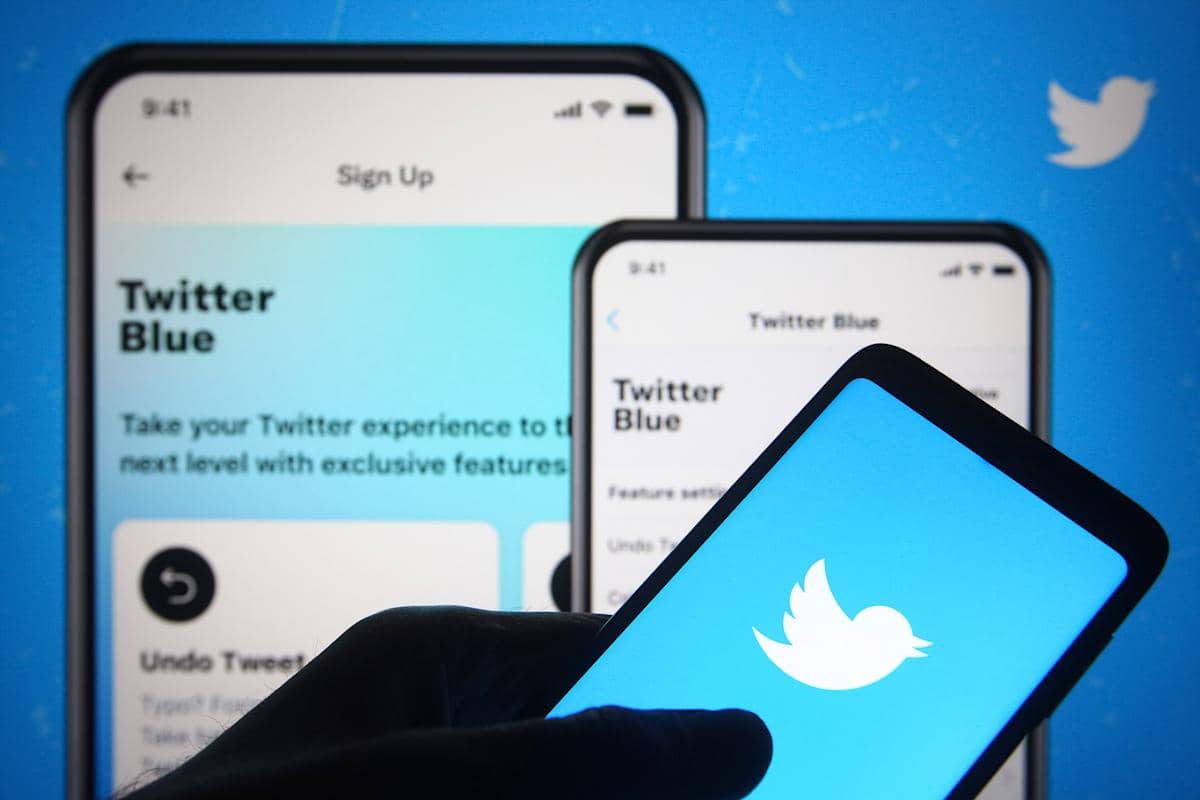
Twitter Blue offers premium features, ways to personalize your app interface, and early access to features Twitter is working on but has not released to everyone else. When it comes to premium features, you can expect to see things like Bookmark folders (a way to organize your bookmarked tweets by placing them in folders), Reader (an improved experience for reading tweet threads), Top Articles (a view that prioritizes popular tweets and articles from the accounts you follow), an Undo Tweet option and ad-free articles.
In terms of app interface personalization options, Twitter Blue provides access to custom navigation, custom app icons and app color themes. With Twitter Blue, you will also get early access to Twitter Blue Labs features (features Twitter is working on but has not officially released yet). Such features include the ability to upload 1080p video, the ability to upload videos of up to 10 minutes, and the ability to add an NFT (non-fungible token) profile picture to your Twitter profile.
One thing to note, however, is that although a Twitter Blue subscription gives you the right to use the features above, there are also some caveats. The first is that although you have access to these extra features, not all of them are available on every platform . For example, while the Bookmark folders feature is available on all platforms (iOS, Android and web), the custom app icons option is available only for iOS and Android, not on the web. The custom color themes option is available only on iOS.
The second caveat concerns the Twitter Blue Labs features. You can access them with a subscription, but their availability “ may change over time ”. This means they could lose their exclusivity (because they are rolled out to all Twitter users) or be taken away outright. And like the non-Blue Labs Twitter Blue features, their availability on certain platforms varies.
What Are the Downsides of Twitter Blue?
Like any other product, it has its downsides. Twitter Blue has a few drawbacks you may want to consider. It is not completely ad-free. With regular, free Twitter, there is an understanding that the free service serves ads while you use Twitter. Unfortunately, paying for a Twitter Blue subscription does not give you an ad-free experience. There is an ad-free articles feature, but this only means you can read articles from publishers that are part of the "Twitter Blue Publishers network" without ads. Second, Twitter Blue does not offer a free trial. So you cannot test the service for a few days without paying first, and Twitter Blue subscriptions are generally not refundable, with limited exceptions.

Does Twitter Blue Work on All Accounts?
As of May 2022, Twitter Blue is not available in all countries. Twitter Blue is available in the following countries: the US , Australia, Canada and New Zealand. Twitter Blue is accessible for both iOS and Android mobile apps and on the web for these countries.
How Much Does Twitter Blue Cost?
The price of a Twitter Blue subscription actually varies depending on your region. In the US it is US$2.99 a month. To see how much it costs in your country, you will see the price listed on the Subscribe button under Twitter Blue in your profile.
How Do You Sign Up for Twitter Blue?
Signing up for Twitter Blue is actually quite easy. Just follow these instructions:
On the mobile app
- Open the app. Select your Profile icon to open your profile menu.
- In the menu that appears, select Twitter Blue.
- On the Twitter Blue screen, look for the Subscribe button at the bottom of your screen.
- The button will list the monthly price.
On the web
- Open your browser. Go to Twitter.com and log in to your account if you have not already.
- There is an options menu on the left side of your screen.
- Select More. From the menu that opens, select Twitter Blue.
- On the pop-up screen that appears, look for the Subscribe button at the bottom.
- This button shows your monthly price for Twitter Blue.
More Tech Articles From Us
- Instagram Nickname Suggestions Are Here
- Instagram Post Times 2022
- How Do You Create Instagram Filters?
- How Do You Change Your Instagram Username? 2022
- What Are the Instagram Photo Editing Tactics? 2022
- How Do You Hide Likes on Instagram?
- How Do You Add an Instagram Account to TikTok? 2022
- How Do You Get Verified on TikTok?
- What We Know About the Rotoscope Filter on TikTok!
- How Do You Join a Zoom Meeting? 2022
- Turn Off Read Receipts in Telegram 2022
- How Do You Create a Pinterest Business Account?
- Pinterest Account Finding Guide
- Pinterest Photo Download 2022
- Guide to Installing the Android Operating System on a Computer 2022
- What Is ThrottleStop, What Does It Do and How Do You Use It?
- How Do You Fix the ThrottleStop CPU Not Supported Error?
- The Best Apple iPhone 13 Screen Protectors
Frequently asked questions
Questions answered in this article
What Is Twitter Blue?
Essentially, Twitter Blue is a paid subscription. Twitter users who choose to pay a monthly fee for it get access to certain extra features and ways to customize the app's interface. Twitter Blue is optional, and you definitely do not need it to enjoy Twitter. Think of it as a paid add-on that is expected to enhance your Twitter experience.
Go to sectionWhat Are the Benefits of Twitter Blue?
Twitter Blue offers premium features, ways to personalize your app interface, and early access to features Twitter is working on but has not released to everyone else. When it comes to premium features, you can expect to see things like Bookmark folders (a way to organize your bookmarked tweets by placing them in folders), Reader (an improved experience for reading tweet threads), Top Articles (a view that prioritizes popular tweets and articles from the accounts you follow), an Undo Tweet option and ad-free articles. In terms of app interface personalization options, Twitter Blue provides access to custom navigation, custom app icons and app color themes. With Twitter Blue, you will…
Go to sectionWhat Are the Downsides of Twitter Blue?
Like any other product, it has its downsides. Twitter Blue has a few drawbacks you may want to consider. It is not completely ad-free. With regular, free Twitter, there is an understanding that the free service serves ads while you use Twitter. Unfortunately, paying for a Twitter Blue subscription does not give you an ad-free experience. There is an ad-free articles feature, but this only means you can read articles from publishers that are part of the "Twitter Blue Publishers network" without ads. Second, Twitter Blue does not offer a free trial. So you cannot test the service for a few days without paying first, and Twitter Blue subscriptions are generally not refundable, with limited…
Go to sectionDoes Twitter Blue Work on All Accounts?
As of May 2022, Twitter Blue is not available in all countries. Twitter Blue is available in the following countries: the US , Australia, Canada and New Zealand. Twitter Blue is accessible for both iOS and Android mobile apps and on the web for these countries.
Go to sectionHow Much Does Twitter Blue Cost?
The price of a Twitter Blue subscription actually varies depending on your region. In the US it is US$2.99 a month. To see how much it costs in your country, you will see the price listed on the Subscribe button under Twitter Blue in your profile.
Go to sectionHow Do You Sign Up for Twitter Blue?
Signing up for Twitter Blue is actually quite easy. Just follow these instructions: Instagram Nickname Suggestions Are Here • Instagram Post Times 2022 • How Do You Create Instagram Filters? • How Do You Change Your Instagram Username? 2022 • What Are the Instagram Photo Editing Tactics? 2022 • How Do You Hide Likes on Instagram?
Go to section

