

How to Delete Your Whiteout Survival Account
Deleting a Whiteout Survival account is done from Settings > Account Management in-game and permanently erases all progress, items and achievements.
- Whiteout Survival accounts are deleted through the Settings menu's Account Management option in-game.
- Account deletion is permanent and immediately erases all progress, characters and resources with no recovery option.
- Deleting a Whiteout Survival account is generally free and usually completes within a few minutes.
Whiteout Survival Account Deletion!
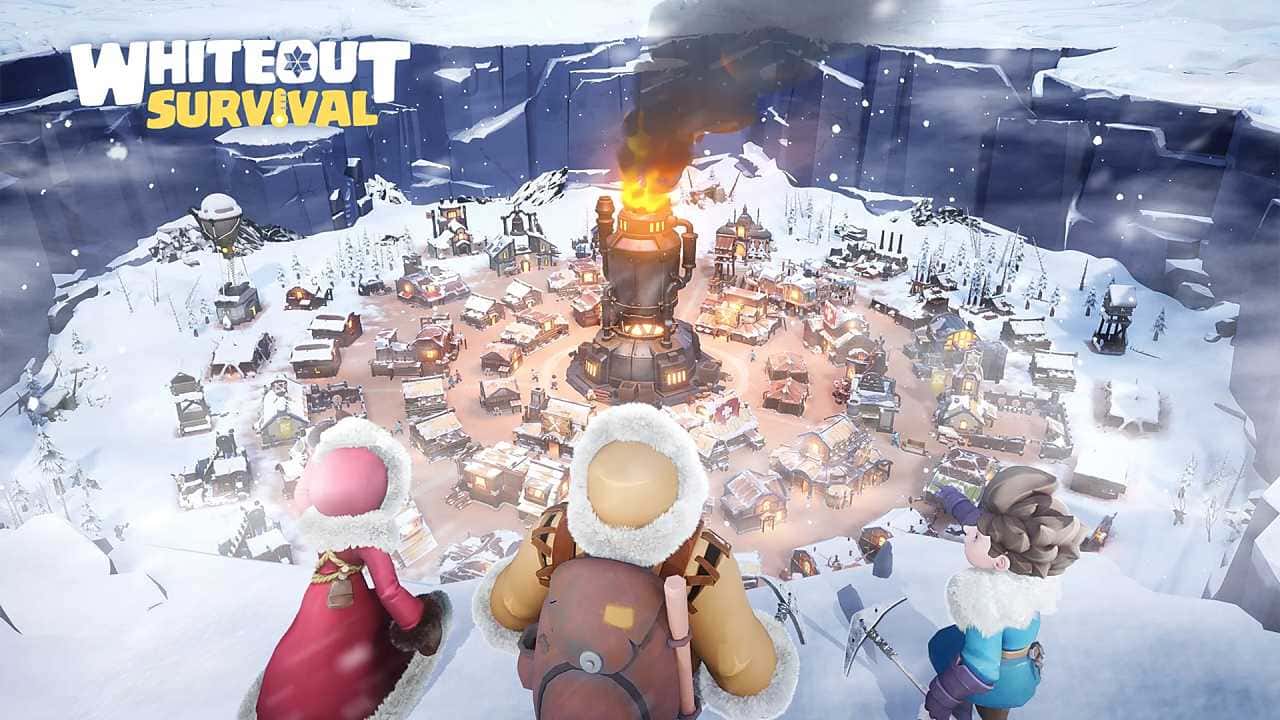
Whiteout Survival is a survival game that teaches players to survive tough natural conditions and deal with various dangers. However, sometimes players decide to quit the game or start a new account. If you've made that decision too, we'll walk you through the Whiteout Survival account deletion steps.
Whiteout Survival Account Deletion 2025!
Launch the Game
First, open Whiteout Survival and go to the main menu. From there, you need to find the account settings.
Go to the Settings Menu
There's usually a "Settings" icon in the top-right corner of the main menu. Tap this icon to access the settings menu.
Find the Account Management Option
In the settings menu, there should be an option like "Account Management" or "Delete Account." This option contains the information you need to delete your account. If this option isn't there, you may need to check the game's support page.
Follow the Account Deletion Instructions
When you tap the account management option, you'll be given instructions to confirm the account deletion process. Read these instructions carefully and follow every step. Usually, there may be extra security steps to delete your account, like a confirmation code or email verification.
Click here for our latest Whiteout Survival content!

Confirm the Account Deletion
You may need to give confirmation for the account deletion process. Generally, after tapping the "Delete My Account" option, you'll get a warning confirming that you want to delete your account. Once you confirm this, your account will be permanently deleted.
Keep the following in mind when deleting your account:
The Deletion Is Permanent
Once you delete your account, there's no way to undo it. So you should think this decision through carefully before going ahead with the deletion. All your in-game progress, characters and resources will be permanently lost.
Data Backup
Before deleting your account, if possible, you may want to back up your important in-game data. Some players back up their progress by linking it to social media accounts or other platforms.
You might delete your account in-game for these reasons:
Time Management
Mobile games can be time-consuming. Some players decide to quit a game because they want to devote more time to other parts of their lives. In this case, deleting the account is seen as a way to fully step away from the game.
Privacy Concerns
Privacy and security are important issues for many players. Players who are concerned about how their user data is used or shared may prefer to delete their accounts.
 Frequently Asked Questions About Whiteout Survival Account Deletion
What Happens If I Delete My Whiteout Survival Account?
When you delete your account, all your in-game progress, items and achievements are permanently lost.
Can I Recover My Account After Deleting It?
Generally, no, it isn't possible to recover your account after deleting it. That's why you should think it through carefully before deleting.
Is There Any Fee to Delete My Account?
Deleting your account in Whiteout Survival is generally free. However, this policy can be changed by the game's developers.
Does Deleting My Whiteout Survival Account Remove All Data Related to My Character?
Yes, deleting your account permanently removes all data related to your character.
How Long Does the Whiteout Survival Account Deletion Process Take?
The account deletion process is usually completed within a few minutes, though this can vary depending on the state of the game's servers.
The Whiteout Survival account deletion process serves players who want to quit the game or start fresh. However, before going through with this process, it's important to carefully weigh the consequences and possible effects of deletion.
For the latest news, follow Gamer Papers and our social media accounts. :)
Sources
External links cited in this article
Comments (0)
Log in to leave a comment giriş yap.
No comments yet. Be the first!
Related Posts
All News →
Turkey Game Industry Report 2024 Released
Turkey's 2024 Game Industry Report shows the country's gaming market grew to over $810M with 48M+ active players, alongside a new digital guide to local game companies.

Loldle Answers: Daily League of Legends Puzzle
Loldle is a daily League of Legends guessing game with five modes (Classic, Quote, Ability, Emoji, Splash); December 6, 2024's Classic answer was Fiddlesticks.

Monopoly GO Dice Links: Free Dice Rewards
Monopoly GO's free dice links refresh daily and can be redeemed instantly for 25 or 30 free dice each, plus tips like auto refills every 60 minutes, daily gifts, and sticker trading to earn even more.