

Zepeto: How to Create an Avatar and Get Items
Zepeto is a 3D avatar app for making friends and buying clothing and furniture, with a step-by-step guide to creating your own avatar.

2 min read
In brief
AI summaryZepeto is a 3D avatar app that lets users make friends, take photos, complete missions, and turn their avatar into usable emojis.
Zepeto avatars are created by registering with Facebook, Twitter or email and taking a photo of your face.
Items are bought through the Item Shop's Fashion section for clothing and Interior section for furniture.
Contents4 sections
Welcome to the world of Zepeto! In the Zepeto universe, you can make new friends, create your own custom avatar, take photos, complete missions, explore anywhere you want in the world — in short, create a brand new world of your own!
 What Is Zepeto?
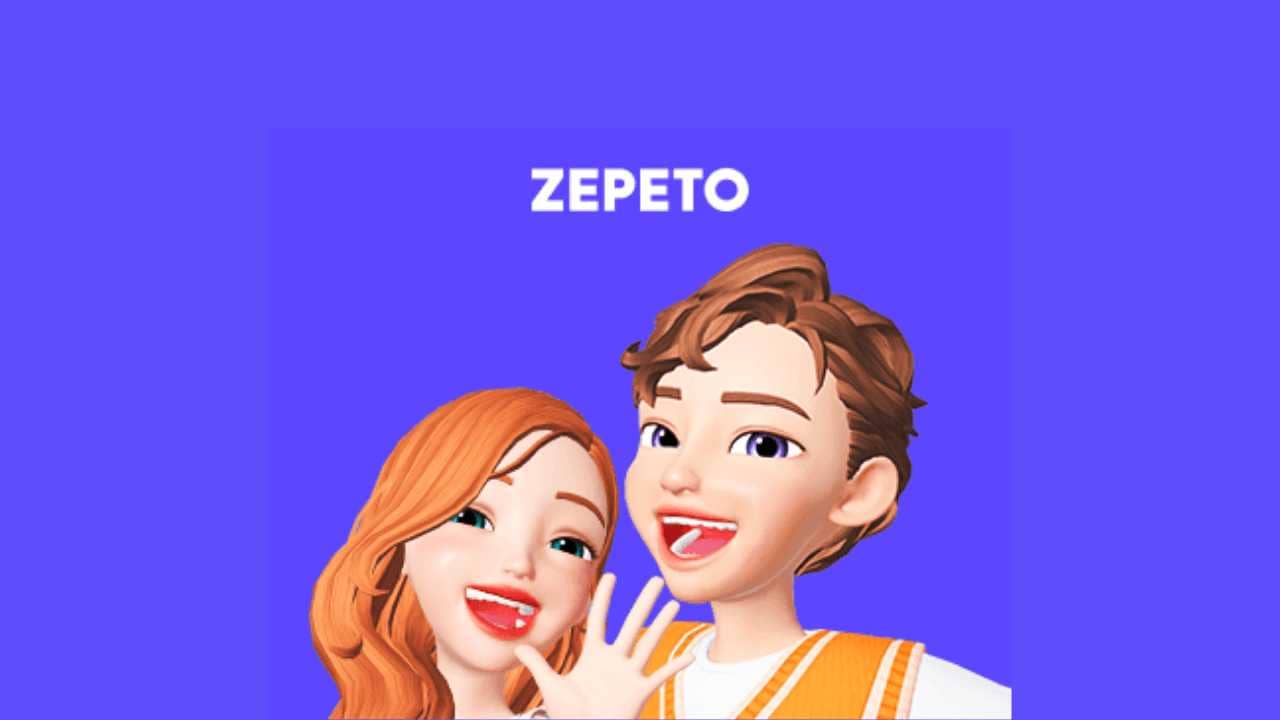
Zepeto is an app built mostly for fun that lets you design a 3D avatar and make new friends. You can also turn your avatar into an emoji and use those emojis.
Is Zepeto Safe?
Users who've used the app before think it might be spying on them, because some say they hear a strange "static" noise when they hold their phone to their ear while using the app. As creepy as that sounds, we know the same could be true for any other app that asks for microphone and camera access.
How Do You Get Items in Zepeto?
- Tap the "Item Shop" section on your profile screen.
- You can buy clothing from the Fashion section, and buy furniture from the Interior section.
How Do You Create a Zepeto Avatar? How Do You Use It?
- Open the app, then tap Create Zepeto and sign up with your Facebook, Twitter, or email.
- After signing up, take a photo of your face.
- After a short wait, you'll see your character get created.
- Zepeto lets you make changes to your character, letting you style your character, or in other words, your avatar.
- Finally, give your character a name.
Frequently asked questions
Questions answered in this article
What Is Zepeto?
Zepeto is an app built mostly for fun that lets you design a 3D avatar and make new friends. You can also turn your avatar into an emoji and use those emojis.
Go to sectionIs Zepeto Safe?
Users who've used the app before think it might be spying on them, because some say they hear a strange "static" noise when they hold their phone to their ear while using the app. As creepy as that sounds, we know the same could be true for any other app that asks for microphone and camera access.
Go to sectionHow Do You Get Items in Zepeto?
Tap the "Item Shop" section on your profile screen. • You can buy clothing from the Fashion section, and buy furniture from the Interior section.
Go to sectionHow Do You Create a Zepeto Avatar? How Do You Use It?
Open the app, then tap Create Zepeto and sign up with your Facebook, Twitter, or email. • After signing up, take a photo of your face. • After a short wait, you'll see your character get created. • Zepeto lets you make changes to your character, letting you style your character, or in other words, your avatar. • Finally, give your character a name.
Go to sectionBazen yazar, bazen tasarlar. Film bağımlısı, oyunlar hakkında yazmayı sever✨


