Aimlabs update cuts install size to under 8GB
The Aimlabs update shrinks the aim trainer from over 20GB to under 8GB, boosts performance and adds Flick Anatomy for PRO members. Here is what changed.

5 min read
Contents10 sections
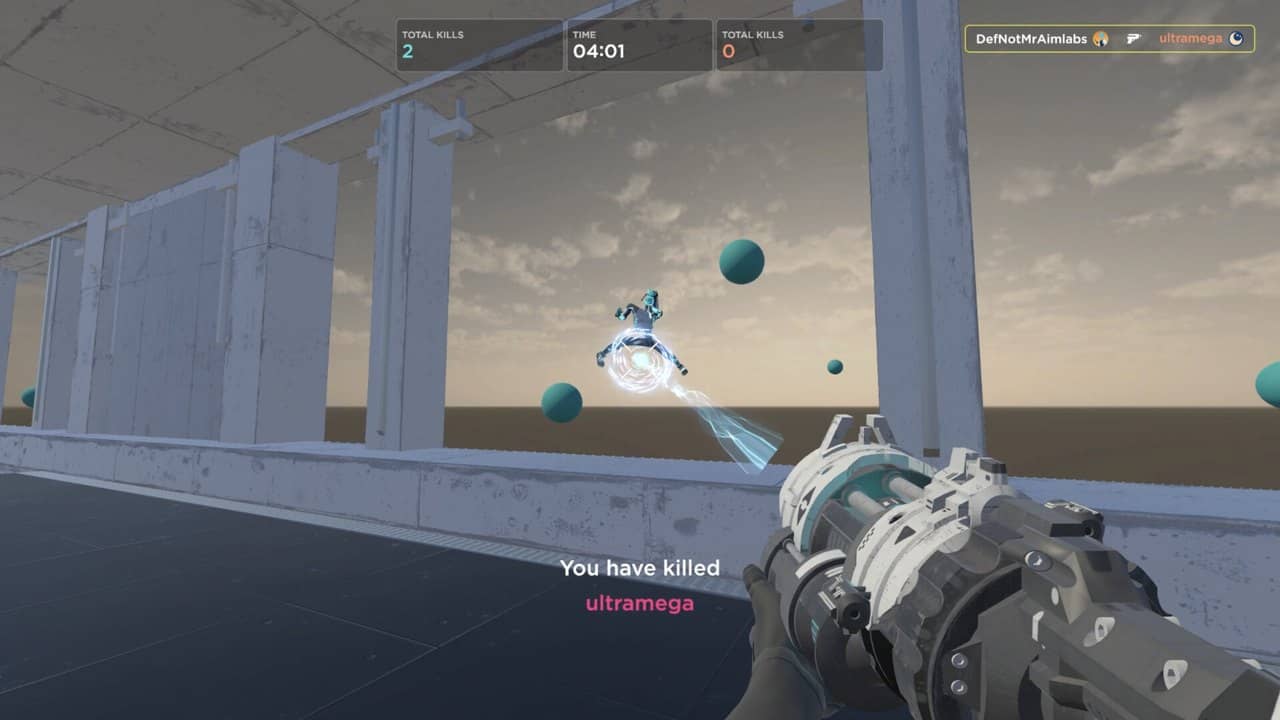
The Aimlabs update is live: according to Statespace's November 21 Steam announcement, the popular aim trainer has shrunk from over 20GB to under 8GB. Performance is up, and PRO members get a new tool called Flick Anatomy.
The patch landed on Steam on the morning of November 21 (UTC). Aimlabs is one of the most popular warm-up tools for Valorant and CS2 players. If you are new to it, our guide to improving aim with Aim Lab covers the basics.
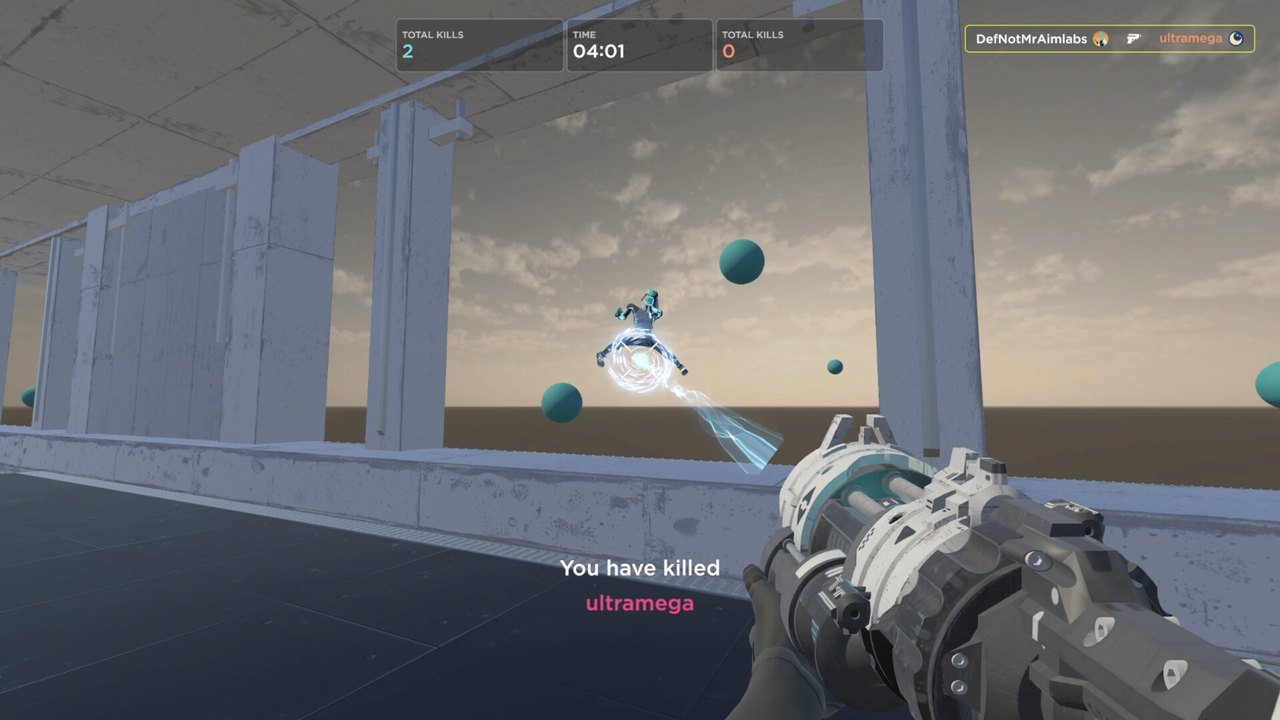
What does the Aimlabs update change?
The headline change is size. Statespace says the app is 60 percent smaller. The install used to be more than 20GB and is now under 8GB. That frees up drive space and makes installs faster.
Performance has improved too. The studio says the app is smoother everywhere, with the biggest jump on the Play screen. If you ran into long loads or freezes after the 2.0 update in September, those issues should be fixed. The sensitivity finder also no longer stutters while it works out its recommendation.
| Area | Before | Now |
|---|---|---|
| Install size | More than 20GB | Under 8GB |
| Loading | Freezes and long loads after 2.0 | More stable |
| Sensitivity finder | Stutter while calculating | Stutter removed |
| Personalized Difficulty | Toggled per scenario | Stays on across a playlist |
| Flick Anatomy | Not available | New for PRO members |
Aimlabs update at a glance
- Date: November 21, 2026, on Steam
- Size: Under 8GB, down from more than 20GB
- Performance: Smoother menus, more stable loading
- New PRO tool: Flick Anatomy
- Price: Free app, paid PRO features
How does Flick Anatomy work?
Flick Anatomy is a new analysis tool for PRO members. It breaks down every flick in your replay and adds notes to the timeline. That way you can see why each shot went right or wrong.
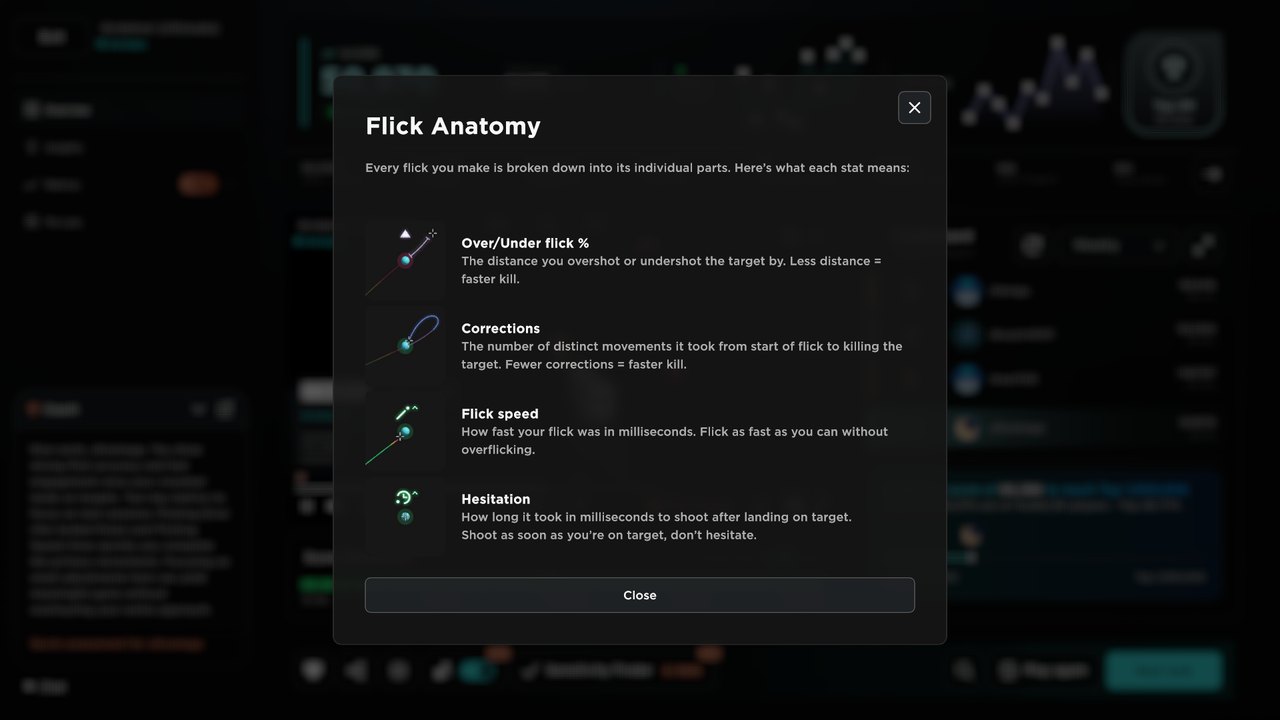
The tool looks at four measures. The first is how far you over-flicked or under-flicked. The second is how many corrections you made before reaching the target. The third is flick speed. The fourth is how long you hesitated before firing once you were on target. Statespace says it also tells you whether you are trading accuracy for speed, or speed for accuracy.
This kind of feedback helps when you tune your crosshair and sensitivity. If you are still tweaking your setup, our list of pro Valorant crosshair codes is a good place to start.
What else was fixed?
- The Weapon Creator has a new layout that matches the updated settings menus, with fixes for textures, skins, firing and saving.
- Academy plans now track your progress correctly.
- Personalized Difficulty now stays on across every scenario in a playlist.
- In multiplayer, an exploit that let players shoot from outside the play area was closed.
- Dropdowns no longer get stuck open when you have lots of hit sounds.
Personalized Difficulty was renamed from Adaptive Tasks in the previous update on November 11. That patch made difficulty change more slowly and in smaller steps.
Aimlabs has been updated often in recent months. Multiplayer PvP arrived at the end of September, and Statespace ran a $2,500 tournament to mark it. On October 12, the studio made every task customizable for free. This latest patch delivers all of that in a much lighter package, which helps players on older PCs or small SSDs.
What does it mean for players?
For competitive FPS players, the biggest win is drive space. You get more than 12GB back. That matters if you keep Aimlabs installed next to big games like Valorant or CS2. According to PCGamesN, Aimlabs offers tailored support for more than 400 games.
The free version is still strong. If you want to build a warm-up routine, you can pair Aimlabs tasks with the tips in our guide on how to improve aim in FPS games. CS2 players can also check our best CS2 video and mouse settings for a smoother setup.
Frequently asked questions
How big is Aimlabs after the update?
According to Statespace's November 21 announcement, Aimlabs now takes up less than 8GB. The previous install was over 20GB, so the size dropped by about 60 percent.
Is Flick Anatomy free?
No. Flick Anatomy is a feature for Aimlabs PRO members. The smaller install size, performance gains and bug fixes are available to everyone, including free users.
Is Aimlabs free to play?
Yes. Aimlabs is free to play on Steam for Windows. Some advanced tools require a PRO subscription.
Sources
Frequently asked questions
Questions answered in this article
Sources
External links cited in this article
Newsletter
The week's biggest gaming news, every Friday morning
One email every Friday: the week's most-read stories and what's new. No spam, unsubscribe anytime.
LoL, TFT ve VALORANT sever bir oyun sever ve oyuncu. Mobil platformlarda ise tam bir Clash of clans hastası.