

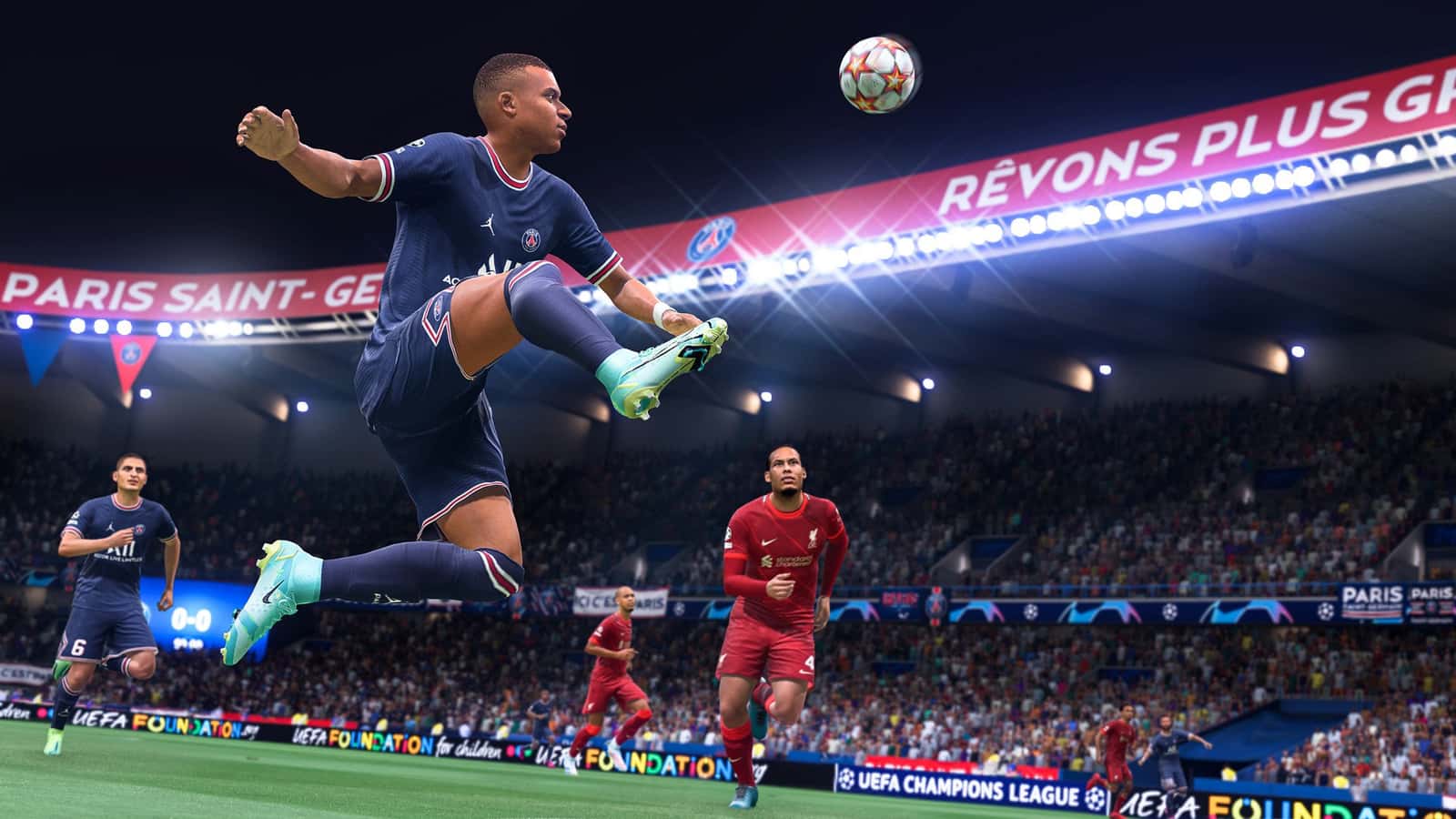
In FIFA 22 on PC, you open keybinding settings by pressing Esc during a match or going to Main Menu > Customize > Customize Controls, then switching the control device to Keyboard Only.

- FIFA 22's keyboard control settings and key combinations are critical to in-game performance on PC.
- In FIFA 22, changing keyboard settings requires selecting 'Customize Controls' in the game's settings menu and setting the control device to Keyboard Only.
- FIFA 22's core key bindings include W, A, D, and E among the most-used keys for attacking and defending.
If you're playing FIFA 22 on PC, key bindings and keyboard options are extremely important. In this article, we'll cover the best keyboard control settings, how to change keyboard control settings, and the best key combinations.
How Do You Set Up FIFA 23 Keyboard Settings?
FIFA 22 PC Keyboard Control Settings
 FIFA 22 Key Combinations
Attacking Keys
| W | Through Ball |
| A | Lob Pass/Cross/Header |
| D | Shoot/Volley/Header |
| S | Short Pass/Header |
| Q | Player Run/Modifier |
| Z | Finesse Shot Modifier |
| C | Protect Ball |
| E | Sprint |
| Up Arrow | Move Up |
| Down Arrow | Move Down |
| Left Arrow | Move Left |
| Right Arrow | Move Right |
| F | Switch Camera |
| K | Attacking Tactics |
| L | Defensive Tactics |
| J | Mentality |
| SPACE | Mentality |
| 1 | Up Movement (Skill/Right-Stick) |
| 3 | Left Movement (Skill/Right-Stick) |
| 2 | Down Movement (Skill/Right-Stick) |
| 4 | Right Movement (Skill/Right-Stick) |
Defending Keys
| W | Rush GK (Hold Down) |
| A | Slide Tackle |
| D | Tackle/Push or Pull (while chasing) |
| S | Contain |
| Q | Change Player |
| Z | Teammate Contain |
| C | Jockey |
| E | Sprint |
| Up Arrow | Move Up |
| Down Arrow | Move Down |
| Left Arrow | Move Left |
| Right Arrow | Move Right |
| F | Switch Camera [GK Only] |
| K | Attacking Tactics |
| L | Defensive Tactics |
| J | Mentality |
| SPACE | Mentality |
| 1 | Up Movement (Skill/Right-Stick) |
| 3 | Left Movement (Skill/Right-Stick) |
| 2 | Down Movement (Skill/Right-Stick) |
| 4 | Right Movement (Skill/Right-Stick) |
How Do You Change Keyboard Control Settings in FIFA 22?
- To change the game's key bindings, press Esc to access the settings from within any ongoing match. You can also reach the settings from the main menu. Making these changes from the main menu, under your profile settings, will give you a more reliable result.
- Go to "Main Menu" and then to customize. Now you can go into settings.
- For the changes you want to make, press the "Customize Controls" section.
- Change the control device to "Keyboard Only".
- Close the window and re-enter.
 Then hold down E to open the "Attack" menu.
- From here, you can select the keyboard settings you want.
- When you set your key bindings, this tab will change automatically.
- After binding the keys, press the Esc key.
- A "Save" option will then appear. It's better to save it to a blank slot.
- If you set it up correctly, it will be saved to your profile and load properly when you start the game.
Our Latest Articles on FIFA 22
- Who Are FIFA 22's Best TOTS Players?
- FIFA 22's Fastest Strikers!
- What Changes Will EA Bring to EA Sports FC?
- FIFA 22 Serie A TOTS Release Date Revealed!
- FIFA 22 FUT TOTS Token Swap First Round Rewards and Duration!
- FIFA 22 Ligue 1 TOTS Leaked List of All Players
- How to Complete the Bundesliga 75+ x10 Upgrade in FIFA 22?
- Who's in FIFA 22 La Liga TOTS Squad?
Bazen yazar, bazen tasarlar. Film bağımlısı, oyunlar hakkında yazmayı sever✨
Comments (0)
Log in to leave a comment giriş yap.
No comments yet. Be the first!
Related Posts
All FIFA →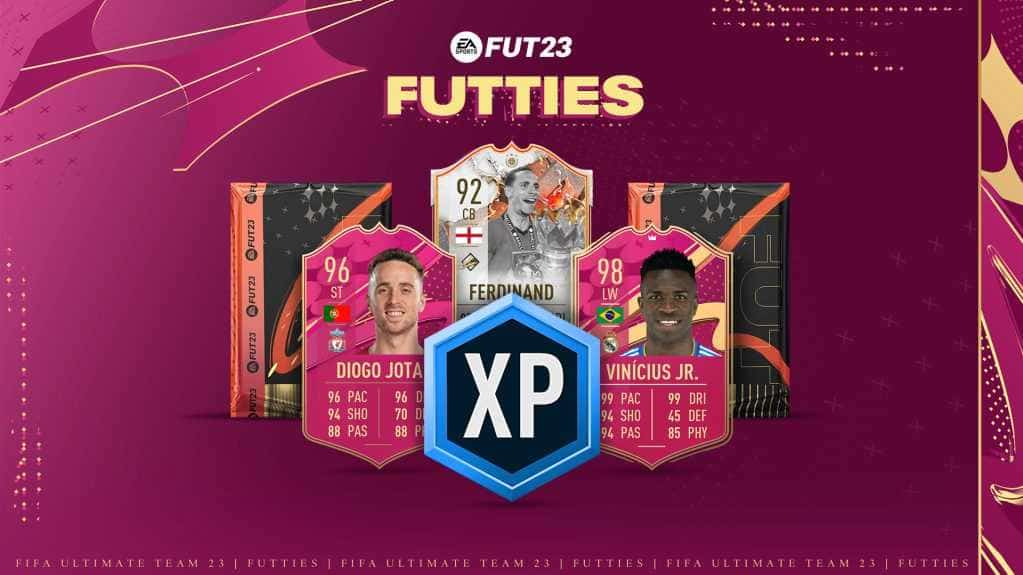
FIFA 23 FUTTIES Team 2: Player Predictions
FIFA 23's FUTTIES Team 2 was predicted to launch July 28, 2023, with Messi, Ibrahimovic, Mudryk, Diaby, and Brahim Diaz tipped for pink cards.
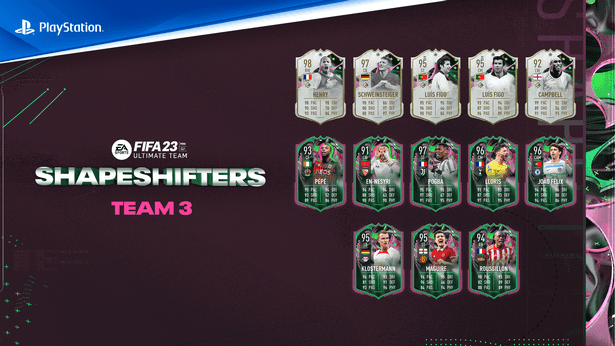
FIFA 23 Shapeshifters Team 3 Review
FIFA 23 Ultimate Team's Shapeshifters Team 3 has arrived, featuring Thierry Henry at RW (98 OVR) and Bastian Schweinsteiger converted to centre-back (97 OVR).
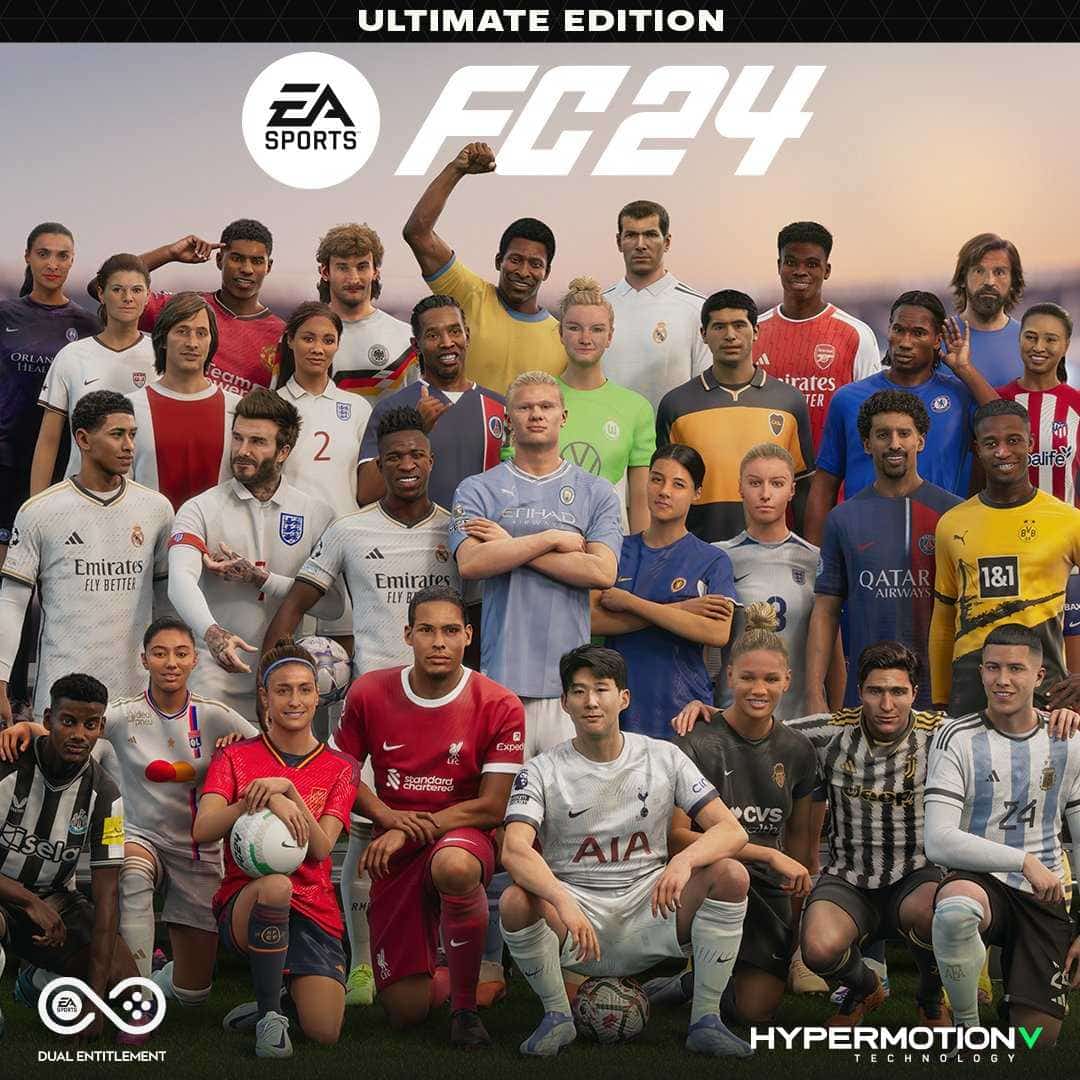
Why Fans Criticized FC 24's Player Faces
EA's FC 24 Ultimate Edition cover drew criticism over face scans of players like Ronaldinho, Marta and Bukayo Saka not matching their real likenesses.