How to Enable Voice Chat in FIFA 22 (PS4 and PS5)
To enable voice chat in FIFA 22 on PS4 or PS5, turn on Voice Chat in the game's Audio settings, then check the console: Game Base on PS5, or the Quick Menu > Sound/Devices on PS4.

3 min read
In brief
AI summaryIn June 2022, FIFA 22 voice chat problems on PS4 and PS5 could be fixed by opening the game's Settings menu, going to Audio and making sure the voice chat option is enabled.
On PS5, hold the PlayStation button on the controller, open Game Base, find the Voice Chat settings and check that voice chat is on.
On PS4, hold the PlayStation button, open the Quick Menu, choose Sound/Devices and make sure the Voice Chat feature is enabled.
Contents3 sections
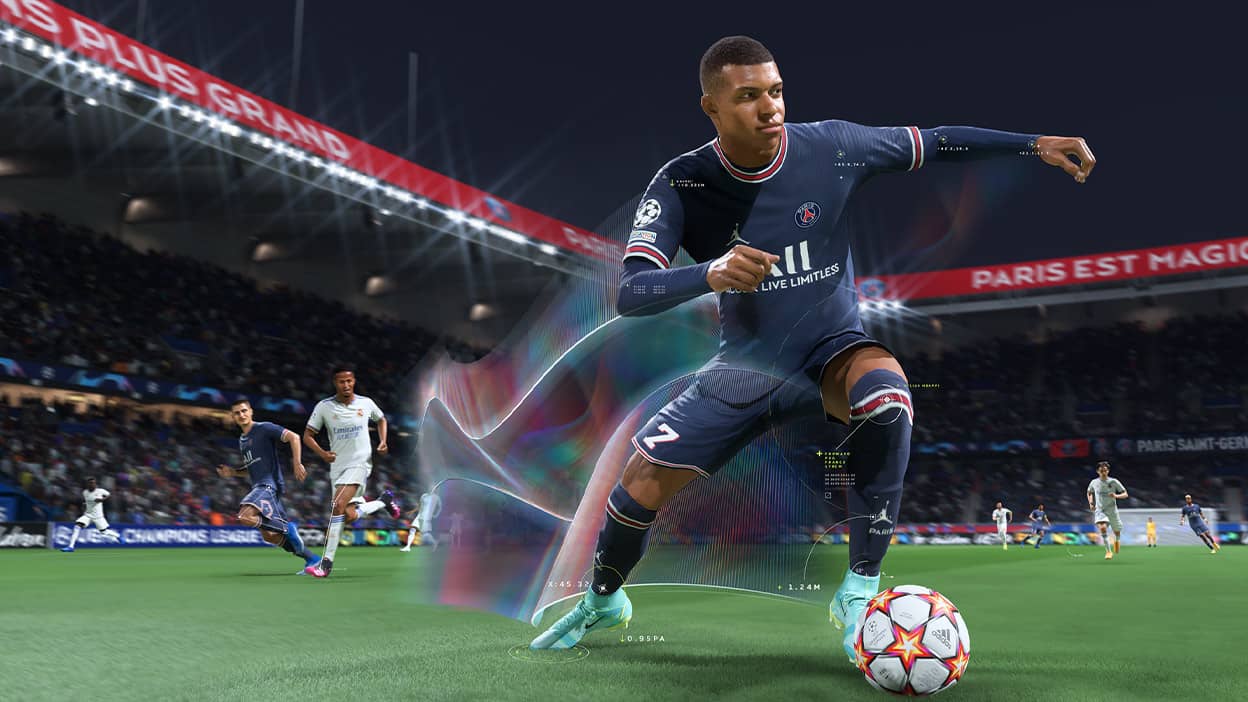
FIFA 22; came with a graphical improvement and lots of animations. Although these settings were made in the game, it is still the same as the game we played last year. And all this shows the game is still completely full of microtransactions. If you are especially one of the players who moved to the new-generation consoles, you can experience the world of FIFA 22 better. Of course, besides that, there are also some issues in the game that still cannot be overcome. The FIFA 22 voice chat problem is one of them. How do you enable voice chat in FIFA 22? 2022
 How Do You Enable Voice Chat in FIFA 22? 2022
If you are a PS4 or PS5 user and are having a voice chat problem in FIFA 22, the fix is quite simple. First, open the "Audio" section from the "Settings" menu in the FIFA game. Look for the voice chat option and make sure the option is enabled. After this, hold the PlayStation button on your PS5 controller and open Game Base. Find your "Voice Chat" settings and check whether voice chat is on. If you are a PS4 player, hold the PlayStation button and enter the "Quick Menu". From here, open the "Sound/Devices" option and make sure the "Voice Chat" feature is enabled. That is how simple the process is! We hope we could help you :)
Our Articles About the FIFA 22 TOTS Promo
- When Will FIFA 22 TOTS Swaps 1 End?
- FIFA 22 FUT TOTS Token Swap First Period Rewards and Durations!
- How Do I Complete the FIFA 22 Iago Aspas TOTS Card Cheaply?
- How Do I Complete the FIFA 22 Thomas Lemar TOTS Card Cheaply?
- How Do You Complete the FIFA 22 La Liga TOTS Upgrade?
- How Do I Complete the FIFA 22 Danjuma TOTS Card Cheaply?
- How Do You Complete the FIFA 22 Ultimate Team TOTS Jesus Navas Objectives?
- How Do I Complete the FIFA 22 Pedrinho TOTS Card Cheaply?
- How Do You Make the FIFA 22 Josko Gvardiol TOTS Centre-Back Card Cheaply?
- Who Is in the FIFA 22 La Liga TOTS Squad?
- Who Are the Best FIFA 22 TOTS Players?
- FIFA 22 TOTS Swap 2 Rewards Leaked
- FIFA 22 Season 2 TOTS Cards Release Date Announced!
- FIFA 22 Belgian Pro League TOTS Squad
- When Will FIFA 22 Rest of World TOTS Come Out?
More Content About FIFA 23
- 6 New Features Expected in FIFA 23
- Is FIFA 23 Coming to Cross-Platform? Will PS, Xbox and PC Play Together?
- Is the FIFA Name Becoming History? What Will We See in FIFA 23?
- What's New in FIFA 23 Career Mode
- FIFA 23 Chemistry System Rework Announced!
- Will There Be a World Cup Mode in FIFA 23?
- Will FUT Mode Be Revamped in FIFA 23?
- How Do You Get FIFA 23 Closed Beta Codes?
- Will FIFA 23 Pre-Orders Open in June?
Frequently asked questions
Questions answered in this article
How Do You Enable Voice Chat in FIFA 22? 2022
If you are a PS4 or PS5 user and are having a voice chat problem in FIFA 22, the fix is quite simple. First, open the "Audio" section from the "Settings" menu in the FIFA game. Look for the voice chat option and make sure the option is enabled. After this, hold the PlayStation button on your PS5 controller and open Game Base. Find your "Voice Chat" settings and check whether voice chat is on. If you are a PS4 player, hold the PlayStation button and enter the "Quick Menu". From here, open the "Sound/Devices" option and make sure the "Voice Chat" feature is enabled. That is how simple the process is! We hope we could help you :)
Go to sectionBazen yazar, bazen tasarlar. Film bağımlısı, oyunlar hakkında yazmayı sever✨