

How to Check Your AirPods Battery Level on iPhone, iPad and Mac
To check your AirPods battery, open the charging case lid next to a paired iPhone or iPad, or click the Bluetooth icon on a Mac; without an Apple device, the case light shows green for full and amber…

4 min read
In brief
AI summaryTo check AirPods battery on an iPhone or iPad, pair them first, then open the charging case lid next to the device and a battery pop-up shows both AirPods and the case.
To check AirPods battery on a Mac, click the Bluetooth icon in the menu bar (enable Show Bluetooth in Menu Bar in System Preferences) and open the case lid to see left and right charge levels.
Without an iOS device, the AirPods case status light gives a rough reading: green means the case is fully charged and amber means it has only enough left to charge the AirPods.
Contents5 sections
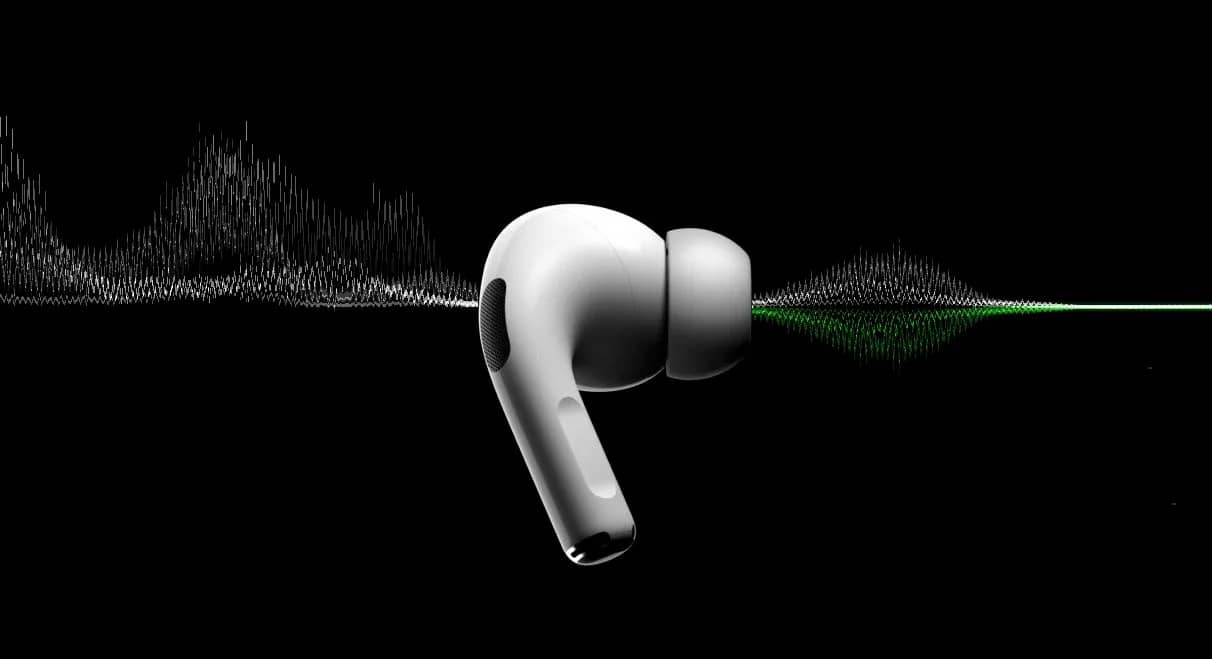
Apple's tiny true wireless earbuds are an important part of your everyday carry, and they are handy for commuting with music and taking Zoom calls without distracting others. The handy buds offer instant pairing with all your favorite iOS devices, plenty of customizable controls, first-class sound and a great way to interact with Siri. We have outlined a few methods you can use to check your AirPods battery level.

How Can You Check Your AirPods Battery Level?
Check Your AirPods Battery With an iPhone or iPad
If you have a pair of AirPods, there is a good chance you also own an iOS device. Whether your mobile hardware of choice is an iPhone, iPad or iPod Touch, you can use any of these iOS devices to check the battery level of your AirPods. For this method, you will need both your AirPods and your AirPods charging case.
- If your AirPods have not been paired with your iOS device before, you first need to connect them. To start, put your AirPods in their case, close the lid and place it next to your iOS device.
- From your iOS device's home screen, tap Settings > Bluetooth. There is a Bluetooth toggle at the top of the page. If it is off, make sure you slide it to the on position before continuing.
- Select your AirPods from the list of available Bluetooth devices. When the status changes from Not Connected to Connected, it means your AirPods have been successfully paired with your iOS device.
- Now all you have to do is open the lid of your charging case. After a few seconds, a battery reading automatically pops up at the bottom of your iOS device's screen. This graphic will show how much battery is left for both your AirPods and your charging case.
If you want to check the battery level of each AirPod, take one out of the charging case and wait a few seconds for the reading to refresh.
Check Your AirPods Battery With a Mac
If you have a Mac, you can use your desktop or laptop to check your AirPods battery level. Here is how to do it.
- Make sure the lid of your AirPods case is closed.
- On your Mac's desktop, click the Bluetooth icon at the top right of the screen. If the icon does not appear here, there is an easy way to add it to the menu bar. Simply open System Preferences, then click Bluetooth. At the bottom of the page, tick the box next to Show Bluetooth in Menu Bar.
- When you click the Bluetooth icon, your AirPods should appear in the list of available devices. If not, make sure your AirPods are not connected to other Bluetooth devices. Resetting and re-pairing your AirPods may also help. To do this, make sure the charging case lid is closed, then hold the Setup button on the back of the case until a white status light starts flashing.
- Open the lid of your AirPods case. When you do, a battery reading appears next to the name of your AirPods, showing the charge level of both the left and right AirPod.
Check Your AirPods Case Battery Without an iOS Device
Although it is not as detailed as the other methods on this list, you can use the status light on your AirPods case to get a rough idea of how much battery is left between both buds.
- Make sure your AirPods are taken out of the case. Then go ahead and open the lid.
- Look at the status light of the charging case, which is inside or on the front of the case (depending on the model of AirPods you have). If the status light is green, it means the charging case is fully charged. If the light shows amber, it means your case only has enough juice left to charge your AirPods.
More of Our Tech Articles
Frequently asked questions
Questions answered in this article
How Can You Check Your AirPods Battery Level?
If you have a pair of AirPods, there is a good chance you also own an iOS device. Whether your mobile hardware of choice is an iPhone, iPad or iPod Touch, you can use any of these iOS devices to check the battery level of your AirPods. For this method, you will need both your AirPods and your AirPods charging case. If you want to check the battery level of each AirPod, take one out of the charging case and wait a few seconds for the reading to refresh.
Go to section

