

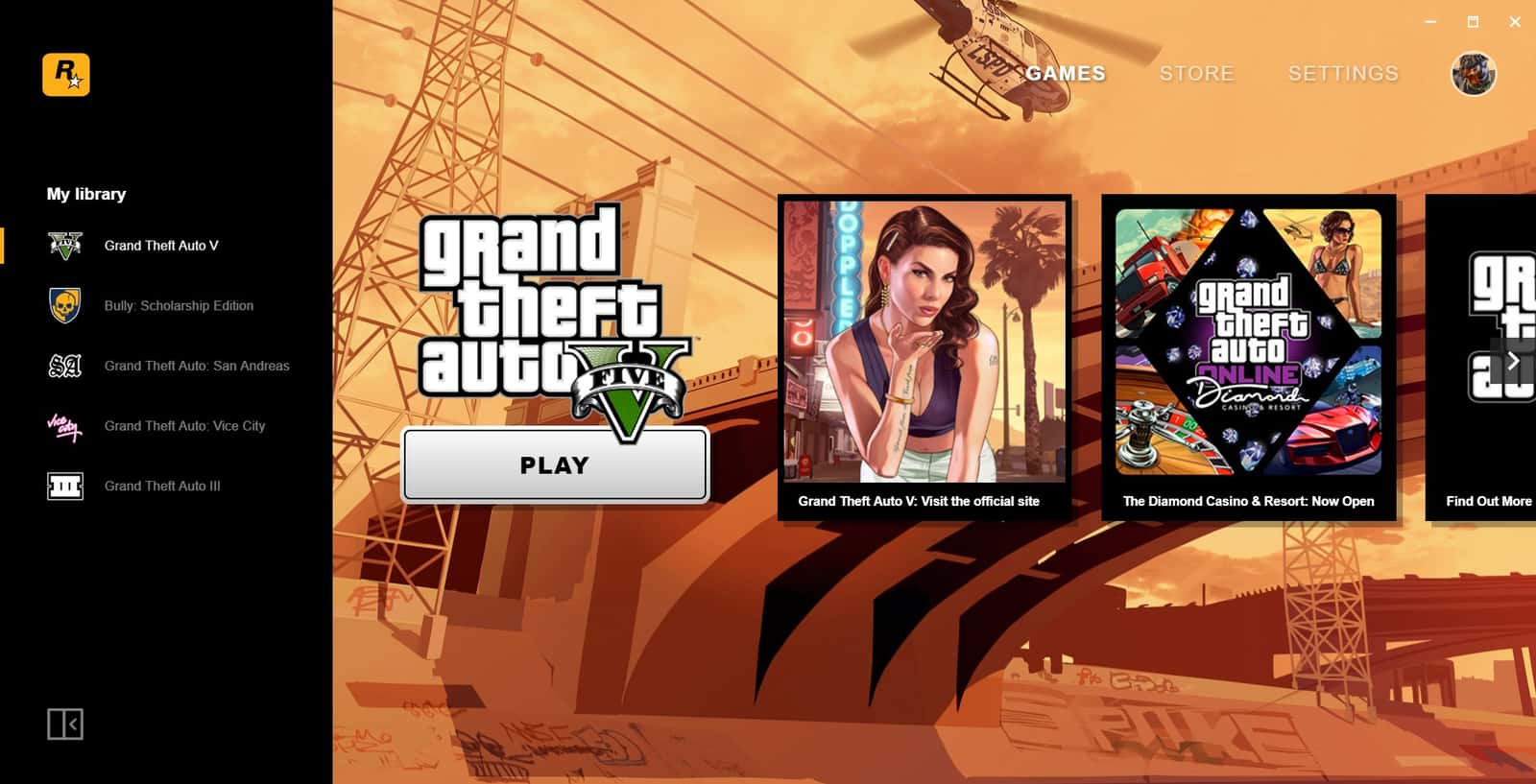
If the Rockstar Games Launcher won't open, freezes, or won't load, check your system requirements, internet, security software, and file integrity.
- The Rockstar Games Launcher not opening is often caused by unmet system requirements or an unstable internet connection.
- Firewalls and antivirus software can block the launcher, so adding it as a trusted app can resolve the issue.
- Verifying file integrity or reinstalling the launcher fixes most freezing and loading failures.
Rockstar Games Launcher Not Opening/Freezing/Not Loading 2024
Rockstar Games is a company known for popular game series like Grand Theft Auto (GTA) and Red Dead Redemption, and it holds a huge place in the gaming world. Even so, players can sometimes run into issues like the Rockstar Games Launcher not opening. In this article, we'll take a detailed look at effective fixes for the Rockstar Games Launcher not opening/freezing/not loading issue.
Rockstar Games Launcher Not Opening/Freezing/Not Loading 2024
 You can find effective fixes for the Rockstar Games Launcher not opening/freezing/not loading error below, so the launcher can run smoothly:
Rockstar Games Launcher Not Opening: Check the System Requirements
For the Rockstar Games Launcher to run smoothly, your computer needs to meet certain system requirements. First, make sure your computer's hardware and software meet the minimum system requirements. These requirements are usually as follows:
- Operating System: Windows 7 (Service Pack 1) or higher
- Processor: Intel Core i5-3470 / AMD FX-8350
- Memory: 8 GB RAM
- Graphics: Nvidia GTX 660 2GB / AMD HD 7870 2GB
- Storage: 90 GB free space
Rockstar Games Launcher Not Opening: Check Your Internet Connection
The Rockstar Games Launcher needs an internet connection to run. Make sure your internet connection is stable and fast enough. You can use a speed test site like speedtest.net to check your internet speed. If there's an issue with your connection, try restarting your modem and router, or contact your internet service provider.
Rockstar Games Launcher Not Opening: Check Your Security Software
Antivirus software and firewalls can sometimes prevent the Rockstar Games Launcher from working. Make sure your security software allows access to the Rockstar Games Launcher. You can try temporarily disabling your antivirus or firewall and restarting the launcher. If that fixes the issue, you can add the Rockstar Games Launcher to your security software as a trusted app.
Run as Administrator
In some cases, the Rockstar Games Launcher may need to be run with administrator rights. Right-click the launcher icon and select "Run as administrator". This gives the program the permissions it needs and can eliminate potential access issues.
You can read our article on the GTA 5 slow internet issue here.
Check for Updates
Make sure the Rockstar Games Launcher and your operating system are on the latest version. Software updates can include various bug fixes and performance improvements. The launcher usually checks for updates automatically when you start it, but you can also check manually.
Verify File Integrity
The launcher's installation files may have corruption or missing pieces. Verifying file integrity can repair missing or corrupted files. To do this, in the Rockstar Games Launcher, select "Verify Integrity" from the "Settings" menu. This checks all the files the launcher needs to run properly.
Reinstall It
If the fixes above don't solve the issue, you can try uninstalling and reinstalling the Rockstar Games Launcher. First, completely remove the launcher from your computer, then download and reinstall the latest version from Rockstar Games' official website. This can fix potential installation errors and corrupted files.
Contact Support
If the issue still persists after trying all these steps, contacting Rockstar Games' customer support team may be your best option. You can create a support request on the official Rockstar Games support site by providing detailed information about the issue you're experiencing. The support team can offer more specific help to resolve your issue.
About Rockstar Games
Rockstar Games, also known as Rockstar NYC, is an international video game developer under Take-Two Interactive. The company was founded in New York City, USA. It's best known for open-world, free-roam games, first and foremost Grand Theft Auto, as well as Max Payne, L.A. Noire, The Warriors, Bully, Manhunt, Midnight Club, State of Emergency, and Red Dead.
For the latest news, don't forget to follow our Gamer Papers website and our social media accounts. 🙂
Sources
External links cited in this article
Comments (0)
Log in to leave a comment giriş yap.
No comments yet. Be the first!
Related Posts
All News →
Turkey Game Industry Report 2024 Released
Turkey's 2024 Game Industry Report shows the country's gaming market grew to over $810M with 48M+ active players, alongside a new digital guide to local game companies.

Loldle Answers: Daily League of Legends Puzzle
Loldle is a daily League of Legends guessing game with five modes (Classic, Quote, Ability, Emoji, Splash); December 6, 2024's Classic answer was Fiddlesticks.

Monopoly GO Dice Links: Free Dice Rewards
Monopoly GO's free dice links refresh daily and can be redeemed instantly for 25 or 30 free dice each, plus tips like auto refills every 60 minutes, daily gifts, and sticker trading to earn even more.