How Do You Get a Blue Checkmark on Threads?
Threads users can get verified either through Instagram's free legacy verification for public figures or via the paid Meta Verified subscription.

2 min read
In brief
AI summaryInstagram Threads surpassed 100 million users just five days after launching in app stores.
Threads offers two verification paths: free legacy verification for public figures or the paid Meta Verified subscription.
Getting a blue checkmark on Threads requires verifying your account through Instagram's Settings and Privacy menu.
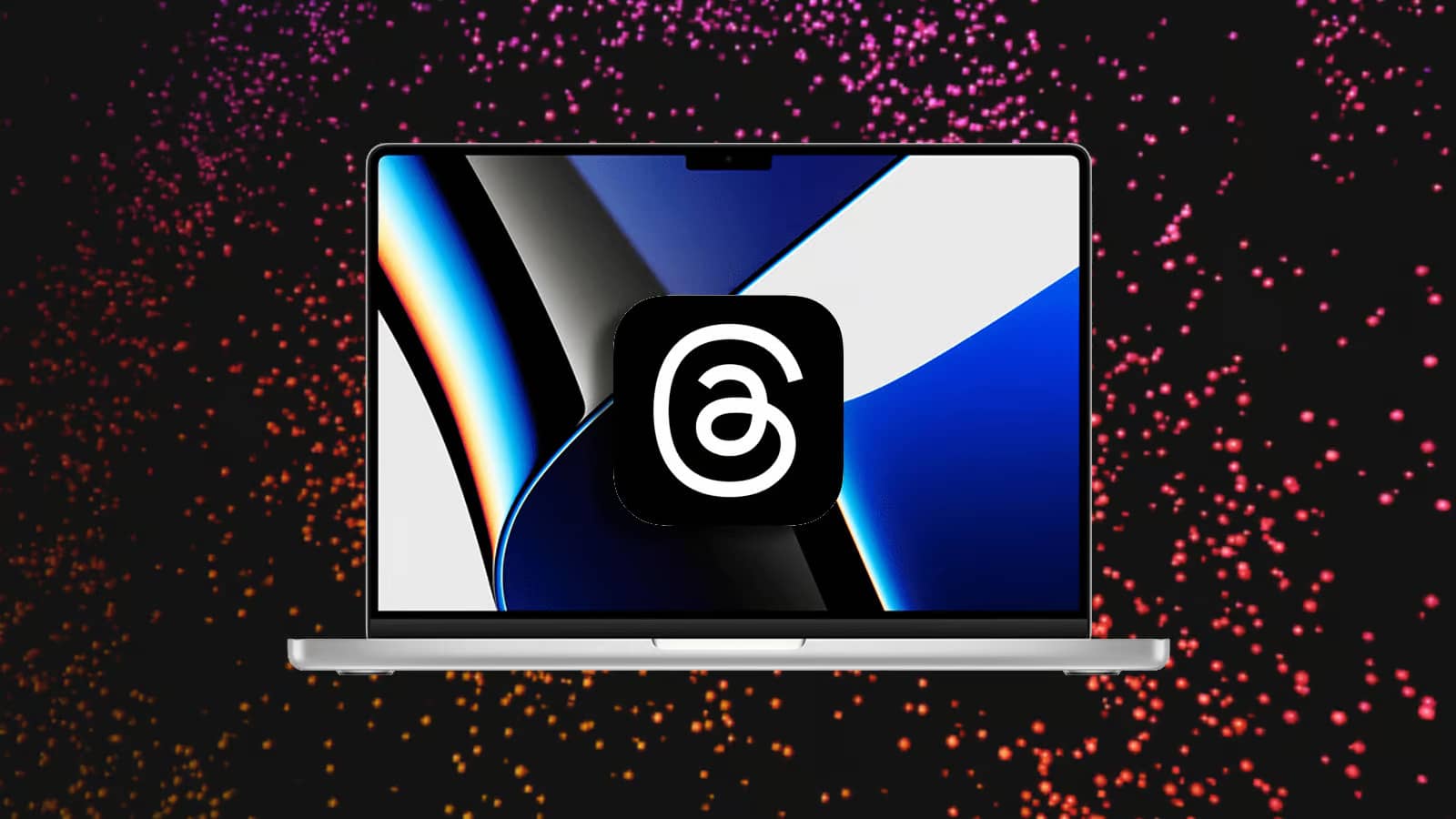
Instagram Threads is the latest social media app taking over our phones, and the platform surpassed 100 million users after spending just five days in app stores. With countless new accounts being created every day, you might be wondering how to establish your identity on Threads. Like its sister Meta apps Instagram and Facebook, Threads also lets you request a verification badge regardless of whether you're famous or well-known. Here's how to do it!

How Do You Get a Blue Checkmark on Threads? 2023
There are actually two ways to get verified on Threads. The first is the more traditional legacy verification process. This method is free, but you need to provide proof that you're a person of public interest, which can make getting accepted a bit harder. For the rest of us, Meta recently introduced a second path to verification called Meta Verified. This new plan is similar to Twitter Blue and lets anyone get this coveted verification badge for a monthly subscription fee. Whichever method you use to get verified, you'll need to verify your account through Instagram to get that little blue checkmark on Threads. Keep reading to learn how to get verified on Threads using the legacy method, or scroll to the bottom of this guide for the steps to sign up for Meta Verified.
- Open Instagram
- Go to your profile
- Tap the three-line menu
- Tap Settings and Privacy
- Select Account Type and Tools
- Tap Request Verification
- Fill out the form and press Submit
Frequently asked questions
Questions answered in this article
Newsletter
The week's biggest gaming news, every Friday morning
One email every Friday: the week's most-read stories and what's new. No spam, unsubscribe anytime.