FC 27 Best Camera Settings: Co-op, Height and Zoom
Most competitive FC 27 players use the Co-op camera at Height 20 and Zoom 0. Here are the camera types, setting ranges, zoom by screen size, and the controller settings to change alongside your…

5 min read
Contents11 sections
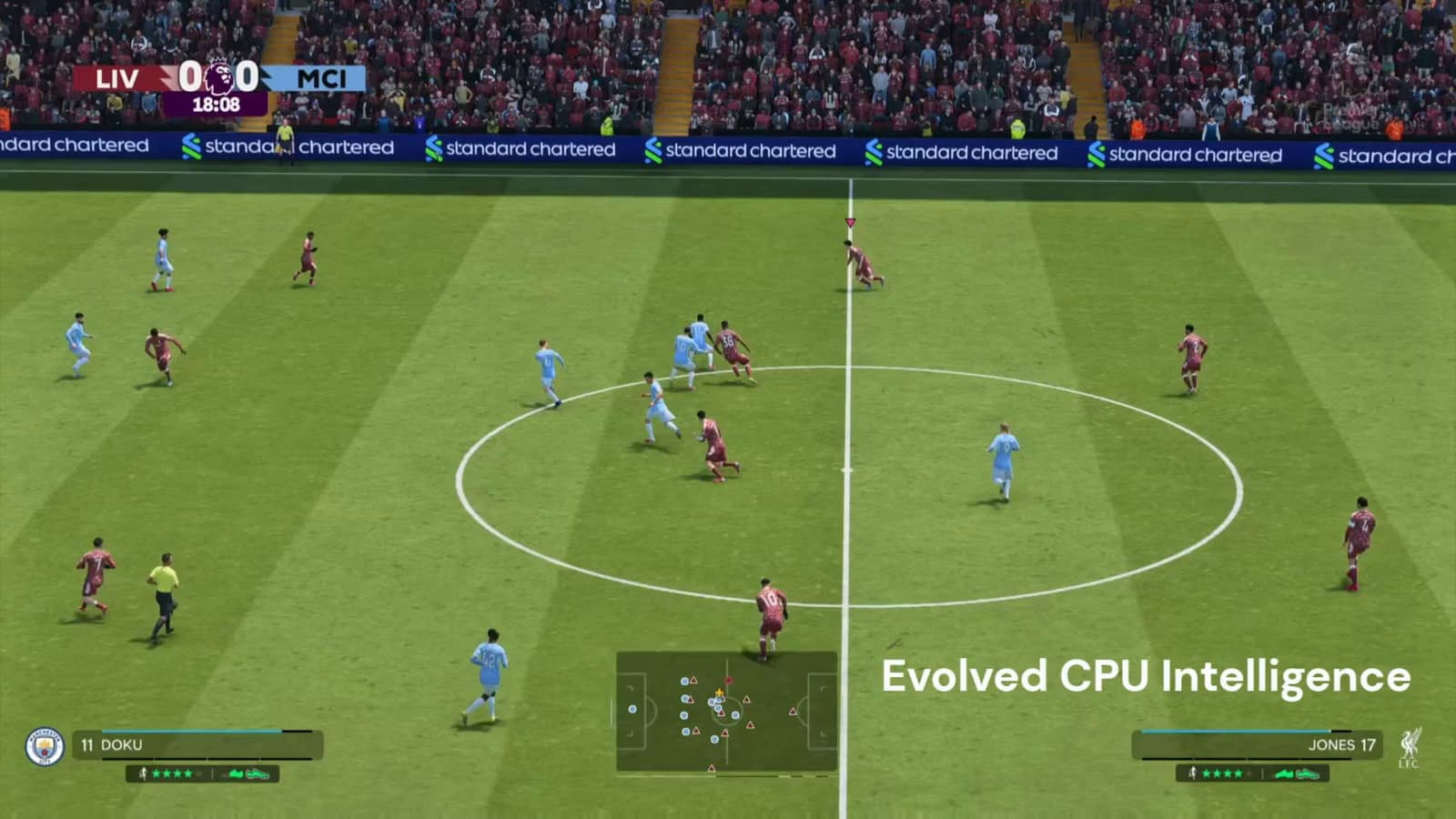
The FC 27 best camera settings most guides agree on are simple: Co-op camera, Height 20, Zoom 0. If you play on a big TV from the sofa, raise the zoom a little. You change the camera under Settings > Game Settings > Camera.
How to change camera settings in FC 27
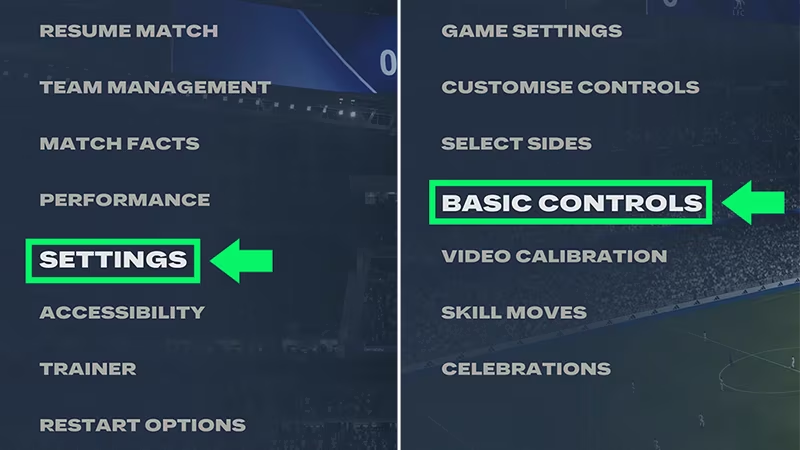
According to FIFPlay, there are two places to set your camera:
- Main menu: Settings > Game Settings > Camera.
- During a match: pause, then Game Settings > Camera.
You can set a different camera for each mode: online 11v11, offline 11v11, Player Career, Clubs, Rush and The Grounds each have their own line. Destructoid notes that your FC 26 settings carry over on the same account and platform, but it is worth reviewing them for the new year.
FC 27 camera types
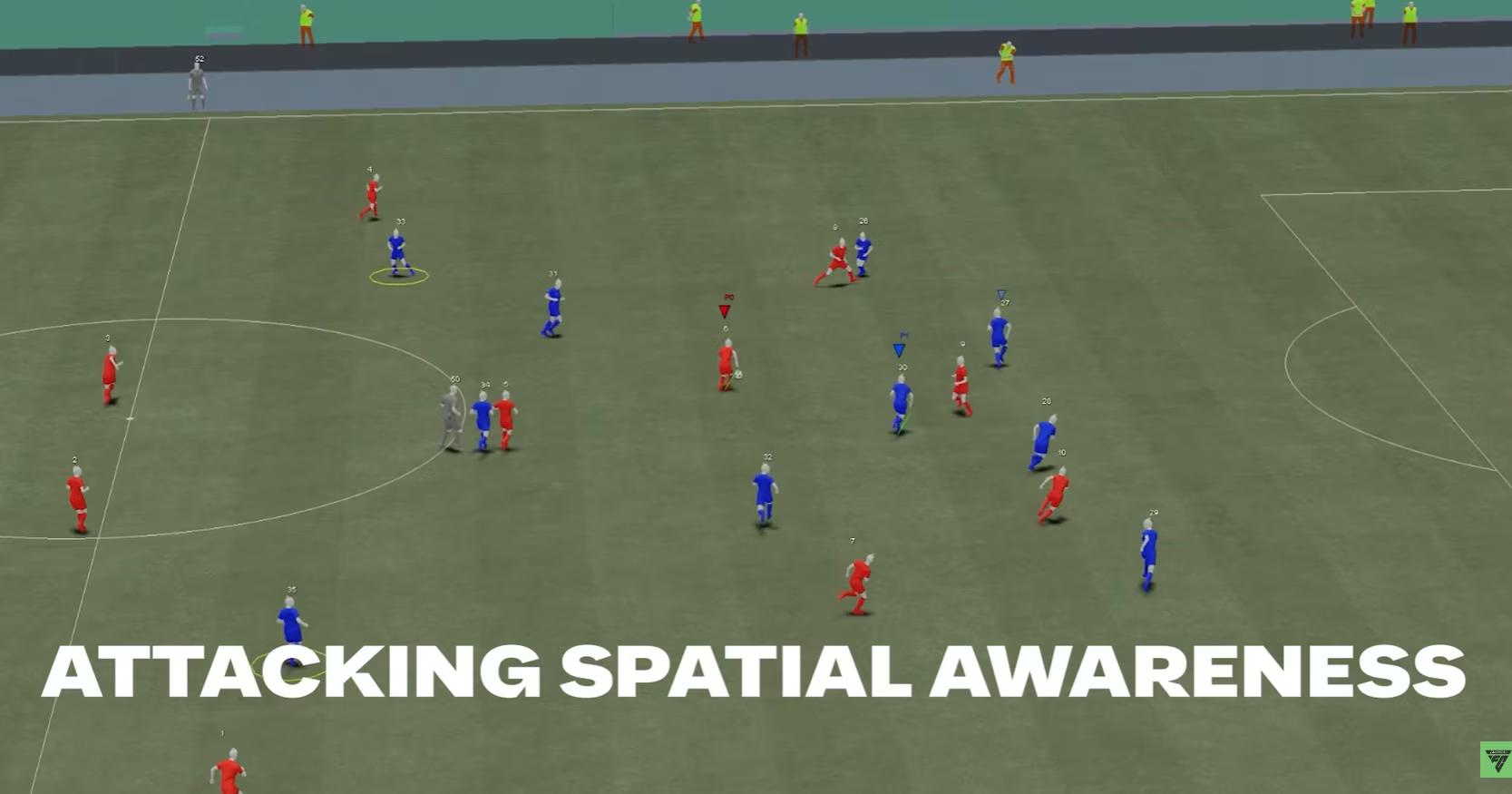
FIFPlay lists these cameras in FC 27: Tactical, EA SPORTS GameCam, Tele Broadcast, Tele, Co-op, Classic, Dynamic, End to End, Pro, Broadcast and Legacy. Rush and The Grounds also have their own options such as Rush Tactical and Rush Broadcast.
| Camera | Best for |
|---|---|
| Co-op | Competitive and casual play. It sits high and flat and shows almost the whole pitch. |
| Tele Broadcast | FIFPlay's competitive alternative, with Height 10-20 and Zoom 0-10. |
| Pro | Player Career and goalkeepers; a player-focused view. |
| Tactical | Career Mode players who want a wide tactical view. |
| Rush Tactical | Rush. |
Camera picks by mode
- Career Mode: FIFPlay suggests Tactical Focus or Pro for a player-focused view.
- Goalkeepers: FIFPlay suggests Pro, while Destructoid uses Co-op for Be-A-Goalkeeper with Save UI turned on.
- Rush: Destructoid picks Rush Tactical; FIFPlay suggests Rush Broadcast.
- The Grounds street football: Destructoid recommends The Grounds Pro Club camera.
FC 27 best camera settings: recommended values
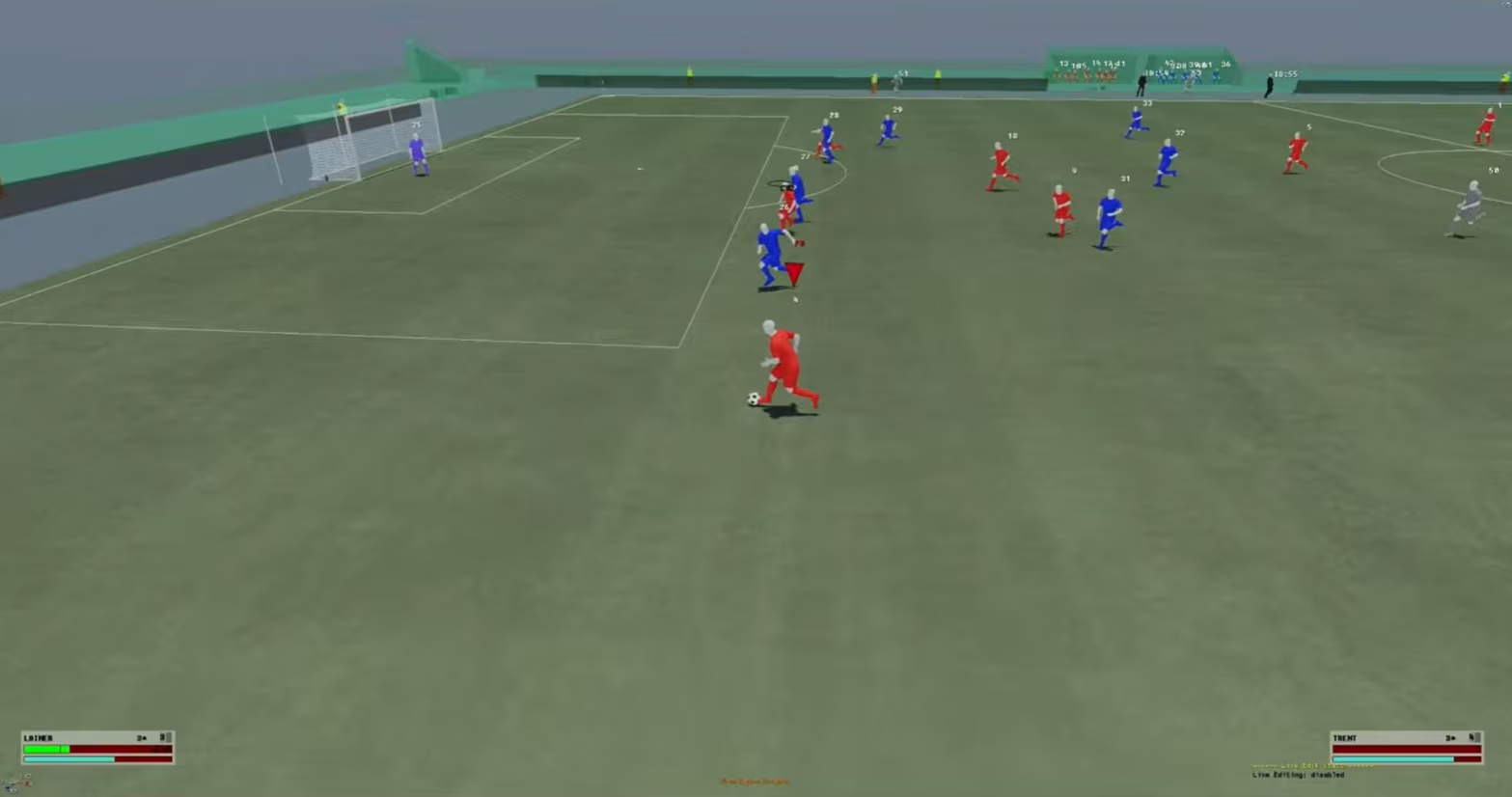
Destructoid's and AllThingsHow's guides from September 19 give almost identical values:
| Setting | Recommended | Note |
|---|---|---|
| 11v11 camera (online, offline, career, Clubs). | Co-op | Both sources agree. |
| Rush camera | Rush Tactical | Both sources agree. |
| Custom Camera Settings. | Custom | Lets you set height and zoom manually. |
| Height | 20 | Range 0-20 |
| Zoom | 0 | Raise it for larger screens (see below). |
| Horizontal / Vertical Camera Sensitivity. | 20 | |
| Inverse Camera Control. | Off | |
| Camera Shake Visuals. | Off | Removes screen shake. |
| Power Shot Zoom. | Preference | AllThingsHow says Off, Destructoid says On. |
AllThingsHow argues that turning Power Shot Zoom off keeps your peripheral vision on fast counters. FIFPlay also lists Far Side Focus, Ball Tracking Speed and Penalty Area Zoom (0-10), plus Pro Camera Zoom, Speed and Swing (0-20). Destructoid suggests 10 for all three Pro Camera values.
Zoom by screen size
- Monitor at arm's length: Zoom 0. Destructoid says 0 for 21-inch screens or smaller.
- Mid-size display about a metre away: Zoom 3-5 (AllThingsHow). Destructoid suggests 4 for screens above 21 inches.
- Living-room TV two to three metres away: Zoom 10-20 (AllThingsHow).
Height 20 with low zoom shows the most pitch but makes players smaller. If you struggle to pick out players, raise zoom step by step.
Controller settings to change with your camera
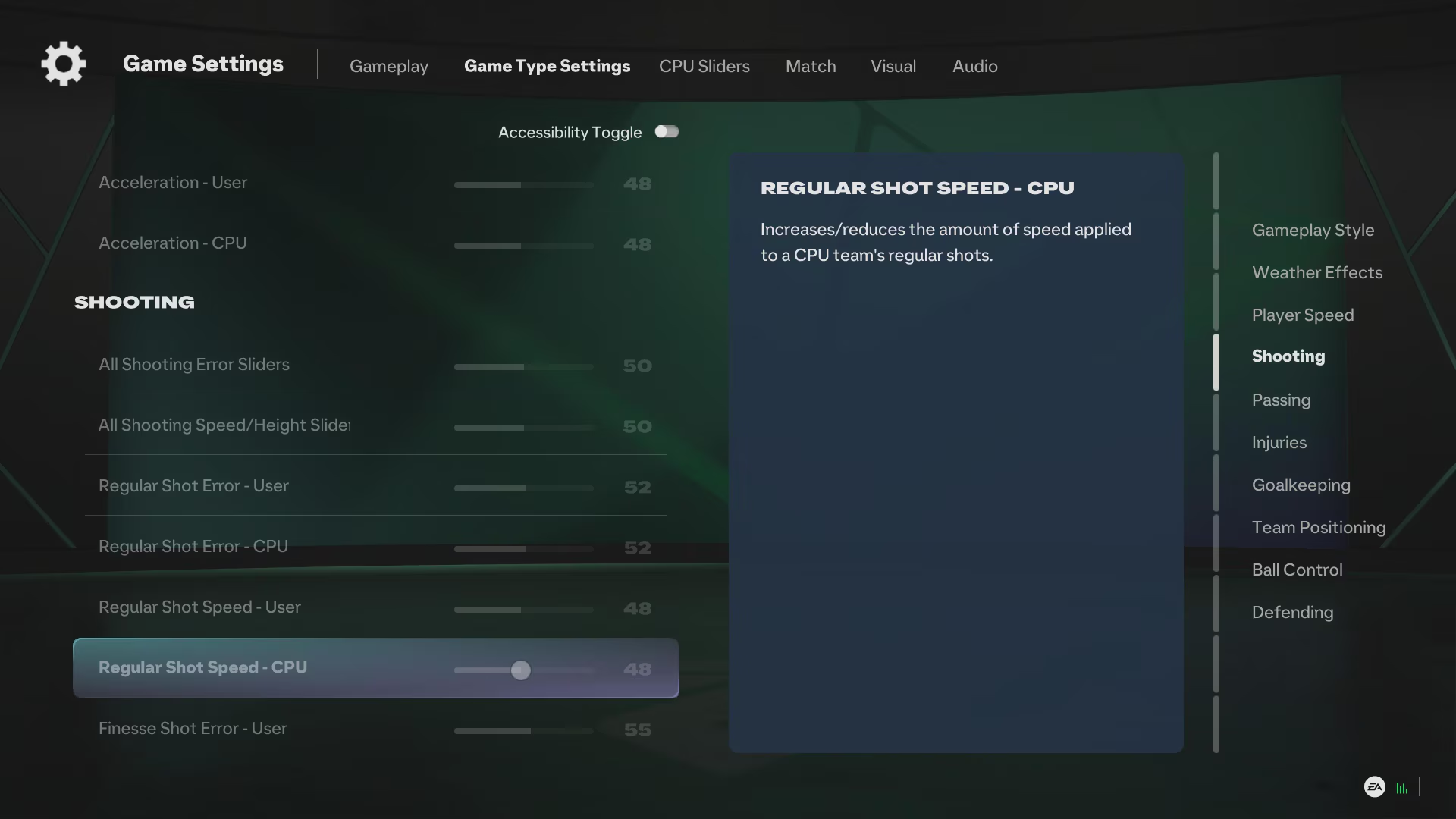
Settings both guides agree on:
- Preset: Competitive, which matches the assists used in ranked online modes.
- Shot Assistance: Precision (Assisted for beginners).
- Through Pass and Lobbed Through Pass: Semi.
- Ground Pass, Cross and Lob Pass Assistance: Assisted.
- Pass Receiver Lock: Late.
- Auto Switching: Air Balls and Loose Balls.
- Auto Switching Move Assistance: None (Low for beginners).
- Right Stick Switching Reference: Player Relative.
- Professional Fouls and Pass Block Assistance: On.
- Player Lock: On; Analog Sprint and Trigger Effect: Off.
Where they differ: Destructoid picks Advanced Defending while AllThingsHow picks Tactical Defending, and one recommends Classic Clearance Assistance while the other prefers Directional. To compare with older advice, see our FIFA 23 best camera settings guide.
Sources: FIFPlay - FC 27 camera types and settings, Destructoid - FC 27 camera and controller settings.
Frequently Asked Questions
What is the best camera in FC 27?
Most guides recommend Co-op. It shows almost the whole pitch, which makes off-the-ball runs easier to spot. FIFPlay suggests Tele Broadcast as an alternative.
What height and zoom should I use in FC 27?
Height 20 is the common pick. Zoom depends on your screen: 0 on a close monitor, 3-5 at medium distance, 10-20 on a TV across the room.
Can I change the camera during a match?
Yes. Pause the game and go to Game Settings > Camera to change the camera and its settings.
Do my FC 26 settings carry over to FC 27?
According to Destructoid, FC 26 settings carry over on the same account and platform. Check the menu anyway, as new options have been added.
Frequently asked questions
Questions answered in this article
Sources
External links cited in this article
Newsletter
The week's biggest gaming news, every Friday morning
One email every Friday: the week's most-read stories and what's new. No spam, unsubscribe anytime.
LoL, TFT ve VALORANT sever bir oyun sever ve oyuncu. Mobil platformlarda ise tam bir Clash of clans hastası.