FC 27 Focused Areas: How to Turn Off the Trainer
The FC 27 Trainer, the on-screen prompts many players call focused areas, is still in the game. Here is how to turn it off, what each option does and what changed since FIFA 23.

5 min read
Contents12 sections
FC 27 focused areas are the Trainer prompts that suggest your next move and its button input. The Trainer is still in FC 27: pause a match, open Trainer and switch the first setting, FC Trainer Toggle, from Show to Hide.
What are FC 27 focused areas?
The helper known as "FIFA Trainer" in the FIFA games became "FC Trainer" in the EA SPORTS FC series. During a match it puts button hints and arrows around the player you control, suggesting a pass, a shot or where to position yourself when defending. That is useful for newcomers. For experienced players it is mostly clutter.
The short version: the feature was not removed in FC 27. What changed is where you find it. In FIFA 23 you turned it off from Settings, under Customise Controls. Guides for FC 26 and FC 27 place the Trainer in the in-match pause menu instead of the general settings screen.
How to turn off the Trainer in FC 27
- Start a match in a mode that supports the Trainer, such as Kick-Off or a Career Mode fixture.
- Pause the match.
- Scroll down the pause menu and open Trainer.
- Change FC Trainer Toggle at the top from Show to Hide.
- Exit the menu and resume.
You can only change it just before kick-off or while the match is paused. If you cannot spot it, check further down the pause menu.
Trainer options explained
You do not have to switch everything off. FC 27 Trainer guides list these options in the menu:
| Option | What it shows |
|---|---|
| FC Trainer Toggle | Shows or hides the Trainer for the whole match |
| Pass Receiver Indicator | The selected receiver for ground and through passes |
| Shot Target | Where your shot is expected to go |
| Directed Runs Indicator | The run path during a directed run or pass and go |
| Switch Indicator | The next player you would switch to |
| Defending Trainer | Where to position to make an interception |
| Movement Indicator | Movement guidance |
| Button Hints | On-screen button prompts |
| Offside Indicator | Whether a player is offside |
If the button prompts are what bother you, a good middle ground is to leave the Trainer on and turn off Button Hints only. You keep genuinely useful aids such as the pass receiver indicator.
What changed from FIFA 23 to FC 27
| Item | FIFA 23 | FC 27 |
|---|---|---|
| Name | FIFA Trainer | FC Trainer |
| Where the setting lives | Settings > Customise Controls | In-match pause menu > Trainer |
| When you can change it | From settings before a match | Just before kick-off or when paused |
| Partial switch-off | Yes | Yes, each indicator has its own toggle |
If the Trainer keeps coming back
FC 26 guides note that the main toggle can switch itself back on after changing modes or restarting the game. The fix they suggest is to set the main toggle to Hide and also turn each individual option off, so nothing appears even if the main switch resets. FC 27 guides add that the Trainer is not available in every mode, and cannot be used in Champions matches. If Trainer is missing from your pause menu, the mode you are playing may not support it.
Other on-screen indicators in Settings
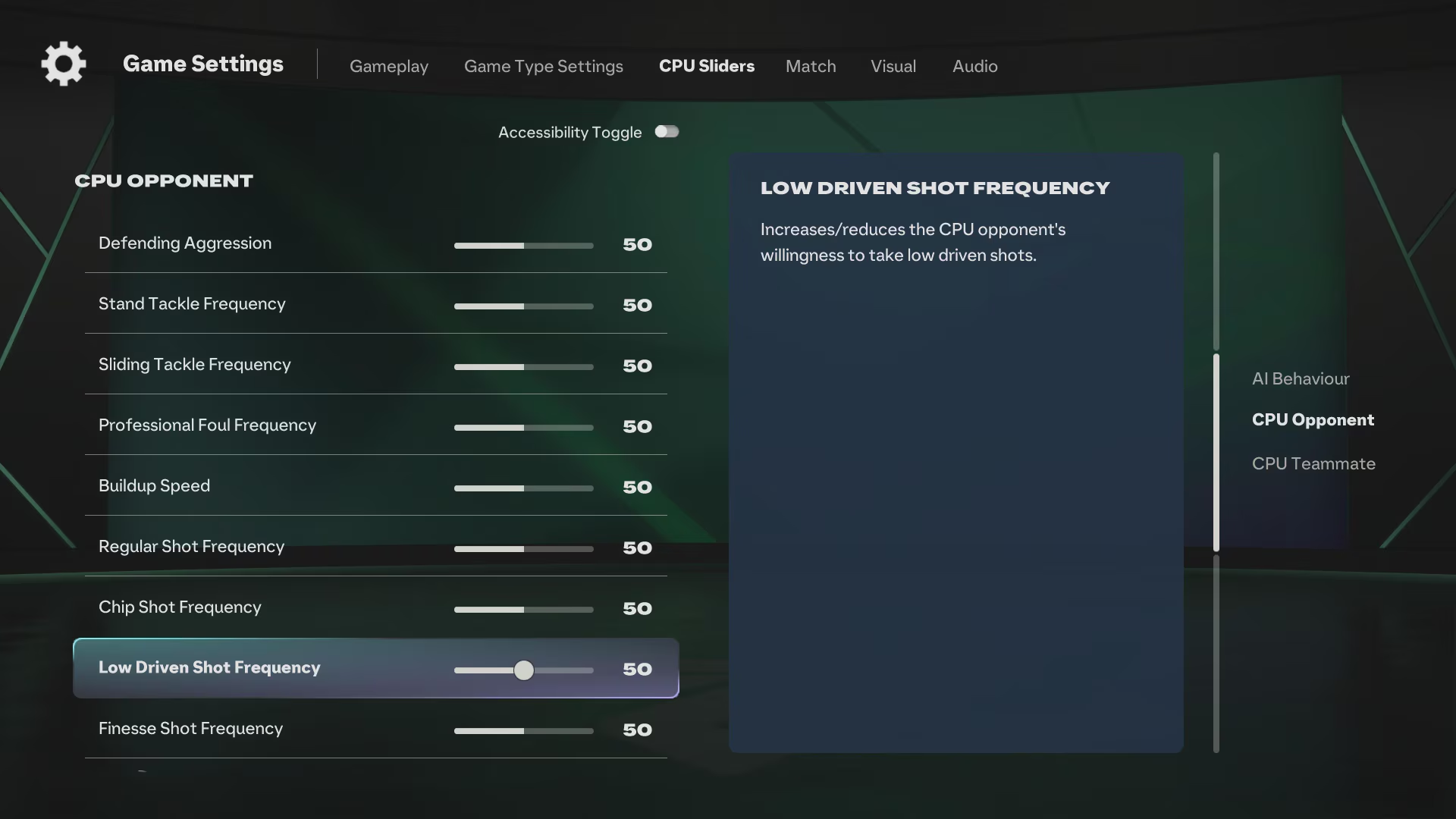
Some visual aids sit outside the Trainer and are handled from the main Settings screen. EA's FC 27 accessibility page lists, among others:
- Next Player Switch Indicator: marks the next player to switch to while defending.
- Precision Pass and Shot Visuals: visual assistance for precision passing and shooting.
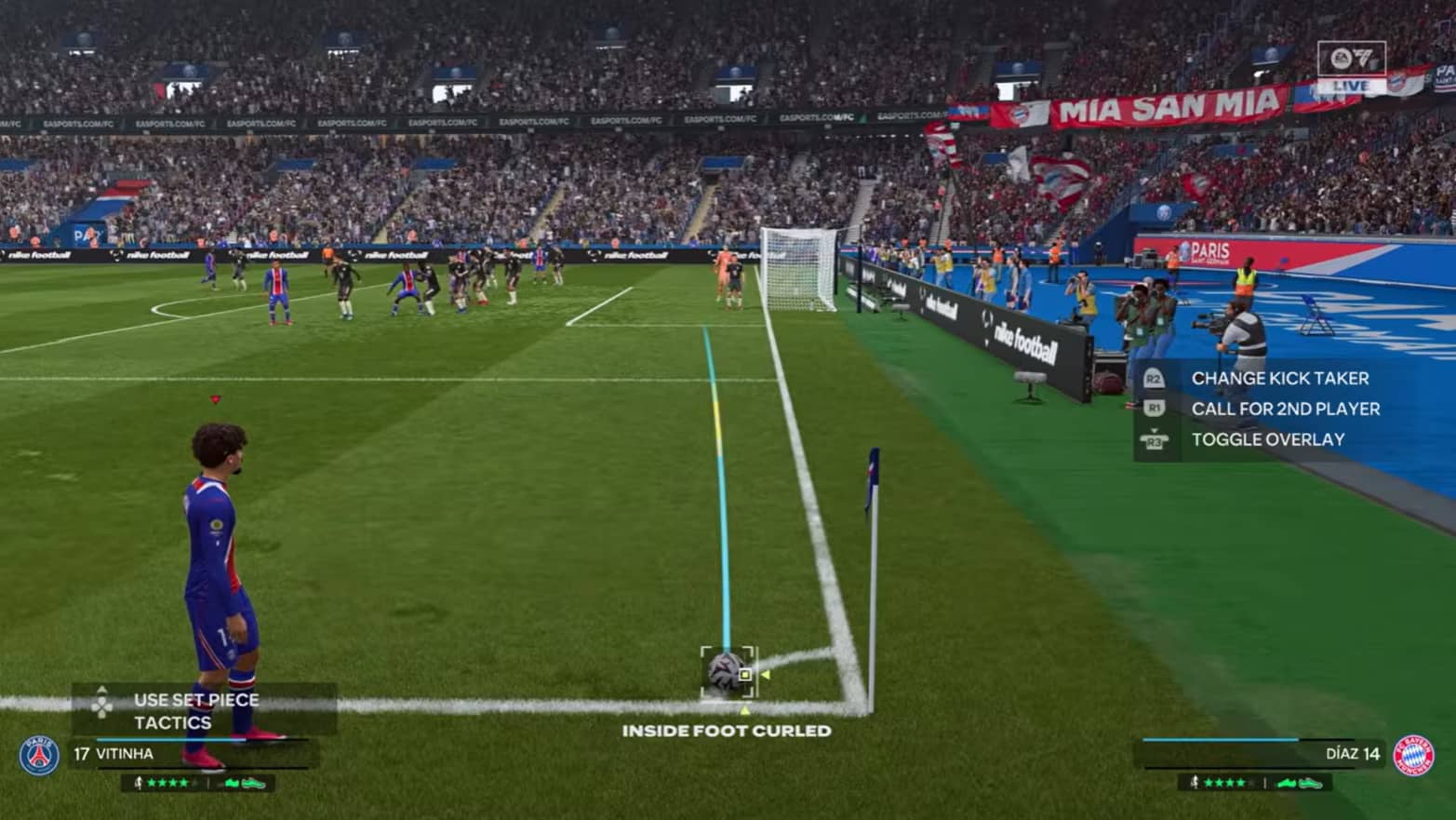
- Corner Kick Trajectory: shows or hides the trajectory line on corners.
- PlayStyles+ Overhead Indicators: toggles the PlayStyles+ icons above players.
- Score Clock: lets you hide the scoreboard during play.
FC 27 also adds an Accessibility filter to the Settings menu, which surfaces the most relevant options and makes these indicators quicker to find.
The Career Mode tutorial setting
If the pop-ups you want gone are in Career Mode menus, those are tutorials, not the Trainer. EA's FC 27 Career Mode Deep Dive introduces a new tutorial setting: keep all tutorials, turn them off, or show only the tutorials for features added this year. Long-time players will probably want the last option.
For the FIFA 23 method, see our FIFA 23 focused areas guide. EA's official settings list is on the FC 27 accessibility resources page, and the Career Mode changes are in the Career Mode Deep Dive.
Frequently Asked Questions
Was the Trainer removed in FC 27?
No. FIFA Trainer lives on as FC Trainer in the EA SPORTS FC series. In FC 27 the setting is in the in-match pause menu rather than the main settings.
Why can't I find the Trainer in the FC 27 settings?
Because it is not on the general Settings screen. Pause a match and open the Trainer section. Some modes, such as Champions, do not offer it.
Can I turn off only the button prompts?
Yes. Keep the Trainer on and switch Button Hints off. Other aids like the pass receiver or offside indicator stay active.
Why does the Trainer turn itself back on?
The main toggle can reset after a mode change or restart. Turning each sub-option off as well keeps the prompts from returning.
Frequently asked questions
Questions answered in this article
Sources
External links cited in this article
Newsletter
The week's biggest gaming news, every Friday morning
One email every Friday: the week's most-read stories and what's new. No spam, unsubscribe anytime.
LoL, TFT ve VALORANT sever bir oyun sever ve oyuncu. Mobil platformlarda ise tam bir Clash of clans hastası.