How to Fix FC 27 Unable to Connect to EA Servers
Can't connect to EA servers in FC 27 or keep dropping mid-match? Check server status first, then work through EA's official connection steps in order.

8 min read
Contents15 sections
Getting the FC 27 unable to connect to EA servers error? Start with EA's official server status page. If FC 27 is up, the problem is almost always on your side: restart the game and router, go wired, turn off your VPN and pause downloads.
Below we have gathered the official steps from EA Help's EA SPORTS FC 27 pages, what each error message actually means, and the extra checks for PC and console players. Work through them in order and test the game again after each change.
What does the FC 27 unable to connect to EA servers error mean?
The message means the game cannot reach EA's online services or match servers. The cause sits in one of two places: an outage or maintenance on EA's side, or a problem between your home network and your internet provider. EA points out that what players call "servers" are technically "game data centers".
FC 27 can show the problem with several different messages. These are the most common ones in EA's FC 27 forums and EA Help:
| Message on screen | Likely meaning | First thing to do |
|---|---|---|
| Unable to connect to the EA servers | The game cannot reach EA services at all | Check server status, then restart the game and router |
| EA servers are unavailable right now | Outage, maintenance or a regional issue | Check @EASFCDirect and the server status page |
| Connecting to Ultimate Team is not possible at the moment | The Ultimate Team service is unreachable | EA Help says to check server status first |
| Disconnected mid-match | High ping, jitter or packet loss | Go wired and stop background downloads |
Step 1: Check EA server status
Open EA's official server status page and pick EA SPORTS FC 27 from the list. The same page also tracks the Xbox, PlayStation, Nintendo and Steam platform servers, and an outage can hit just one platform, so check yours too.
EA uses the @EASFCDirect account on X and the EA SPORTS FC Direct WhatsApp channel for outage and maintenance notices. Scheduled maintenance usually lasts a few hours and can cover several FC games at once; a window announced in the last week of October 2026 took FC 27 offline alongside older FC titles. If the servers are down, there is nothing to fix on your end, so skip the router tweaks and wait it out.
Step 2: Restart the game, your device and your router
EA Help's first steps are simple, and they fix the problem more often than you would expect:
- Fully close and relaunch the game. EA says you may have been matched to a different game data center than usual, and a restart refreshes the connection.
- Restart your console or PC and your router. EA recommends unplugging them for at least 30 seconds. If your modem and router are separate boxes, restart both.
- Stop background traffic. Large downloads, 4K streams, system updates and other people on the same network all eat into your connection.
- Update the game. According to EA Help, you can grab the latest updates in-game from Settings (the cog icon) on the main menu, then Edit Teams > Download Updates. On PC, restarting the EA app downloads any pending updates automatically.
Step 3: Stabilise your connection
If the servers are fine and a restart did not help, focus on your network. EA's FC connection guide recommends:
- Use a wired connection. Ethernet gives lower latency and less packet loss than Wi-Fi.
- If you must use Wi-Fi, use 5GHz. 2.4GHz reaches further but is slower and more prone to high ping and packet loss. Stuck on 2.4GHz? Try the non-overlapping channels 1, 6 or 11.
- Turn off your VPN. EA says a VPN can add distance between you and the game data center, raising ping.
- Enable QoS on your router. If your router supports it, prioritise FC 27 traffic.
- Update your router firmware. An outdated router can cause drops; follow the manufacturer's instructions.
Changing DNS gets recommended a lot, but it is not on EA's official list. Several FC 27 players on EA's forums report switching to resolvers such as 8.8.8.8 without any improvement.
Extra checks on PC
For PC players, EA Help suggests updating your network adapter driver in Device Manager, and turning off power saving and reviewing MTU settings in your Ethernet/Wi-Fi properties in Windows. If the game will not launch at all, or you see an EA Javelin Anticheat error, the issue is the anti-cheat rather than your connection; follow the error-code steps on EA's Javelin support page.
Extra checks on console
The PlayStation Store listing confirms that online play in FC 27 requires PlayStation Plus, and Nintendo requires a paid Nintendo Switch Online membership for online modes on Switch and Switch 2. If your membership has lapsed, the game cannot connect. On Xbox, check that your account has online multiplayer access and run the console's network test.
Measure the problem with the Connection Quality Report
EA offers the EA Connection Quality Report for FC 27. It takes ping, jitter and packet loss from your online matches over the past 7 days and turns them into a Connection Score from 0 to 100, with ping carrying the most weight.
| Connection Score | EA rating | Impact on gameplay |
|---|---|---|
| 95 and above | Great | Connection is not affecting gameplay; disruptions are rare |
| 80–94 | Good | Unlikely to affect gameplay often |
| 65–79 | Okay | More frequent disruptions possible |
| 0–64 | Poor | Longer and more frequent disruptions |
If ping, packet loss or jitter icons pop up during a match, your connection is struggling at that moment. Orange means a minor impact, red a more serious one. You can change what is shown via Customise > Settings > Game Settings > Visual > Connection Monitoring: ping only, icons only, both, or off.
Where are the FC 27 servers?
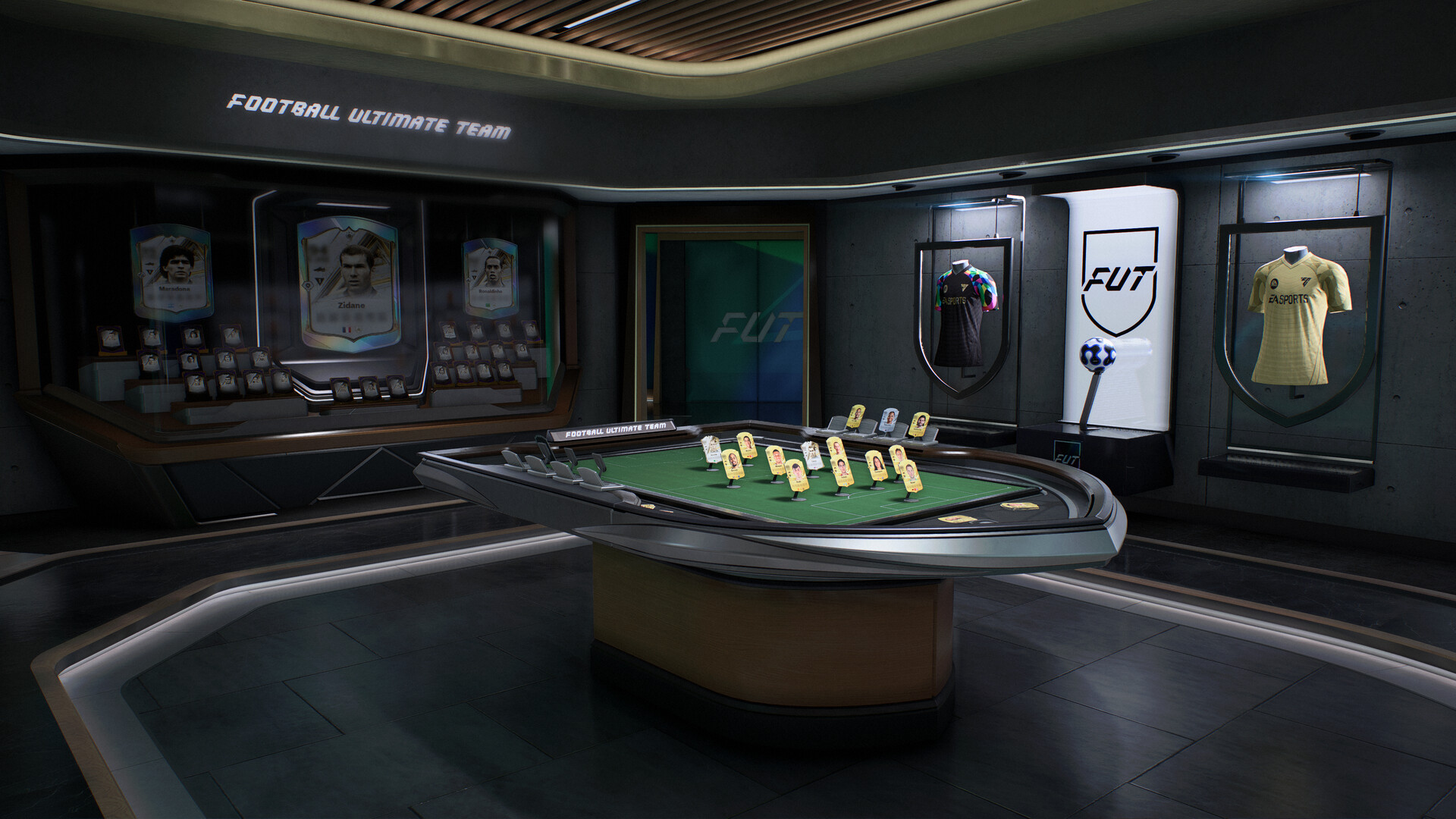
EA lists FC game data centers in Europe in Amsterdam, Dublin, Frankfurt, Helsinki, Istanbul, London, Madrid, Milan, Paris, Tel Aviv and Warsaw, plus locations across North and South America, Asia, Oceania and Africa. Online modes such as Rivals, Champions, Online Seasons, Clubs and Rush all run through these centers.
The game always tries to put you on the data center with the best connection, which is not necessarily the closest one, because internet providers often route traffic indirectly. If your ping is higher than expected, your provider's routing may be the reason; EA suggests checking the ISP comparison in the Connection Quality Report.
If nothing works
If the servers are up, your network is solid and the error keeps coming back, open a ticket with EA Help. Include your platform, the exact error text, when it happened, which mode you were in and your location so EA can spot a regional issue. Our older FIFA 23 connection fix guide covers the general approach, but for current steps EA's own FC connection troubleshooting article is the best reference.
Frequently Asked Questions
How can I tell if the FC 27 servers are down?
Select EA SPORTS FC 27 on EA's server status page and check your platform. Scheduled maintenance and outages are announced on X by @EASFCDirect and on the EA SPORTS FC Direct WhatsApp channel.
Can I choose my server or region in FC 27?
No. According to EA, the game automatically connects you to the most suitable game data center. In The Grounds there is also no option to pick a server, lock your region or set a maximum ping.
Only Ultimate Team will not connect. What should I do?
For the "Connecting to Ultimate Team is not possible at the moment" message, EA recommends checking server status first, since one mode can have problems while others work. If everything looks normal, restart the game and router and try a wired connection.
Will a VPN lower my ping in FC 27?
EA says the opposite: a VPN can add distance between you and the game data center, raising ping or making your connection unstable. Turn it off while troubleshooting.
What should I do if my Connection Score is low?
Switch to a wired connection, stop background downloads and restart your router. If the score stays at Okay or Poor, update your router firmware, enable QoS and compare the ISPs in your area in the report.
Frequently asked questions
Questions answered in this article
- What does the FC 27 unable to connect to EA servers error mean?
- Where are the FC 27 servers?
- How can I tell if the FC 27 servers are down?
- Can I choose my server or region in FC 27?
- Only Ultimate Team will not connect. What should I do?
- Will a VPN lower my ping in FC 27?
- What should I do if my Connection Score is low?
Sources
External links cited in this article
Newsletter
The week's biggest gaming news, every Friday morning
One email every Friday: the week's most-read stories and what's new. No spam, unsubscribe anytime.
LoL, TFT ve VALORANT sever bir oyun sever ve oyuncu. Mobil platformlarda ise tam bir Clash of clans hastası.