

FC 27 Keyboard Controls and Key Combos for PC
FC 27 replaces the old keyboard presets with new WASD and Arrow Keys layouts. Here are EA's official attacking, defending, combo and tactics bindings.

6 min read

Contents14 sections
FC 27 keyboard controls have been rebuilt from scratch. WASD is the new default, Arrow Keys is the alternative, and the old Classic and Alternate keyboard layouts are gone. Every binding below comes from EA's official FC 27 PC charts.
What changed in FC 27 keyboard controls?
In its FC 27 PC Deep Dive (published 2 September 2026), EA described a "significant update" to keyboard play, with redesigned default layouts meant to make common movement and gameplay actions easier to reach. You now pick between two presets:
- WASD (default): you move with W, A, S and D, while passing and shooting sit under your right hand on O, K, L and ;.
- Arrow Keys: you move with the arrows, and passing and shooting move to W, A, S and D under your left hand.
According to EA Help, the Classic and Alternate keyboard layouts from previous games were removed. Both new layouts cover attacking, defending, skill moves, tactics and set pieces, and EA added extra shortcuts so you can change tactics mid-match without leaving your core keys. Everything can still be remapped.
If you played with our FIFA 23 keyboard settings, the Arrow Keys preset will feel the most familiar: movement stays on the arrows, W is the through ball and D is the shot.
FC 27 keyboard controls: attacking
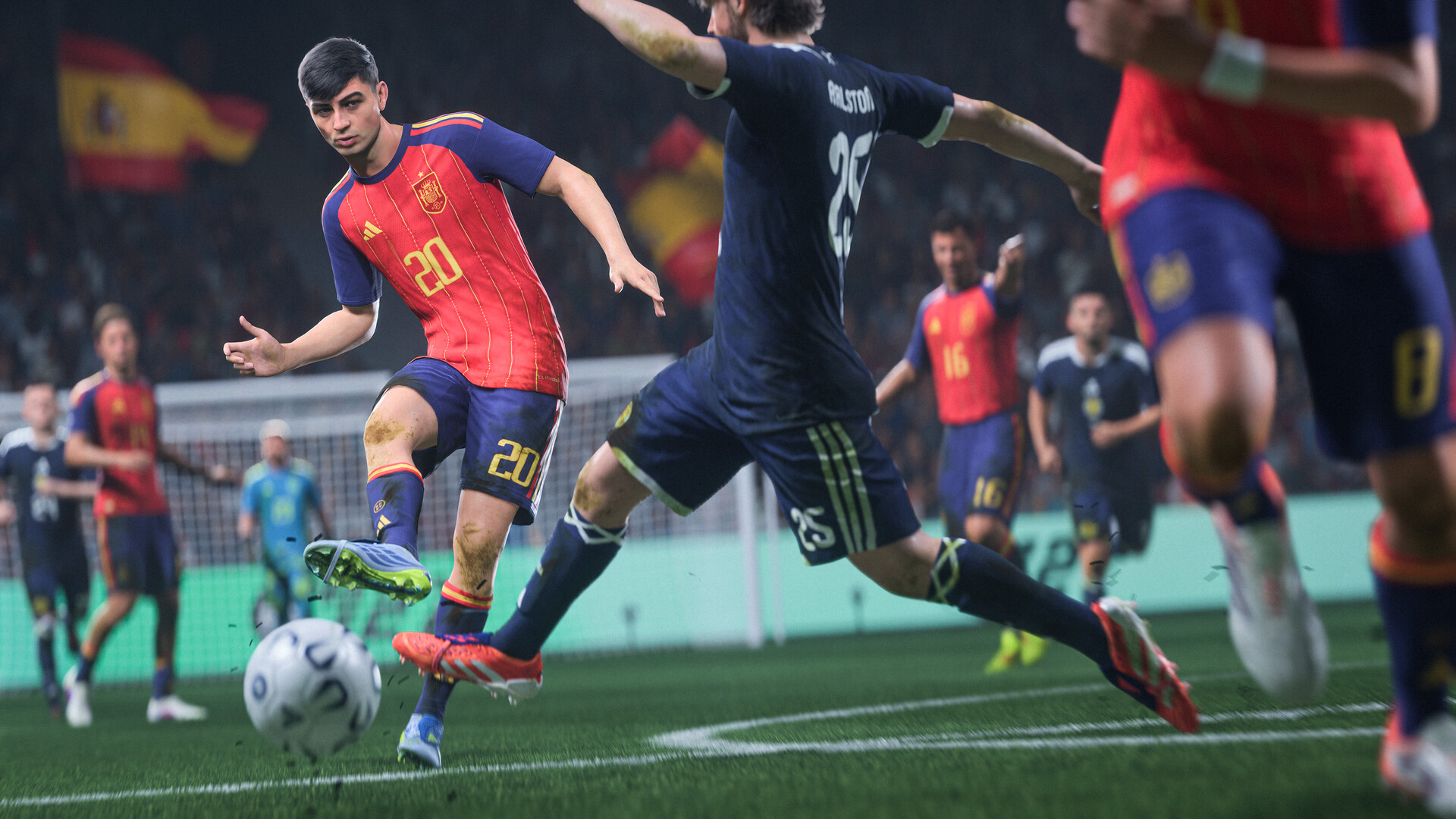
On the WASD preset you move with W (up), A (left), S (down) and D (right); on the Arrow Keys preset you use the arrows. Attacking bindings for both:
| Action | WASD (default) | Arrow Keys |
|---|---|---|
| Through Pass | O | W |
| Lob Pass / Cross | K | A |
| Shoot / Header | ; (semicolon) | D |
| Ground Pass / Long or Short Throw-in | L | S |
| Trigger Run / Chip Shot Modifier | I | Q |
| Finesse Shot / Driven Pass Modifier / Call Player Short | , (comma) | Z |
| Shield the Ball / Fancy Shot Modifier | / | C |
| Sprint | P | E |
| Ball Flick | = | ` (~) |
| Power Shot Modifier | J | F |
| Slow Dribble | . (period) | X |
| Player Lock | M | V |
| Skill Move | Right Shift + arrow key | Left Shift + arrow key |
| Knock-On | Ctrl + arrow key | Ctrl + arrow key |
| Switch Camera (goalkeeper mode only) | U | R |
Anything labelled "modifier" works in combination with another key. On WASD, for example, you hold I and press ; for a chip shot, and hold the comma key with ; for a finesse shot.
FC 27 keyboard controls: defending
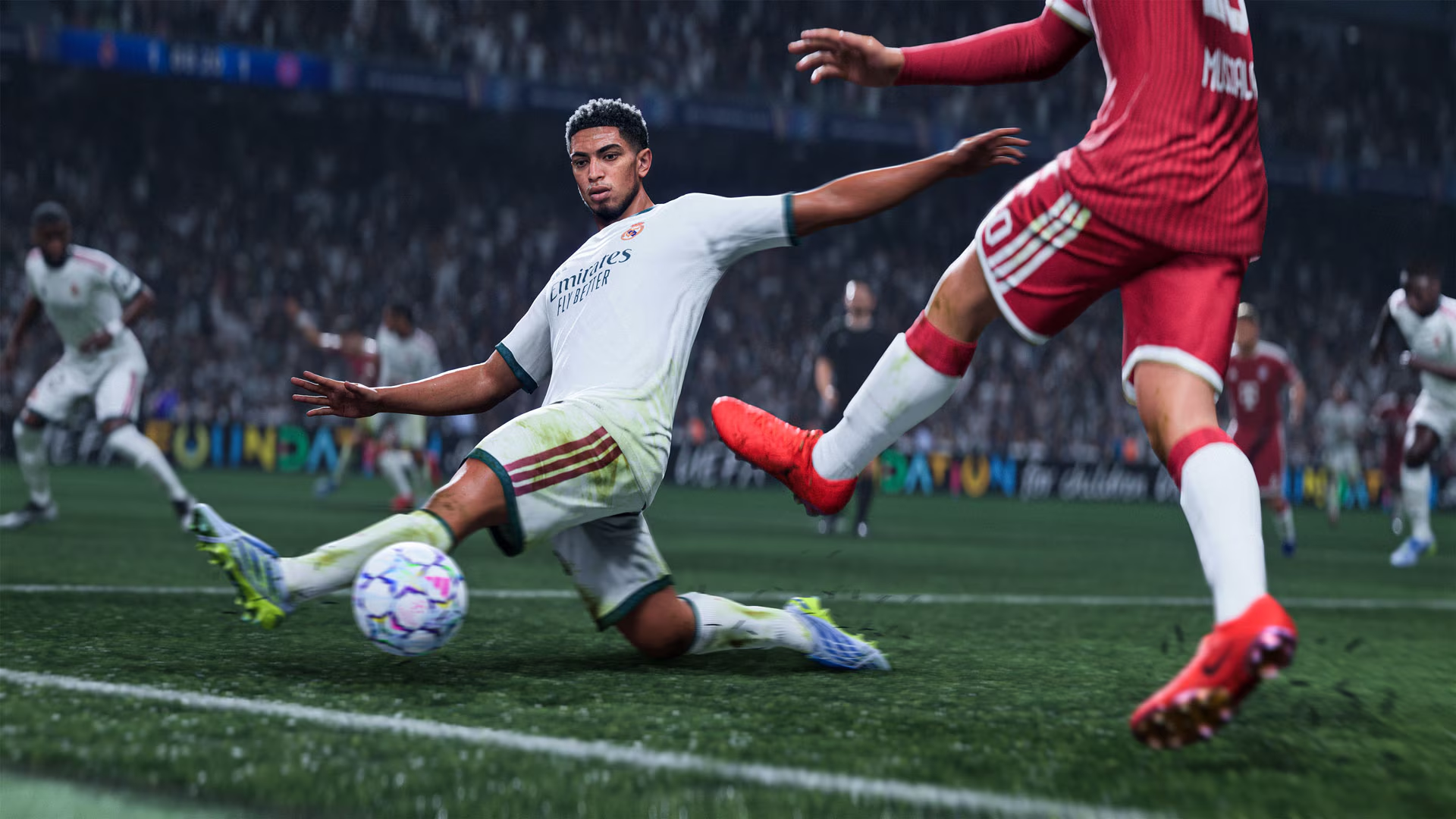
The same keys take on new jobs without the ball. EA's chart lists them as follows:
| Action | WASD (default) | Arrow Keys |
|---|---|---|
| GK Rush / GK Drop Ball | O | W |
| Sliding Tackle | K | A |
| Tackle / Push or Pull (Advanced Defense tackle) | ; | D |
| Press / Physical Tackle (Advanced Defense) | L | S |
| Change Player | I | Q |
| Call for Defense Support / GK Pick Up Ball | , | Z |
| Jockey | / | C |
| Move Wall Left / Select Kick Taker | P | E |
| GK Control (GK movement) | Space | Space |
With FC 27 putting more weight on manual defending, Change Player (I on WASD) and Jockey (/ on WASD) are the keys worth drilling first.
New FC 27 keyboard combos
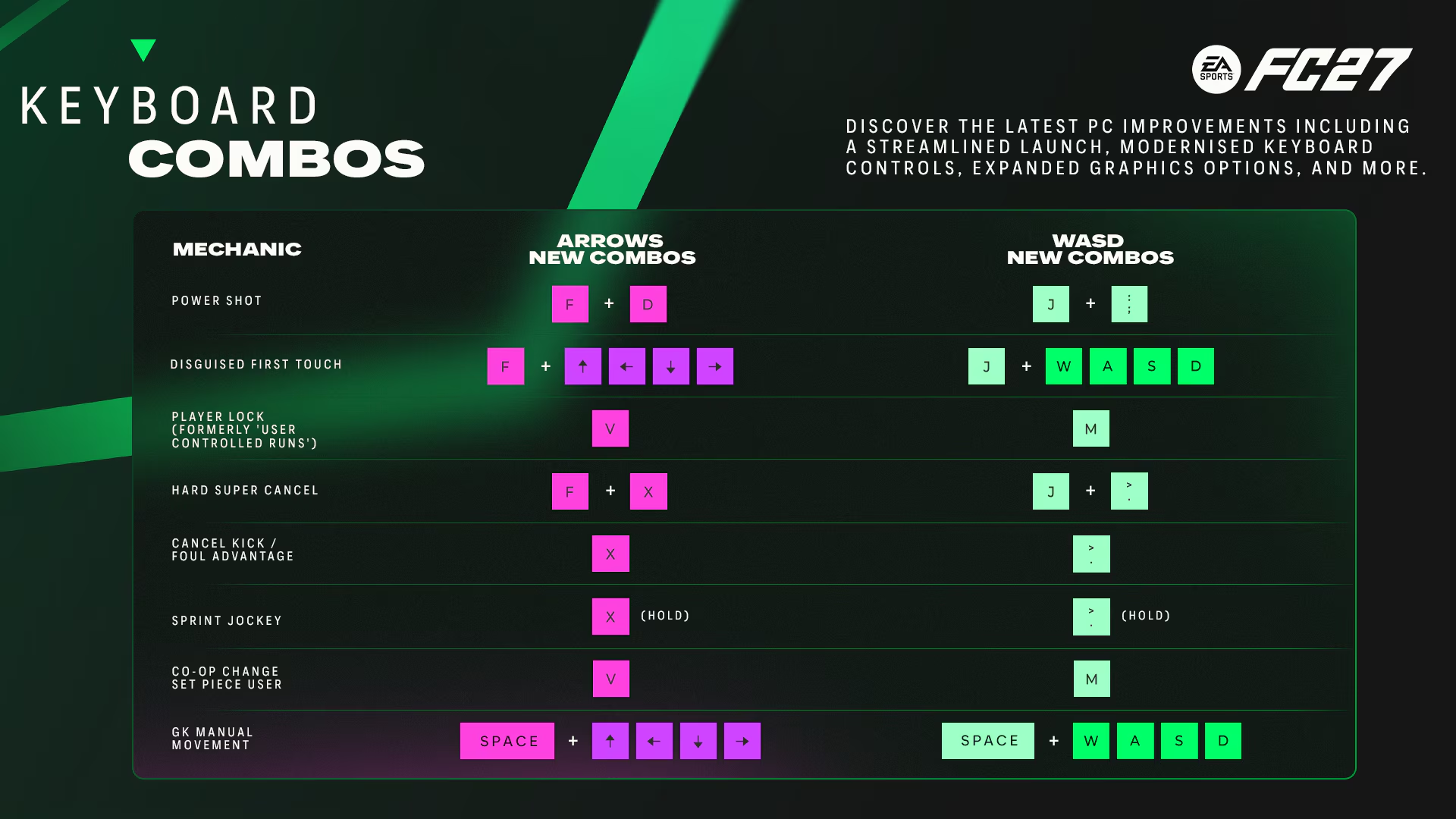
EA also published a keyboard-specific combo chart for mechanics that need two inputs:
| Mechanic | WASD | Arrow Keys |
|---|---|---|
| Power Shot | J + ; | F + D |
| Disguised First Touch | J + W/A/S/D | F + arrow keys |
| Player Lock (formerly User Controlled Runs) | M | V |
| Hard Super Cancel | J + . | F + X |
| Cancel Kick / Foul Advantage | . | X |
| Sprint Jockey | . (hold) | X (hold) |
| Co-op Change Set Piece User | M | V |
| GK Manual Movement | Space + W/A/S/D | Space + arrow keys |
Note that J is the shared modifier for several of these on WASD; on Arrow Keys the same role goes to F.
Tactics hotkeys
The D-pad menus you know from a controller become number and function keys on PC. EA Help lists:
| Key | Function |
|---|---|
| 1 – 5 | Dynamic Tactics |
| F1 – F4 | Quick Tactics |
| F5 – F8 | Tactical Suggestions |
| F9 | Tactical Focus |
| F5 – F8 (at set pieces) | Set-Piece Tactics, attacking or defending |
How to change keyboard controls in FC 27
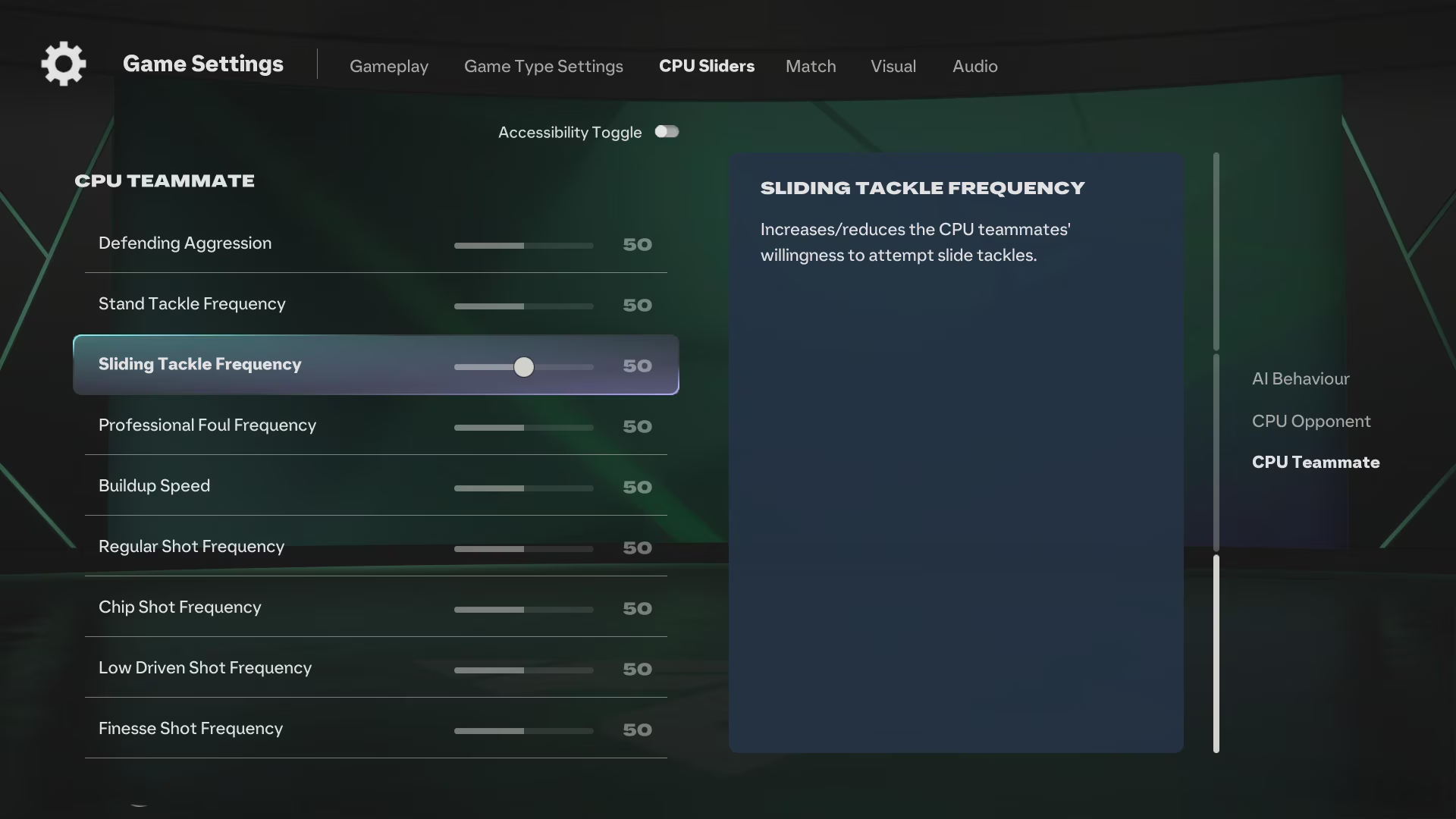
- Open Customize Controls from the game's Settings.
- Choose WASD or Arrow Keys as your keyboard layout.
- Select an action and assign a new key. EA's accessibility notes say keyboard keys can be swapped with each other, but mouse movement and mouse buttons cannot be remapped.
- In offline modes such as Kickoff or Squad Battles, you can switch input device mid-match via the pause menu: Settings → Select Sides.
Can you use a mouse and keyboard together?
Yes. EA says mouse controls haven't changed in FC 27. When you play with both, your chosen WASD or Arrow Keys layout runs alongside the existing mouse controls. In Ultimate Team Division Rivals the game uses the last input device saved to your profile, which you can check on the Kit Select screen. In other online modes you stay on whichever device you started the session with.
How to do skill moves on keyboard
On a controller, skill moves live on the right stick. On keyboard you hold a modifier and use the arrow keys: Right Shift + arrow key on WASD, Left Shift + arrow key on Arrow Keys. Which moves you can pull off still depends on the player's skill move stars. Multi-direction moves are harder to input on keys, so single-direction tricks such as ball rolls and body feints are the sensible place to start.
Frequently Asked Questions
What is the default keyboard layout in FC 27?
WASD. You move with W, A, S and D, shoot with ;, play through balls with O and sprint with P.
Is the old Classic keyboard layout still in FC 27?
No. EA Help confirms the Classic and Alternate keyboard layouts were removed. The closest match is the Arrow Keys preset, which keeps movement on the arrows.
What is the shoot key in FC 27 on PC?
; on WASD and D on Arrow Keys. For a power shot use J + ; on WASD or F + D on Arrow Keys.
What is the sprint key in FC 27 on keyboard?
P on the WASD layout and E on the Arrow Keys layout.
Can you play FC 27 with a mouse?
Yes. Mouse controls are unchanged in FC 27 and work alongside your keyboard layout, although mouse inputs cannot be remapped.
Frequently asked questions
Questions answered in this article
- What changed in FC 27 keyboard controls?
- How to change keyboard controls in FC 27
- Can you use a mouse and keyboard together?
- How to do skill moves on keyboard
- What is the default keyboard layout in FC 27?
- Is the old Classic keyboard layout still in FC 27?
- What is the shoot key in FC 27 on PC?
- What is the sprint key in FC 27 on keyboard?
Sources
External links cited in this article
Newsletter
The week's biggest gaming news, every Friday morning
One email every Friday: the week's most-read stories and what's new. No spam, unsubscribe anytime.
LoL, TFT ve VALORANT sever bir oyun sever ve oyuncu. Mobil platformlarda ise tam bir Clash of clans hastası.


