

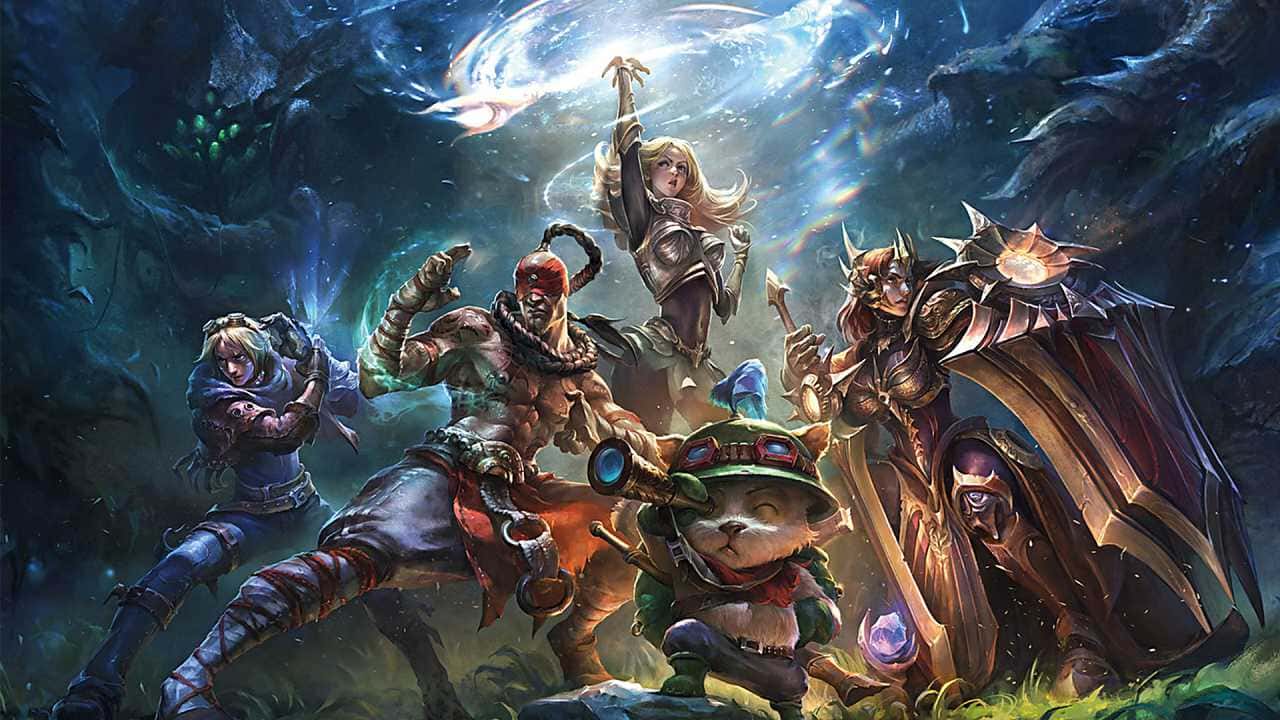
League of Legends players can fix the game not launching by restarting their PC, relaunching via the LeagueClient executable, closing background apps, running as administrator, or reinstalling.

- Restarting your computer can fix League of Legends' launch issue by clearing corrupted temporary data.
- Launching the game through the LeagueClient executable and closing background apps like Steam or Razer Synapse can also resolve it.
- If other methods fail, reinstalling the game and updating the client are the surest fixes.
LoL Not Launching/Not Loading! How to Fix the 2023 Riot Client Not Opening Issue
League of Legends players have been running into the game not launching problem lately! But you can relax about this, because in our article we'll share what you need to do to fix this issue. When the game won't start, this can stem from a few different situations. We'll try to walk you through these simple methods as best we can. So let's get started!
 LoL Not Launching/Not Loading 2023
Restart Your Computer
Restarting your computer isn't a hundred percent guaranteed fix for League of Legends' launch issue, but it can still be effective. When you restart your computer, all temporary data gets cleared. Some of this temporary data may have gotten corrupted and be affecting LoL. This is very common, so clearing it right away could be the best thing to do. Restarting your computer also closes any LoL processes that failed to launch, so you can start fresh.
Launch the Game from the Installation Folder
It's also common for the shortcut icon itself to be the source of the problem. It can easily get corrupted and stop working properly. As a result, it won't respond when you click it. You can delete the LoL shortcut from your desktop or move it elsewhere. Then you can go to your installation folder and launch the game through the "LeagueClient" application.
Close Background Applications
If you've clicked the LoL icon several times or your computer has been running for a long time, there's a good chance many applications are running in the background. Closing them may let League of Legends launch:
- Right-click your taskbar to open "Task Manager".
- Look for any LoL, Steam, or Razer Synapse application and close it.
- Go to the "Startup" tab and disable any applications that aren't necessary.
- Close Task Manager and launch the game through "LeagueClient".
- Run the Game as Administrator.
- On some PC systems, League of Legends won't open because it needs more privileges. Running the game as administrator can fix the issue if that's the case for you.
- All you need to do is right-click "LeagueClient" or the LoL icon and select "Run as Administrator". Then, when it asks whether you want to allow the application to make changes, you can click "Yes".
- If none of the solutions above helped you, reinstalling the game may be the most important step. Some game files may be severely damaged and need to be replaced. Reinstalling the game is one of the surest ways to fix the "League of Legends not launching" issue.
- Make sure you fully remove the game via Control Panel, then download it manually from the official site.
- Update the Game Client.
- The League of Legends game client, especially when it's new, is prone to a lot of bugs. Sometimes the .dll files get corrupted for no reason. And as a result, LoL won't launch. Updating the game client fixes this issue. Follow these steps:
- Go to your League of Legends install location and open the "RADS" folder.
- Go into "Projects" and delete the "lol_launcher" and "lol_patcher" folders.
- Go to your League of Legends installation folder and delete only the "aps_ms_win…dll" files.
- Launch the client by clicking on "LeagueClient".
- Let the update process finish.
Our LoL Guide Articles
Our Champion Guides
- For the Nautilus Runes & Build Guide, click here.
- For the Lee Sin Build and Runes Guide, click here.
- For the Volibear Runes & Build Guide, click here.
- For the Vladimir Runes & Build Guide, click here.
- For the Season 12 Ahri Guide, click here.
- Click here for our article on 3 Top Lane Players Who Will Test You on Your Way to Master.
- Click here for our article on Zeri Runes.
- Click here for our article on The 5 Strongest Counters to Zeri in League of Legends.
- Click here for our article on League of Legends Zeri Tactics.
- Click here for our article on The 3 Best Top Lane Champions for Newcomers to LoL!.
Our Item Guides
- For the Eclipse item guide, click here.
- For the Divine Sunderer item guide, click here.
- For the Duskblade of Draktharr item guide, click here.
Our Game Guides
- Click here for our article on 3 Top Lane Players Who Will Test You on Your Way to Master.
- Click here for our article on Best ADC Champions in Bronze League: The Champions with the Highest Win Rate.
- Click here for our article on What Are the Epic Monsters in the Jungle? 2022.
- Click here for our article on League of Legends Jungle Guide for Beginners 2022!.
Comments (0)
Log in to leave a comment giriş yap.
No comments yet. Be the first!
Related Posts
All Latest News →
Turkish Wordle Word of the Day Archive
Turkish Wordle's word for December 6, 2024 is "zülüf," and this archive lists every past daily answer plus tips for solving the puzzle.
Coin Master Free Spins Hack: Unlimited Spin Codes
Coin Master's free spins codes refresh daily and can be redeemed for 25 extra spins each, alongside tips like daily gifts, social follows, and friend invites to earn even more.
TFT 2025 Patch Schedule
Teamfight Tactics' projected 2025 patch schedule runs from Patch 14.1 on January 10 through Patch 15.1 on January 15, 2026, roughly every two weeks.