

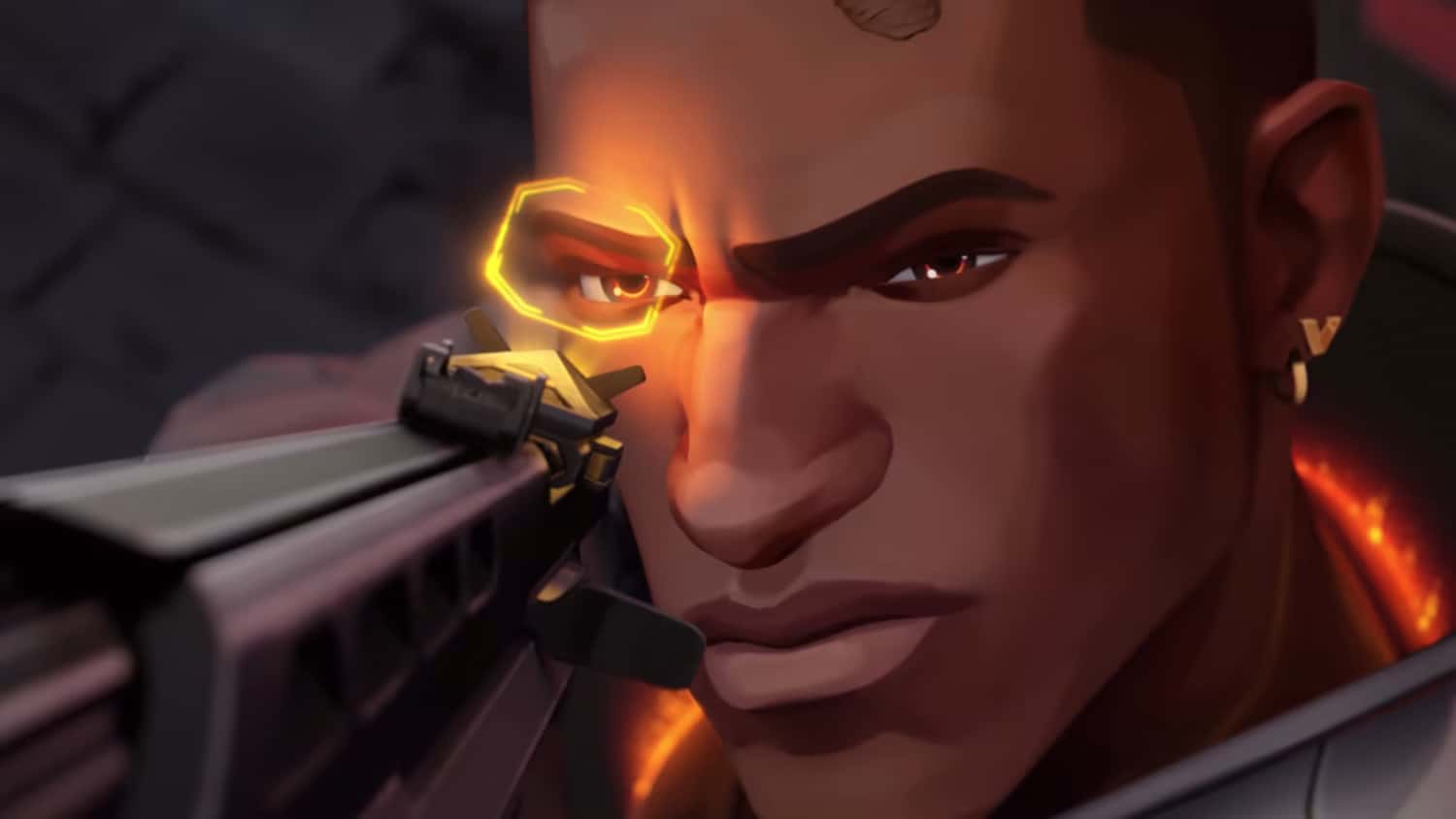
VALORANT players can get a star-shaped crosshair by adjusting inner and outer line settings, or by importing a single crosshair code.

- VALORANT lets players build a star-shaped crosshair by customizing inner and outer line settings for a distinctive, practical look.
- The needed settings are found in the CROSSHAIR tab's PRIMARY section, reached from the main menu's settings gear.
- Instead of entering every setting manually, players can import a single crosshair code to create the star profile instantly.
VALORANT is one of the most popular first-person shooters in the world, and with that comes plenty of players sporting unique, interesting crosshairs. Even so, most players seem to stick to the most common, standard crosshairs. If you want to break away from the crowd and try something different, rare, but still practical, a star crosshair might be exactly what you're looking for.
If you want to make yourself a star crosshair in VALORANT, here's everything you need to know.
Our VALORANT Heart Crosshair Video Is Live!
Here's a quick rundown of how to make a heart crosshair in VALORANT:

How Do You Make a Star Crosshair in VALORANT? 2023
To edit and create a crosshair in VALORANT, click the settings gear in the top-right corner of the main menu and select SETTINGS. From there, click CROSSHAIR at the top of the screen and go to the PRIMARY section of the crosshair settings. To get started, you'll need to click Create New Profile below the crosshair preview.
Here are the primary crosshair settings you need to use to get a star crosshair in VALORANT:
- Color: personal preference
- Outlines: Off
- Outline Opacity: 0
- Outline Thickness: 1
- Center Dot: Off
- Center Dot Opacity: 1
- Center Dot Thickness: 1
- Firing Error Offset Overrides Crosshair Offset: Off
- All Primary Crosshairs Override Crosshair Offset: Off
Inner Lines
- Show Inner Lines: On
- Inner Line Opacity: 1
- Inner Line Length: 3
- Inner Line Thickness: 1
- Inner Line Offset: 2
- Movement Error: Off
- Firing Error: Off
Outer Lines
- Show Outer Lines: On
- Outer Line Opacity: 1
- Outer Line Length: 3
- Outer Line Thickness: 3
- Outer Line Offset: 0
- Movement Error: Off
- Firing Error: Off
What Is the VALORANT Star Crosshair Code? 2023
If you'd rather enter a single line of code than input all the settings shown above, you can copy the code below and enter it into your crosshair settings by clicking IMPORT PROFILE CODE right below the crosshair preview in VALORANT.
- Crosshair Code: 0;P;c;5;h;0;f;0;0t;1;0l;3;0v;3;0g;1;0o;2;0a;1;0f;0;1t;3 ;1l;3;1v;3;1g;1;1o;0;1a;1;1m;0;1f;0
Making Colorful Crosshairs in VALORANT Is Super Easy!
In our video, we shared the custom color codes in VALORANT and how to make colorful crosshairs .
Comments (0)
Log in to leave a comment giriş yap.
No comments yet. Be the first!
Related Posts
All News →
Turkey Game Industry Report 2024 Released
Turkey's 2024 Game Industry Report shows the country's gaming market grew to over $810M with 48M+ active players, alongside a new digital guide to local game companies.

Loldle Answers: Daily League of Legends Puzzle
Loldle is a daily League of Legends guessing game with five modes (Classic, Quote, Ability, Emoji, Splash); December 6, 2024's Classic answer was Fiddlesticks.

Monopoly GO Dice Links: Free Dice Rewards
Monopoly GO's free dice links refresh daily and can be redeemed instantly for 25 or 30 free dice each, plus tips like auto refills every 60 minutes, daily gifts, and sticker trading to earn even more.