Can You Play FM 27 Offline? How It Works
FM 27 can be played without internet after the first activation. SEGA's official steps for offline mode on Steam, Epic and the Microsoft Store, plus what to watch out for.

5 min read
In brief
AI summaryFootball Manager 27 can be played offline after its first online activation on Steam, Epic, or the Microsoft Store.
Offline play supports single-player careers, but updates, online multiplayer, and platform features require an internet connection.
Steam, Epic, and Microsoft Store users must enable their platform’s offline mode, while Denuvo allows five machine activations per day.
Contents13 sections
Can you play FM 27 offline? According to SEGA's Football Manager support guide, yes: you need the internet to activate the game the first time, then you can switch Steam, Epic or the Microsoft Store to offline mode and keep playing your career without a connection.
Football Manager 27 launches on 10 November 2026, and SEGA has not yet published an FM 27-specific offline page. The steps below come from SEGA's official support article, which covers Football Manager titles in general and was last updated in January 2026. We covered the older situation in our FM23 offline guide.
Can FM 27 be played offline? The short answer
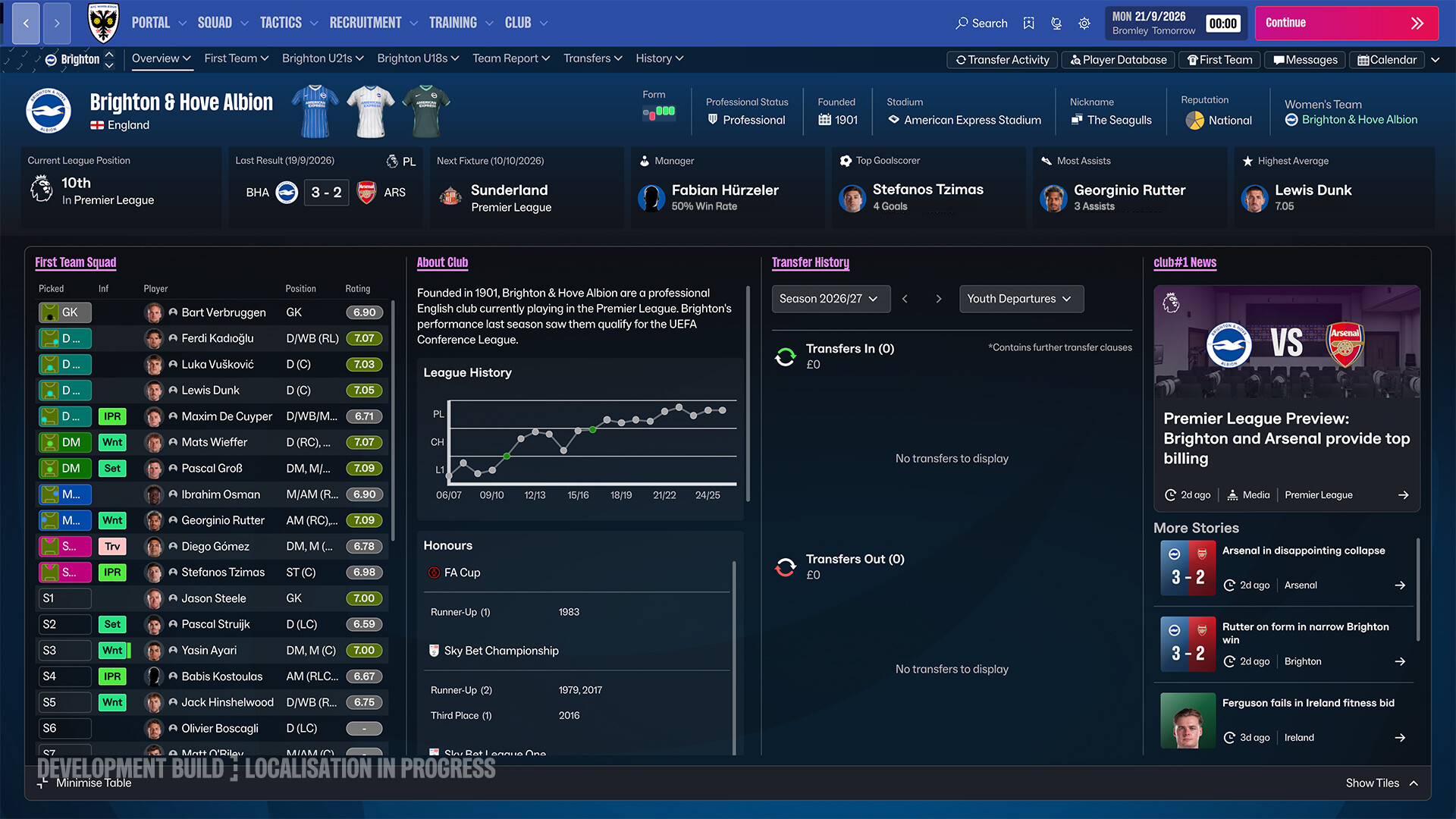
SEGA's position is clear: boxed and digital versions both need platform connectivity and an internet connection to activate. Once activated, you can play in your platform's "Offline Mode". After installation, you only need the internet to:
- download game updates (patches and data updates),
- play online network games (online multiplayer),
- use platform features such as the Steam Workshop or store.
In other words, a single-player career works without a connection once installation and activation are done. If SI announces an FM 27-specific exception, we will update this guide.
How to play FM 27 offline on each platform
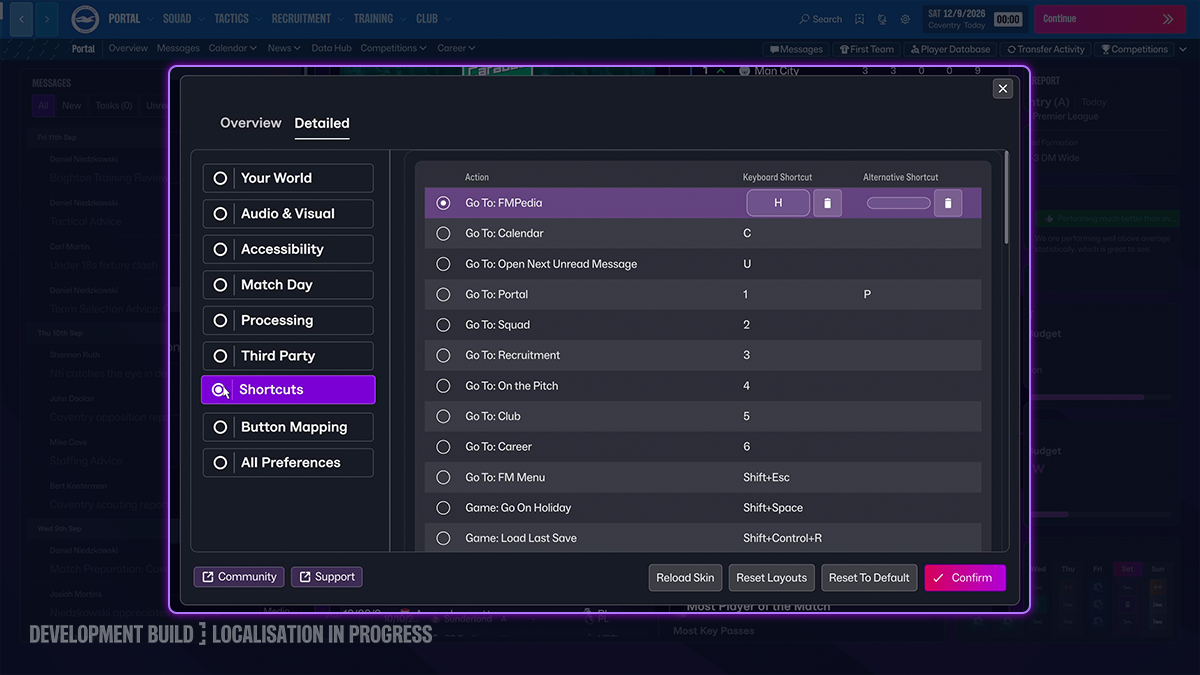
Steam
- Start Steam while connected to the internet.
- Make sure all game files are up to date and nothing is left in the download queue (View > Downloads).
- Launch the game once to confirm there are no pending updates, then close it.
- In Steam > Settings, check that "Don't save account credentials on this computer" is NOT ticked.
- From the Steam menu in the top left, choose "Go Offline", then "Restart in Offline Mode".
When you want to download updates or play multiplayer again, choose "Go Online" from the same menu.
Microsoft Store / Xbox PC app (including Game Pass)
- Open the Microsoft Store while online and sign in with the account that owns the game.
- Click the account icon in the top right, then "App settings".
- Turn "Offline permissions" on.
- Launch the game (restart it if it is already running) and sign in to Xbox if prompted.
SEGA warns that this option can only be changed three times a year. FM 27 is on PC Game Pass and Game Pass Ultimate from day one, so subscribers should keep that limit in mind.
Epic Games
- Open the Epic Games Launcher.
- On the sign-in screen, click "Sign In Later" at the bottom.
- Launch the game; according to SEGA, you can then play offline.
Denuvo and the activation limit
FM 27's Steam page lists Denuvo Anti-Tamper with a limit of five machine activations per day, so keep that in mind if you play on several PCs. Because SEGA says activation requires the internet, launch the game online the first time on any new machine. There is no official statement on whether Denuvo in FM 27 requires additional periodic online checks.
Which version works offline, and how?
| Version | Offline status | Source |
|---|---|---|
| FM 27 (PC/Mac: Steam, Epic, Microsoft Store) | Activate online first; offline mode possible afterwards | SEGA support article (all FM titles) |
| Free Launch Preview (29 Oct to 3 Nov) | No separate offline rules announced | Official Launch Preview announcement |
| FM 27 Mobile (Netflix) | No FM 27 statement; FM26 Mobile was playable offline, with sign-in and download online | Netflix FM26 Mobile help page |
| Shuffle Draft mode | Reported to work online and offline | FM Scout (SI livestream, 22 October) |
| Online career / network game | Internet required | SEGA support article |
Things to keep in mind when playing offline
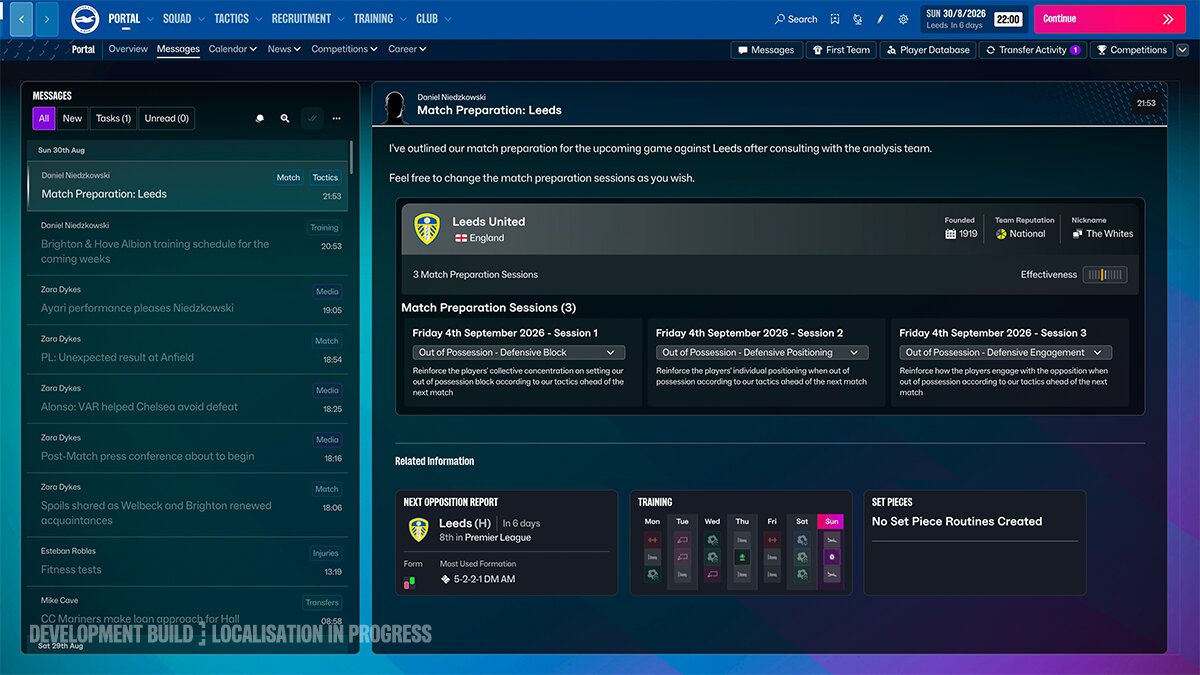
- You will miss updates: patches and the winter data update won't download while you are offline, so go online from time to time.
- Launch Preview saves: SI says careers started in the free period carry over to the full game, so let your platform download the update when you move to the full release.
- Microsoft Store limit: you can only change the offline permission setting three times a year, so don't toggle it unnecessarily.
Frequently Asked Questions
Can you play FM 27 without internet?
Yes. According to SEGA, Football Manager games can be played in your platform's offline mode after the first activation. You only need the internet for updates and online play.
Can I install and activate FM 27 offline?
No. Whether boxed or digital, the game needs an internet connection to activate.
Can you play FM 27 offline on Game Pass?
SEGA's Microsoft Store steps also apply to Game Pass installs: turn on "Offline permissions", and remember the setting can only be changed three times a year.
Can you play FM 27 Mobile offline?
There is no official FM 27 Mobile information yet. Netflix says the previous edition, FM26 Mobile, can be played offline, but downloading and signing in to Netflix require a connection.
Frequently asked questions
Questions answered in this article
Sources
External links cited in this article
Newsletter
The week's biggest gaming news, every Friday morning
One email every Friday: the week's most-read stories and what's new. No spam, unsubscribe anytime.
LoL, TFT ve VALORANT sever bir oyun sever ve oyuncu. Mobil platformlarda ise tam bir Clash of clans hastası.