

How to Turn Off a PS5
You can turn off a PS5 by holding the console's power button until it beeps twice, or remotely via the DualSense controller's Power menu.

2 min read
In brief
AI summaryA PS5 can be shut down by holding the console's power button until it beeps twice, signaling it has turned off.
Using the DualSense controller, the PS button opens a control center with a Turn Off PS5 option.
The PS5 has no automatic shutdown option, but it can be set to enter Rest Mode after up to five hours.
Contents5 sections
Just like a modern computer, there are several ways to turn off a PlayStation 5 system. You might want to put it into rest mode, or fully shut the system down instead. But if you decide to fully turn off your system, you need to make sure you're doing it the right way. In our how to turn off a PS5? article, we'll explain a very simple way to shut down the system.
 How to Turn Off a PS5? 2022
Turning Off a PS5 From the Console
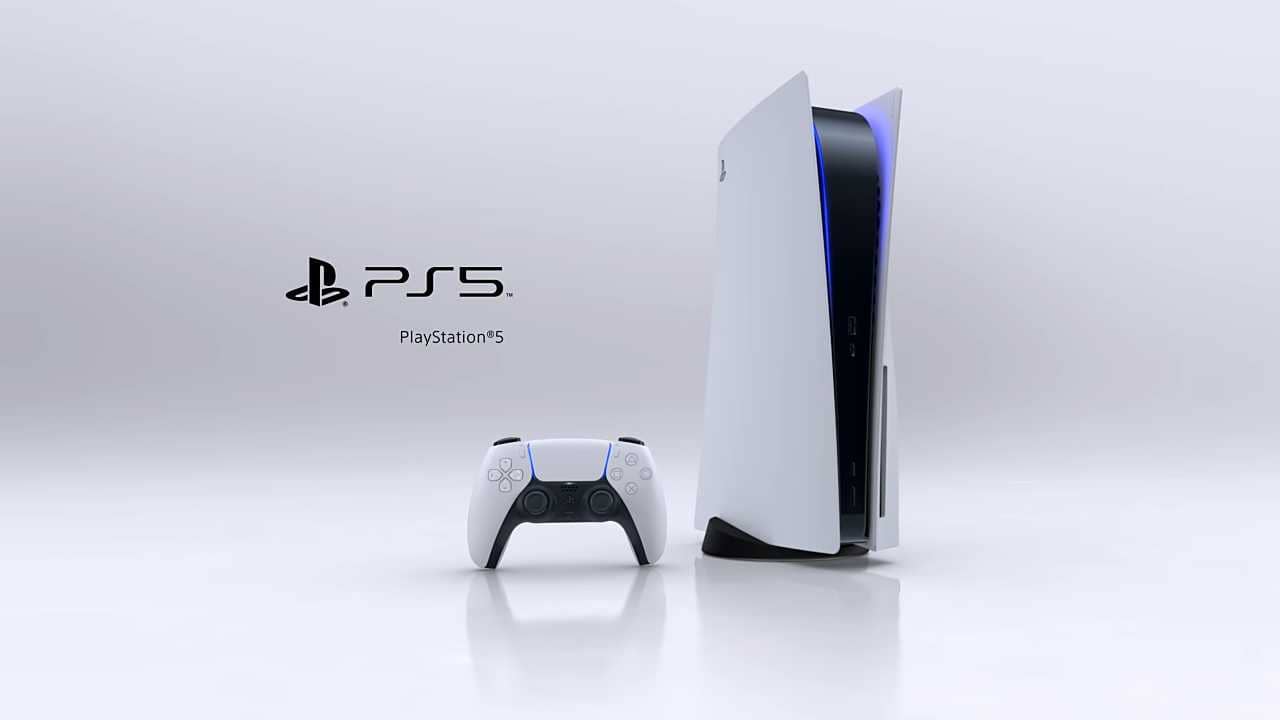
You can turn off your PS5 system by pressing a button on the front of the console. You shouldn't unplug your PS5 without turning it off first. That's because unplugging it before shutting it down can corrupt the console's files.
- If the system is standing vertically, press the bottom button.
- Keep holding the power button and wait until you hear two beeps indicating the system has shut down.
Turning Off With the DualSense Controller (Remote Shutdown)
If your PS5 isn't somewhere you can easily reach, you can turn off the system using the DualSense controller.
- Press the PS button in the middle of the DualSense to bring up the control center.
- Go to the far right of the Power icon shown with a power button.
- Use the X button, then find the Turn Off PS5 option.
Can a PS5 Turn Off Automatically?
You can set your PS5 to automatically enter Rest Mode, but there's no option for it to turn off automatically.
- Go to Settings, shown with the Gear icon.
- Select the System item.
- Select the Power Saving item.
- You'll see an option to set the time before entering rest mode, adjustable in one-hour increments up to five hours.
For More Tech News:
- Instagram Reels Posting Times 2022!
- How Can You Mute Yourself on Zoom?
- 5 Ways to Boost Your Computer's Gaming Performance!
- How Do You Connect a Keyboard and Mouse to a Steam Deck?
- What Is Microsoft DirectStorage? What Are Its Requirements?
- What Is BIOS? What Does It Do? How Do You Configure It?
- What Are Google Drive's Features? 2022
- How Do You Update Apps on a Samsung Smart TV?
- How to Transfer WhatsApp Messages From Android to iPhone
- How to Fix the Netflix Black Screen Issue? 2022
Frequently asked questions
Questions answered in this article
How to Turn Off a PS5? 2022
You can turn off your PS5 system by pressing a button on the front of the console. You shouldn't unplug your PS5 without turning it off first. That's because unplugging it before shutting it down can corrupt the console's files. If your PS5 isn't somewhere you can easily reach, you can turn off the system using the DualSense controller.
Go to sectionCan a PS5 Turn Off Automatically?
You can set your PS5 to automatically enter Rest Mode, but there's no option for it to turn off automatically. Instagram Reels Posting Times 2022! • How Can You Mute Yourself on Zoom? • 5 Ways to Boost Your Computer's Gaming Performance! • How Do You Connect a Keyboard and Mouse to a Steam Deck? • What Is Microsoft DirectStorage? What Are Its Requirements? • What Is BIOS? What Does It Do? How Do You Configure It?
Go to sectionBazen yazar, bazen tasarlar. Film bağımlısı, oyunlar hakkında yazmayı sever✨


