


Step-by-step instructions for redeeming FIFA 23 codes on the PS Store, PS app, Xbox, Xbox app, and Stadia.

- FIFA 23 redeem codes can be entered through the PS Store, PS app, Xbox console, Xbox app, or Stadia.
- PS Store and Xbox codes are 12 and 25 characters long respectively, entered via each platform's 'Redeem codes' menu.
- Once redeemed, FIFA 23 content is added directly to the player's library on that platform.
FIFA 23 is coming to give players a brand new football experience! As the game slowly approaches, we'll talk about FIFA 23 codes and how you can use FIFA 23 codes. How do you use FIFA 23 codes on PS Store, Xbox, and Stadia? Let's get started with our guide...
How to Use FIFA 23 Codes
 How to Redeem FIFA 23 Codes on PS Store
- At the top of the PS Home Screen, select "Settings" and "Users and Accounts".
- Go to "Accounts," then "Payment and Subscriptions".
- Select "Redeem codes".
- Enter your 12-character code.
- Your item will appear for redemption; press the X button to confirm.
- A confirmation message will appear saying the code has been redeemed.
- The content will be added to your "library".
How to Redeem FIFA 23 Codes on the PS App
- Tap the PS option at the bottom of the home screen to open the app menu.
- Tap "Redeem codes".
- You can enter the code manually or scan it using your device's camera.
- After entering or scanning the code, press the continue button to confirm.
How to Redeem FIFA 23 Codes on Xbox
- Open the Store app on the console's home page.
- In the Store app, press the View button on your controller to open the side menu.
- Select "Redeem" and enter the 25-character code.
- Your content is now available.
How to Redeem FIFA 23 Codes on the Xbox App
- Open the Xbox mobile app.
- Press the 'Menu' button in the top-left corner.
- Select 'Microsoft Store' and tap "Redeem codes".
- Enter the 25-character code.
How to Redeem FIFA 23 Codes on Stadia
- Click your avatar in the top-right corner.
- On the settings page, click "Redeem codes" on the left side of the page.
- Enter your code in the text box and select "Redeem".
- Confirm the code.
More FIFA 23 Articles
- 6 New Features Expected to Be Added to FIFA 23
- Is FIFA 23 Getting Cross-Platform? Will PS, Xbox, and PC Play Together?
- Is the FIFA Name Going Down in History? What Will We See in FIFA 23?
- What's New in FIFA 23 Career Mode
- FIFA 23 Chemistry System Rework Announced!
- Will FIFA 23 Have a World Cup Mode?
- Is FIFA 23's FUT Mode Getting a Revamp?
- How to Get FIFA 23 Closed Beta Codes
- Will FIFA 23 Pre-Orders Arrive in June?
- FIFA 23 Icon Card List, June 2022
- FIFA 23 FUT Heroes Player Cards Explained
- When Will FIFA 23 FUT Birthday Happen?
- FIFA 23 Exclusive Licenses: All Leagues, Clubs, and Stadiums
- How Will FIFA 23 Pro Clubs Mode Work?
- Details on FIFA 23's Position Change Cards
- FIFA 23 Rating Rankings: Player Rating Predictions
- Is FIFA 23 Coming to PS4?
Bazen yazar, bazen tasarlar. Film bağımlısı, oyunlar hakkında yazmayı sever✨
Comments (0)
Log in to leave a comment giriş yap.
No comments yet. Be the first!
Related Posts
All FIFA →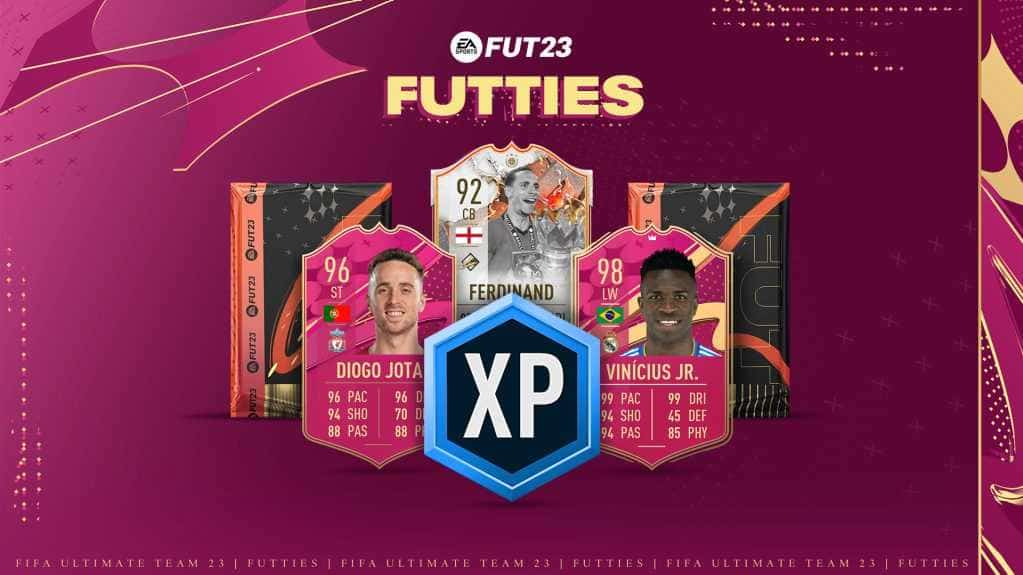
FIFA 23 FUTTIES Team 2: Player Predictions
FIFA 23's FUTTIES Team 2 was predicted to launch July 28, 2023, with Messi, Ibrahimovic, Mudryk, Diaby, and Brahim Diaz tipped for pink cards.
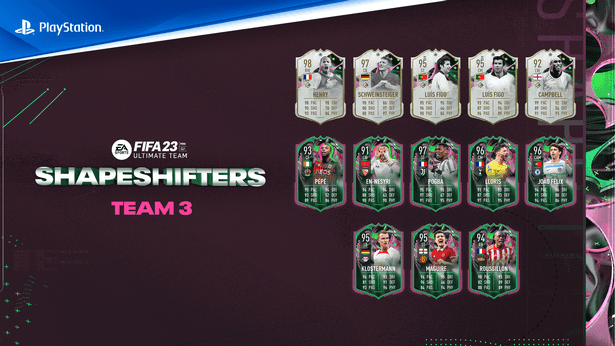
FIFA 23 Shapeshifters Team 3 Review
FIFA 23 Ultimate Team's Shapeshifters Team 3 has arrived, featuring Thierry Henry at RW (98 OVR) and Bastian Schweinsteiger converted to centre-back (97 OVR).
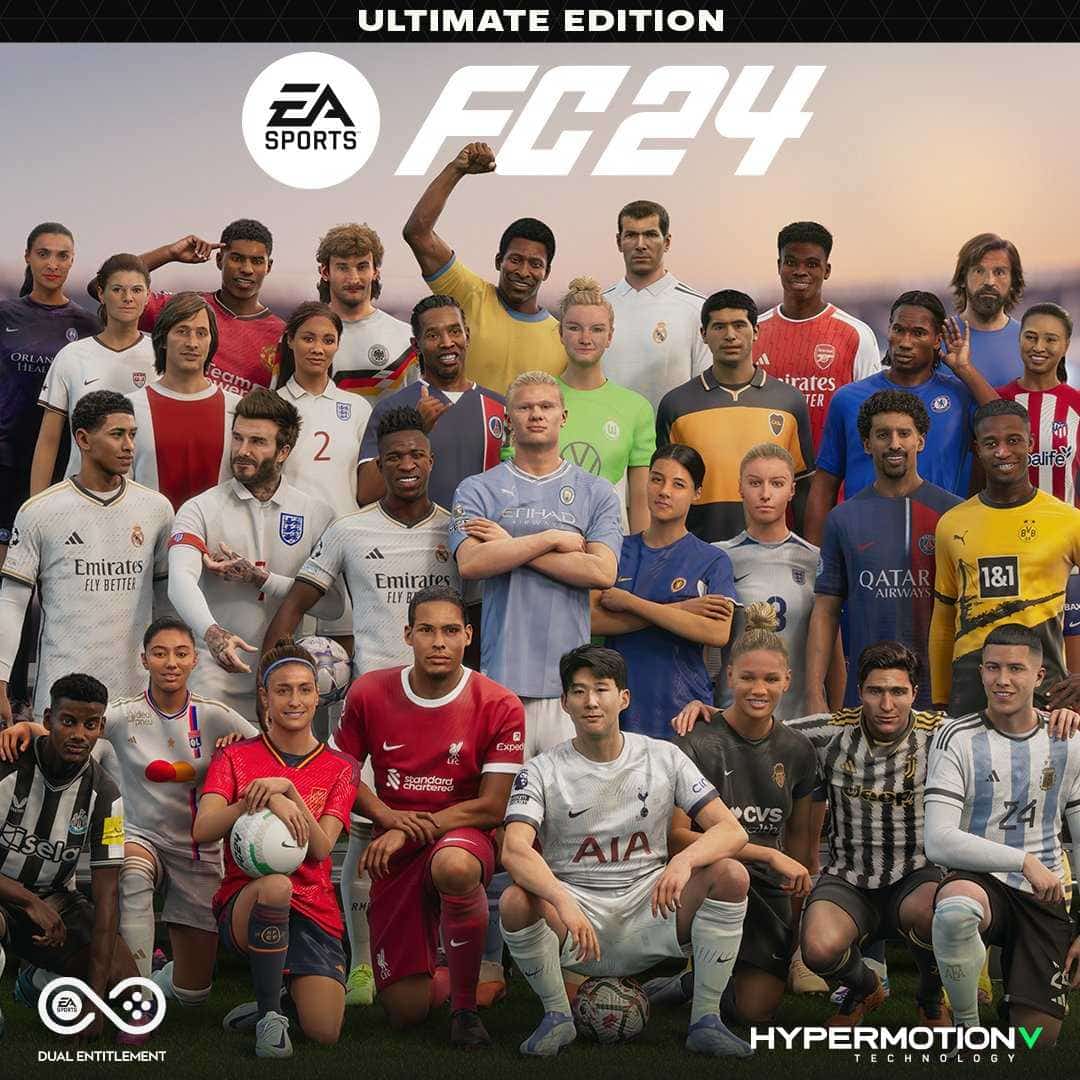
Why Fans Criticized FC 24's Player Faces
EA's FC 24 Ultimate Edition cover drew criticism over face scans of players like Ronaldinho, Marta and Bukayo Saka not matching their real likenesses.