

Category
Page 14 · 415 articles
Tech
Tech
How to Turn Off iMessage on iPhone, iPad and Mac
To turn off iMessage on iPhone or iPad, open Settings, select Messages and switch off iMessage; on Mac, open Messages, go to Preferences, iMessage, uncheck…
2 min

Tech
How to Charge Apple AirPods: Wired and Wireless
AirPods charge through their case, either via a Lightning cable or, on supported models, a wireless charging pad, with a status light confirming when charging…
4 min

Tech
How Do You Check the Word Count in Google Docs?
To check the word count in Google Docs, open Tools and select Word count; tick "Display word count while typing" for a continuous counter, or use the three-dot…
2 min
Tech
How to Make a Collaborative Playlist on Spotify
Spotify lets you turn any playlist into a collaborative one so friends and family can add their own songs to it.
2 min

Tech
How to Use TikTok's Text-to-Speech Feature
TikTok's text-to-speech feature reads on-screen text aloud in a video, and you can add it in a few taps from the text editing screen.
2 min
Tech
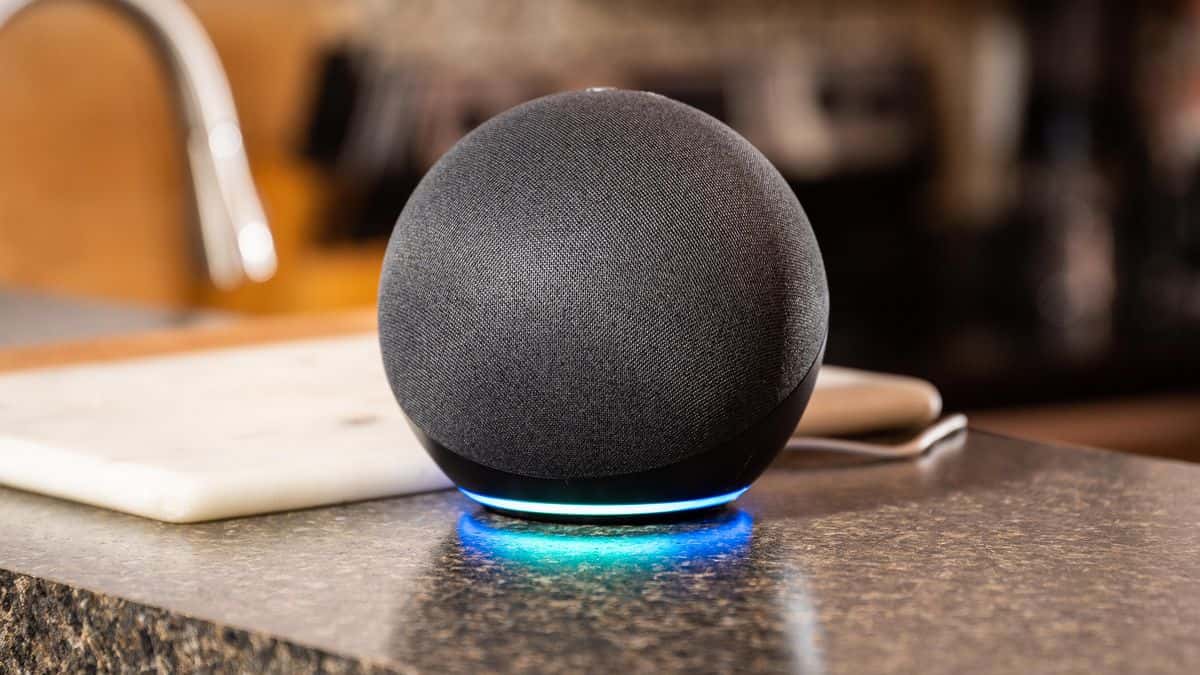
Alexa App: How to Set It Up on Android or iPhone
Install Amazon's Alexa app from Google Play or the App Store, then use the three-line menu at the lower right for Routines, Reminders, Alarms and Timers…
3 min
Tech
How Do You Use Motor Accessibility Features on a Mac?
On a Mac, motor accessibility features live in System Preferences, Accessibility, Motor: Voice Control, Full Keyboard Access (Keyboard) and Pointer Control…
4 min

Tech
How to Use Tags on an Apple Mac: Add and Remove Finder Tags
To add a tag on a Mac, select a file or folder in Finder, open File in the menu bar and choose a color under Tags; to remove it, choose Remove for that color.
3 min
Tech
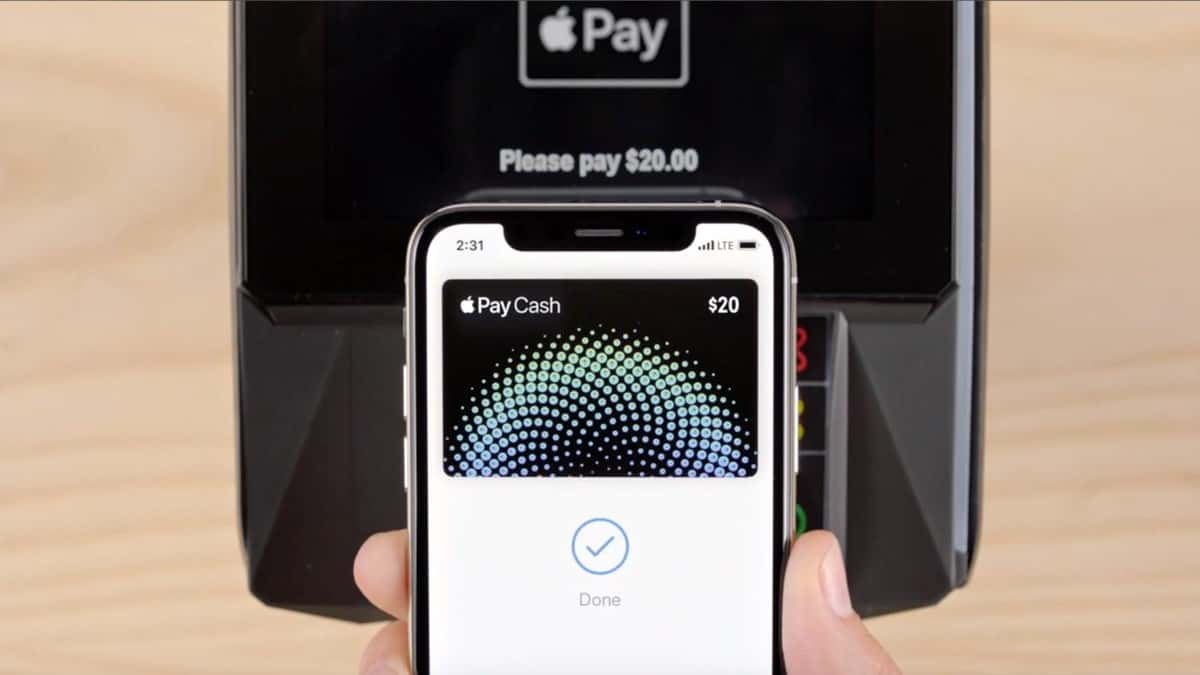
What Is Apple Pay and How Do You Use It?
Apple Pay is Apple's mobile payment and digital wallet service; you can add up to eight cards via Settings, Wallet & Apple Pay on iPhone or iPad, and it needs…
3 min
Tech
How to Split Your Screen in Windows 10 (and Windows 11 Snap Layouts)
To split your screen in Windows 10, drag a window to the edge of the screen to use Snap Assist, or press the Windows key plus the Left or Right arrow key…
5 min
Tech
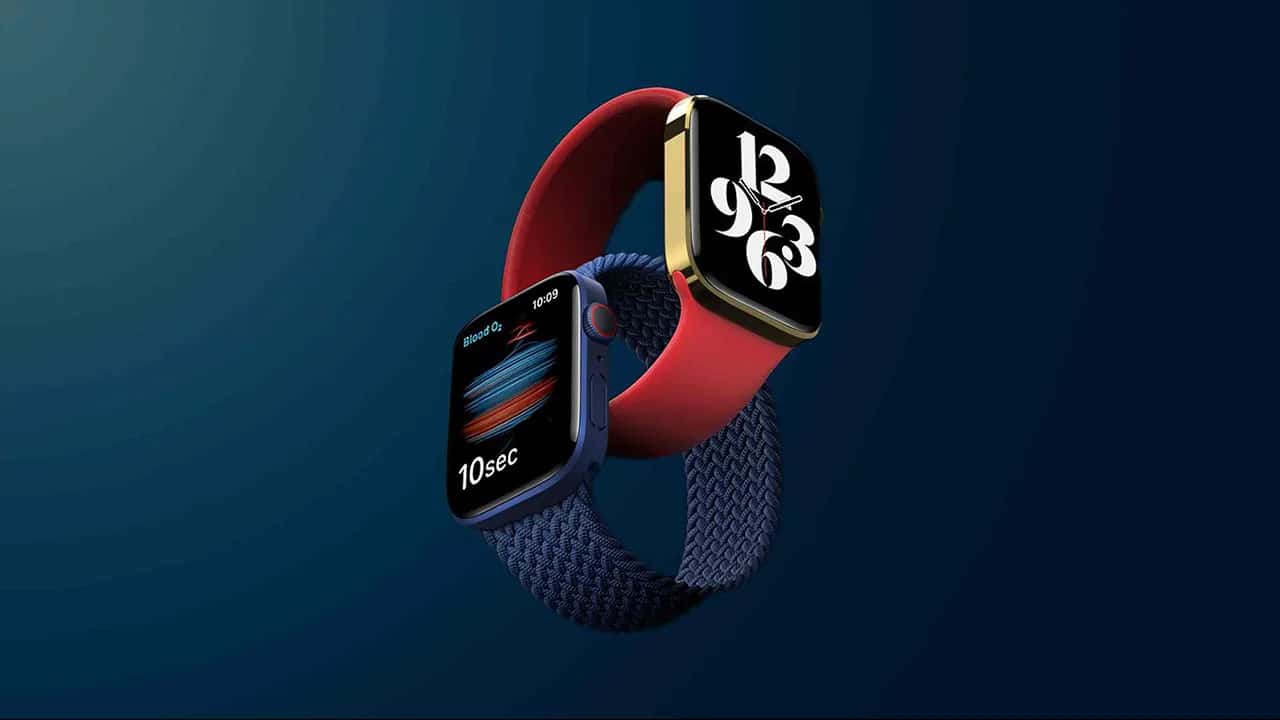
Apple Watch Series 7 Features: Display, Audio Controls and Battery
The Apple Watch Series 7 has 20% more screen area than the Series 6, comes in 41mm and 45mm cases, and its battery can last 2 days.
3 min

Tech
How to Strikethrough Text in Discord
In Discord, wrap text in double tildes (~~text~~) or use the formatting menu to strike it through on desktop or mobile.
3 min
Tech
How to Unsubscribe From Unwanted Emails (Gmail, Outlook, Yahoo)
To unsubscribe from unwanted emails, open the message and select Unsubscribe next to the sender in Gmail, Outlook, Apple Mail or Yahoo, then confirm in the…
3 min

Tech
Microsoft's Best New Windows Apps, Per Its Store Awards
Microsoft named Disney+, Spotify, and Discord as Editor's Choice winners in its Microsoft Store App Awards, alongside Community Choice picks like ShareX and…
2 min

Tech
How to Archive and Restore Posts on Instagram
On Instagram, you can archive a post from your profile via the three-dot menu, then restore it later from the Posts Archive.
2 min
Tech
How to Turn On Instagram Dark Mode
Instagram dark mode reduces eye strain and can be enabled on iPhone via Display & Brightness or on Android via the Display settings' Dark theme toggle.
2 min

Tech
How to Update Your BIOS on Windows 10 and 7
Updating your BIOS adds compatibility for new hardware and can boost performance, but you should back it up first to avoid a bricked motherboard.
2 min
Tech
Best Console Emulators: RetroArch, FCEUX, SNES9X
RetroArch is the best all-in-one console emulator, while FCEUX and SNES9X are the top standalone picks for NES and SNES games.
5 min

Tech
How Do You Use Discord Spoiler Tags? Text, Images and Settings
To add a spoiler tag on Discord (2022), highlight your text and click the eye icon, or wrap the text in "||" on both sides; for images, select the eye icon…
3 min
Tech
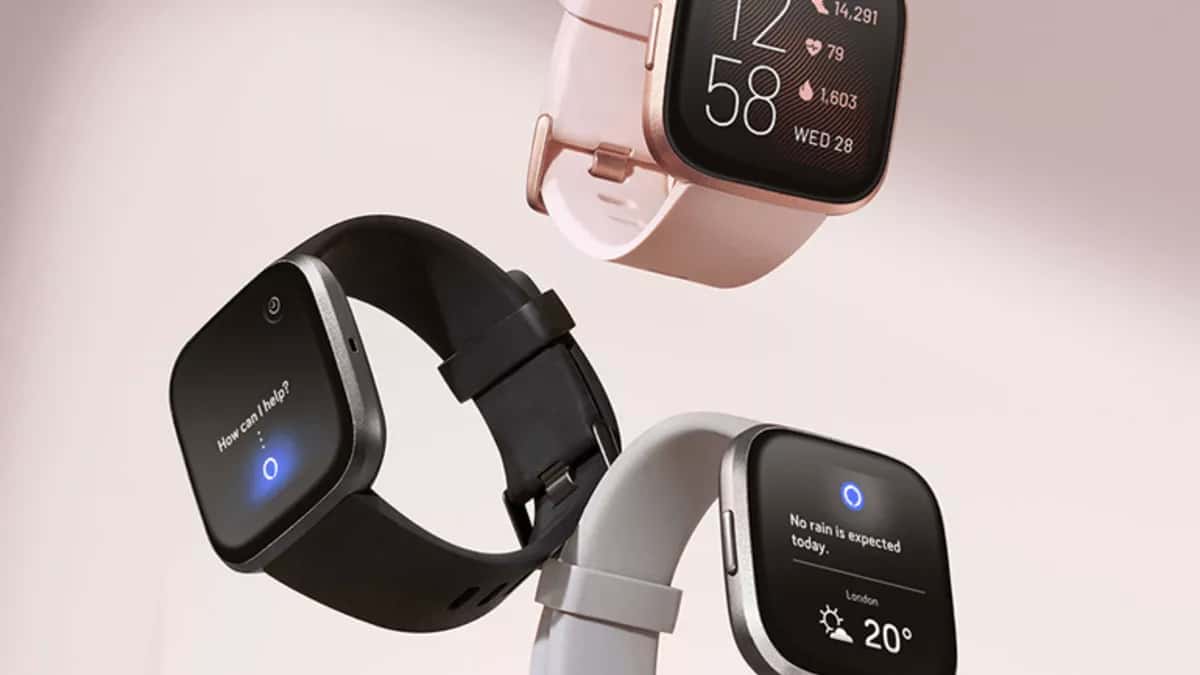
How Do You Reset a Fitbit Versa? Restart and Factory Reset
To restart a Fitbit Versa, hold the left button for 10-15 seconds until the logo appears or use Settings, About, Shut down; to factory reset, use Settings…
3 min

Tech
How Do You Charge a Laptop via USB-C?
USB-C can charge most modern laptops, but not every USB-C charger is interchangeable, so check your laptop maker's guidance first.
4 min
Showing 274–294 of 415